






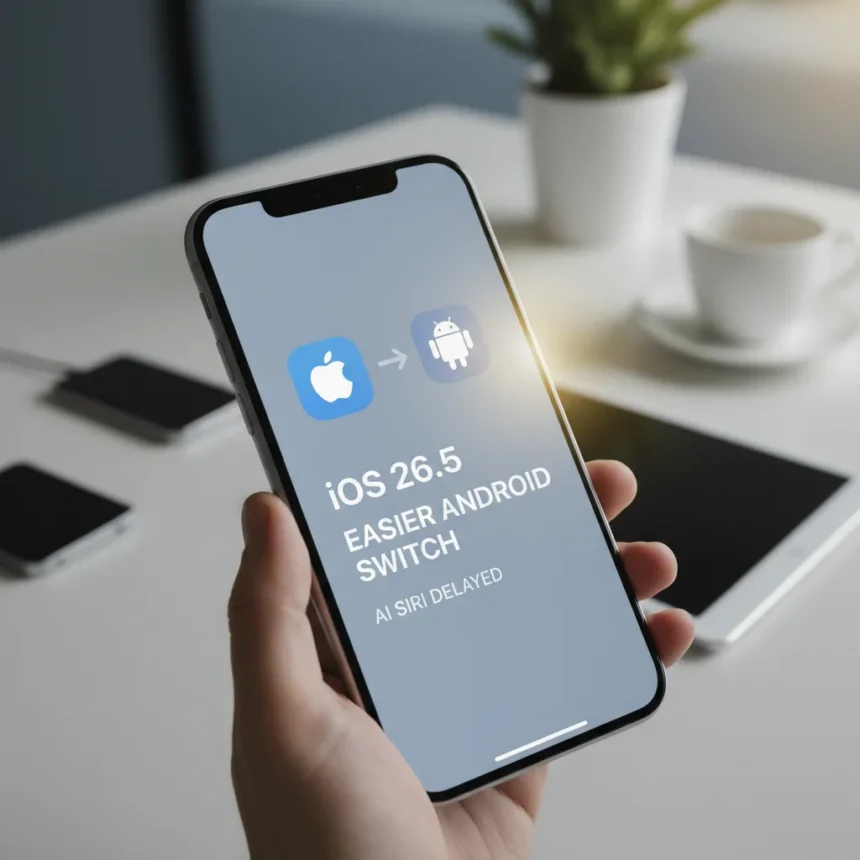
iOS 26.5 update is now available for compatible iPhones, bringing a practical Android-to-iPhone switching feature and minor wallpaper enhancements ahead of WWDC 2026. This incremental release lands as Apple continues to delay its AI-powered Siri, leaving the headline feature that powered iOS 26’s announcement still missing from your device.
Key Takeaways
- iOS 26.5 is available now as a free download on supported iPhone models
- New Android-to-iPhone switch tool makes migrating from Android ecosystems significantly easier
- Astronomy and Weather wallpaper gallery receives minor tweaks and refinements
- AI Siri remains absent; no launch date confirmed for the delayed feature
- iPhone XS, XS Max, and XR (2018 models) are not compatible with iOS 26.5
What’s Actually New in iOS 26.5
The iOS 26.5 update focuses on ecosystem integration rather than flashy features. The standout addition is a streamlined method to switch from Android to iPhone, addressing one of the biggest friction points for users considering a platform jump. Apple recognizes that ecosystem lock-in cuts both ways—making it easier to leave Android removes a genuine barrier to conversion. The new tool simplifies contact, calendar, photo, and app migration in ways previous iOS versions struggled with, though the research brief does not detail the exact mechanics of how the process works.
Alongside the Android switching feature, Apple has refined the Astronomy and Weather wallpaper galleries with minor visual tweaks. These are polishing touches rather than substantive feature additions—the kind of update that improves the experience for users who already rely on these wallpapers but does not reshape how most people use their phones.
The Elephant in the Room: Where Is AI Siri?
iOS 26 launched September 15, 2025, after Apple’s WWDC 2025 announcement on June 9, 2025, with AI-powered Siri positioned as the centerpiece of the update. Months later, that feature remains nowhere to be found. iOS 26.5 continues the pattern—a point release that adds useful tools but conspicuously omits the AI assistant overhaul Apple promised. This is not a minor delay; it signals either technical challenges or strategic recalibration at a scale that Apple is not publicly discussing.



The absence matters because it undercuts the entire marketing narrative for iOS 26. Yes, the operating system introduced year-based naming (replacing the iOS 19 nomenclature) and a new Liquid Glass visual aesthetic, but these are cosmetic shifts. Without AI Siri, iOS 26 feels like a maintenance release dressed up as a major overhaul. Competing platforms like Android have been iterating on AI assistant capabilities for months, giving users tangible reasons to switch. Apple’s delay hands that advantage away.
Device Compatibility and What You Need to Know
iOS 26.5 update is available immediately as a free download through the standard iPhone software update process. However, not all iPhones qualify. The iPhone XS, iPhone XS Max, and iPhone XR—Apple’s 2018 lineup—are excluded from iOS 26 compatibility entirely, meaning users with these models cannot access iOS 26.5 or any of its features. If you own an older device, you are stuck on iOS 25, which will eventually fall out of security support.


For compatible devices, installation is straightforward: open Settings, navigate to General, tap Software Update, and download. The update is modest in size compared to major OS releases, so it should install without complications on most networks.
Looking Ahead to WWDC 2026 and Beyond
iOS 26.5 reads like a holding pattern before Apple’s next major announcement. WWDC 2026 is the logical venue for unveiling the long-delayed AI Siri, assuming Apple has resolved whatever technical or strategic obstacles have kept it in development limbo. There is also speculation that iOS 27 may allow users to choose alternative AI providers—ChatGPT, Google Gemini, or Anthropic Claude—for Siri and generative features like image and text generation. Such a move would represent a significant departure from Apple’s walled-garden philosophy, but it would also acknowledge that no single AI model dominates all use cases.
Until then, iOS 26.5 offers incremental value. The Android switching tool is genuinely useful for defectors, and the wallpaper refinements please enthusiasts. But this update will not convince anyone to upgrade to iOS 26 if they have been holding out. It is a maintenance release masquerading as progress, useful for existing users but not a reason to switch platforms.
How do I switch from Android to iPhone using the new iOS 26.5 tool?
iOS 26.5 includes a simplified Android-to-iPhone migration method that handles contacts, calendars, photos, and app data transfers more smoothly than previous versions. The exact step-by-step process is not detailed in available sources, but the feature is designed to reduce friction during platform switching—a critical usability improvement for Android users considering a move.


Is iOS 26.5 compatible with my iPhone?
iOS 26.5 is available on all iPhone models except the iPhone XS, iPhone XS Max, and iPhone XR. If you own one of these 2018 devices, you cannot install iOS 26.5 or any iOS 26 release. Check your device model in Settings > General > About if you are unsure which iPhone you have.
When will AI Siri finally arrive?
Apple has not announced a specific release date for AI-powered Siri. The feature was promised for iOS 26 but remains absent as of iOS 26.5. WWDC 2026 is the most likely venue for an update, though Apple could roll it out as a point release at any time.
iOS 26.5 is a competent but uninspired update that delivers practical tools without the transformative features Apple promised months ago. If you use Android, the new switching tool is worth the upgrade. If you are already on iOS 26 and satisfied with your phone, this release does not demand immediate installation. The real story—AI Siri and what comes next—remains on hold.
Where to Buy
Edited by the All Things Geek team.
Source: T3