






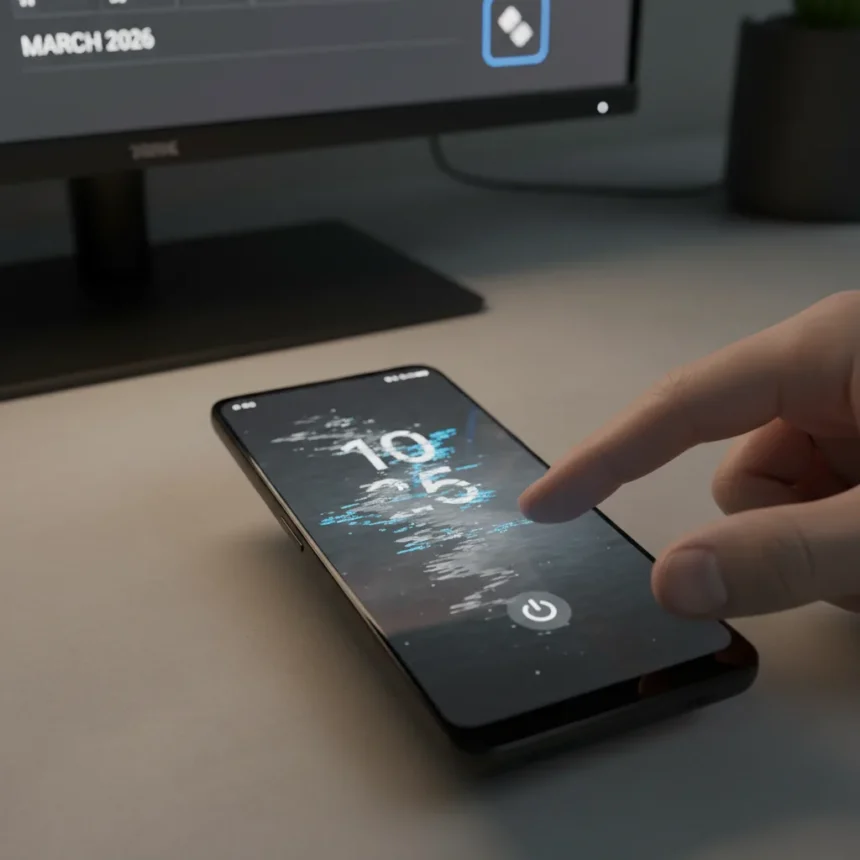
Pixel always-on display freezing has returned as a widespread complaint following Google’s March 2026 Pixel Drop and security update, marking the third major iteration of this particular bug in under a year. Users report their lock screens and always-on displays becoming completely unresponsive, sometimes recovering after seconds but often requiring a forced reboot using the power and volume up button combination. The issue primarily affects Pixel 10 and Pixel 10 Pro devices, though reports have emerged from Pixel 9 series, Pixel 9a, and Pixel 8 Pro owners as well.
Key Takeaways
- Pixel always-on display freezing affects Pixel 10, Pixel 10 Pro, and some Pixel 9 series devices after the March 2026 update
- Phones become unresponsive on lock screen but background functions like haptic feedback and Gemini AI may continue working
- Factory reset and troubleshooting fail to resolve the issue; the problem returns after reinstalling the March update
- This is the third major recurrence of always-on display freezing in under a year, following December 2025 and last year’s Android 16 launch issues
- Google’s Pixel Community team has contacted affected users on Reddit but no confirmed fix has been released
What’s Causing Pixel Always-On Display Freezing This Time
The March 2026 update introduced new features including Circle to Search shopping capabilities and Magic Cue restaurant recommendations, but the rollout also brought the return of a bug that has plagued Pixel devices repeatedly. What makes this iteration particularly frustrating is that it follows similar freezing incidents after the Pixel 10 launch and the Android 16 QPR2 update in December 2025. The pattern suggests underlying architectural issues in how Google handles lock screen and always-on display rendering, particularly when new features are layered into the update pipeline.
The bug’s behavior is erratic. Some users experience momentary freezes that resolve automatically, while others face complete lock screen lockups requiring forced reboots. A peculiar detail: background functions like haptic feedback and Gemini AI continue operating even when the display appears frozen, indicating the phone is not completely unresponsive—only the visual interface is stuck. This suggests the issue lies in the display layer rather than a systemic crash.
Why Troubleshooting Isn’t Working for Pixel Always-On Display Freezing
Users attempting standard fixes have hit a wall. Factory resets, clearing cache, and other conventional troubleshooting steps fail to resolve the problem. More troubling: the freezing returns immediately after reinstalling the March update, confirming the bug originates in the update itself rather than user configuration or corrupted app data. This eliminates the possibility of a quick workaround and points to a deeper issue that requires Google to issue a patch.



The timing is particularly poor. Google’s January 2026 update already created a wave of complaints involving Wi-Fi and Bluetooth failures, camera malfunctions, broken Settings search, and battery drain. Pixel users are exhausted by the cycle of feature updates introducing critical stability regressions. Each patch becomes a gamble: gain new functionality or maintain a working device.
Google’s Response and What Comes Next for Pixel Always-On Display Freezing
Google is aware of the issue. The Pixel Community team has reached out to affected users on Reddit, acknowledging the problem. However, no confirmed fix has been announced. Past patterns suggest Google may roll out a targeted hotfix or include a resolution in the next monthly security patch, but that is not guaranteed. The company’s track record with always-on display freezing—allowing the same bug to resurface multiple times—raises questions about testing depth before release.


For users experiencing Pixel always-on display freezing, the immediate options are limited. Avoiding the March update is possible for those who have not yet installed it, but devices already updated are stuck until Google releases a fix. Some users report that disabling the always-on display feature temporarily resolves the visual freezing, but this defeats the purpose of having the feature at all.
Is the March 2026 Pixel update safe to install?
If your Pixel device is not yet updated, waiting a week or two is prudent. Given the always-on display freezing bug and the history of issues in recent Pixel updates, delaying installation until Google confirms a fix is reasonable. If you have already installed the update and are experiencing freezing, a forced reboot may restore temporary function, but the issue will likely recur.
How long has Pixel always-on display freezing been a problem?
This specific bug has appeared at least three times since last year: during the Android 16 stable release, again after the Android 16 QPR2 update in December 2025, and now with the March 2026 Pixel Drop. The recurrence pattern indicates this is not a one-off regression but a systemic issue that Google has struggled to resolve.
Will Google fix Pixel always-on display freezing soon?
Google has not provided a timeline for a fix. Based on past responses to critical bugs, a hotfix or next monthly patch is likely within weeks, but users should not expect an immediate resolution. In the meantime, the Pixel Community team’s acknowledgment at least confirms the issue is not being ignored, even if the response time is frustratingly slow.



The recurring nature of Pixel always-on display freezing reflects a broader tension in Google’s update strategy: the company prioritizes feature velocity and new AI capabilities over stability testing. For users who depend on their devices for daily work, this trade-off is unacceptable. Until Google addresses the root cause rather than patching the symptom, expect this bug—or something similar—to resurface again.
This article was written with AI assistance and editorially reviewed.
Source: Android Central