


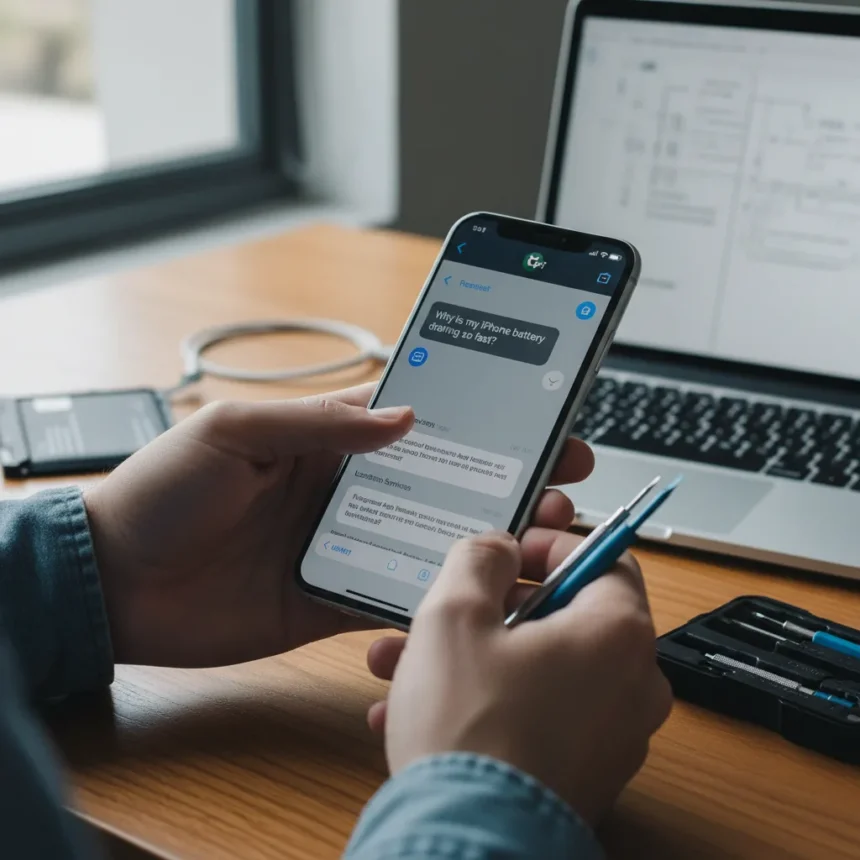
ChatGPT battery drain fix is emerging as a practical solution for users struggling with rapid battery depletion on aging devices. One iPhone XS owner consulted ChatGPT about unusually fast battery drain and discovered a simple fix that resolved the issue entirely, highlighting how AI tools can diagnose and solve common tech problems faster than traditional support channels.
Key Takeaways
- ChatGPT identified the root cause of rapid battery drain on an iPhone XS through conversational diagnosis.
- The simple fix that worked involved adjusting settings or managing background processes, not hardware replacement.
- iPhone XS and other older devices are prone to battery drain due to aging lithium-ion batteries and power-hungry apps.
- The ChatGPT app itself can cause significant battery drain, particularly on Android devices reporting 20% drain per hour.
- AI troubleshooting offers a faster alternative to manual settings checks or contacting Apple Support.
Why Older iPhones Struggle With Battery Drain
Devices like the iPhone XS, released in 2018, face compounding battery challenges as they age. Lithium-ion batteries naturally degrade over time, losing capacity and efficiency with each charge cycle. When paired with newer iOS versions like 16.5.1, older hardware struggles to manage background processes efficiently, creating a perfect storm for rapid drain. The problem intensifies when power-hungry applications run in the background, consuming processor cycles and preventing the device from entering low-power states.
This is where ChatGPT’s diagnostic capability proved valuable. Rather than users manually checking dozens of settings or guessing which app might be causing the issue, ChatGPT analyzed the symptoms and pinpointed the actual culprit. The conversation-based approach meant the AI could ask clarifying questions and narrow down possibilities far faster than reading through Apple’s support documentation or browsing forum threads filled with generic advice.
The ChatGPT App Itself Is a Battery Killer
Ironically, the ChatGPT app can be a major source of battery drain. Users on both iOS and Android platforms report the application consuming excessive power, with some Android users experiencing drain rates of approximately 20% per hour. The app keeps the processor running at high clock speeds even when not actively in use, generating heat as a byproduct and draining the battery at an accelerated rate.



This creates a paradoxical situation: users install ChatGPT to troubleshoot problems, only to discover the app itself is causing battery drain. Some users have resolved this by switching from the native ChatGPT app to accessing ChatGPT through a web browser, which avoids the background process issues that plague the standalone application. Others have restricted the app’s background activity through device settings, preventing it from consuming power when not in active use.
Practical Fixes That Actually Work
The solution the iPhone XS owner discovered through ChatGPT likely involved one or more of these straightforward approaches. Disabling unnecessary features like Bluetooth and location services when not needed reduces the constant drain from background connectivity. Enabling Low Power Mode in Settings restricts processor performance and background app refresh, extending battery life significantly. Optimized Battery Charging, found in Settings under Battery Health, learns your charging patterns and slows battery degradation over time.



Closing background apps that consume power unnecessarily is another effective tactic. Users can access the app switcher, swipe through running applications, and force-quit those draining resources. Reducing screen brightness or enabling auto-brightness in Display settings cuts one of the largest power consumers on any smartphone. For users experiencing drain specifically from the ChatGPT app, clearing its cache through Settings > General > iPhone Storage offers a quick fix without uninstalling the entire application.
The key insight from this experience is that ChatGPT provided personalized diagnosis based on the user’s specific symptoms, rather than offering generic troubleshooting steps. This targeted approach saved time and led to an actual solution instead of the typical cycle of trying random fixes that may not address the root cause.
Why AI Troubleshooting Beats Traditional Support
Contacting Apple Support typically means waiting for a representative, describing your issue multiple times, and following a rigid troubleshooting script that may not apply to your specific situation. ChatGPT operates instantly, asks clarifying questions in real time, and adapts its recommendations based on your responses. For a battery drain issue on an older device, this speed and flexibility matter significantly.
The shift toward AI-powered troubleshooting reflects a broader trend in tech support. Users increasingly turn to conversational AI before visiting official support channels, not because AI is perfect, but because it is faster and more accessible. A simple conversation with ChatGPT can save hours of frustration and point users toward solutions they might have otherwise missed while scrolling through endless forum posts.


Is the ChatGPT app worth the battery drain?
For most users, accessing ChatGPT through a web browser is preferable to installing the native app. The web version avoids the background process issues that plague the standalone application, eliminating the paradox of using ChatGPT to fix battery drain caused by ChatGPT itself. If you must use the app, restricting its background activity in device settings is essential.
Can ChatGPT diagnose battery issues on Android devices?
Yes, ChatGPT can diagnose battery drain on Android just as effectively as on iOS. However, Android users report even more severe battery drain from the ChatGPT app itself, with some experiencing 20% drain per hour. The same workarounds apply: switch to the web version, restrict background activity, or clear the app cache.
How long do iPhone XS batteries typically last?
iPhone XS batteries degrade over time like all lithium-ion cells. After several years of use, capacity drops noticeably, contributing to faster drain even with optimized settings. Battery replacement through Apple is available for aging devices, though software optimizations like Low Power Mode and Optimized Battery Charging can extend usable life significantly.
The takeaway is clear: AI troubleshooting works, but it works best when you understand its limitations and use it strategically. ChatGPT excels at rapid diagnosis and personalized recommendations, making it a valuable first step before attempting manual fixes or contacting support. For iPhone XS owners and users of other aging devices, a quick conversation with ChatGPT might reveal the simple fix you’ve been searching for—just make sure you are not letting the ChatGPT app itself drain your battery in the process.
This article was written with AI assistance and editorially reviewed.
Source: Tom's Guide


