






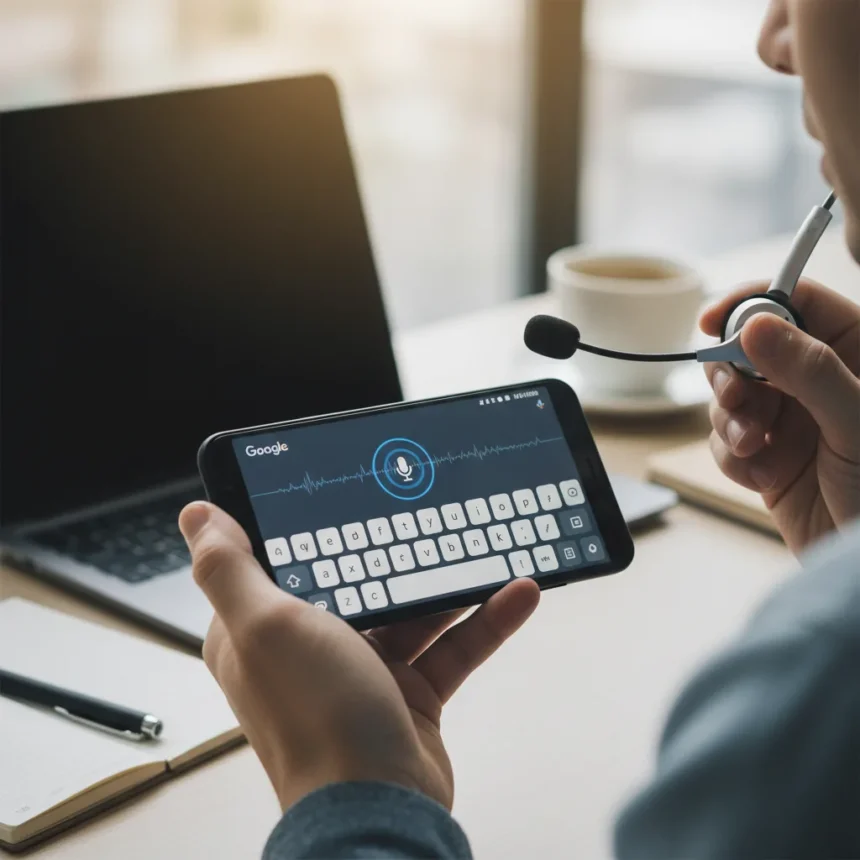
Gboard’s Bluetooth microphone toggle is coming to the free Google keyboard app, addressing a frustration that has plagued mobile dictation users for years. The feature, discovered in Gboard version 17.1.2 (beta), allows users to switch voice typing input from their phone’s built-in microphone to a connected Bluetooth device like earbuds or headphones. Currently in testing through the Google Play beta program, this toggle represents a straightforward solution to a problem many assumed Gboard had already solved.
Key Takeaways
- Gboard beta version 17.1.2 adds a Bluetooth microphone toggle for voice typing
- Users can now switch between phone mic and connected Bluetooth device mic
- Feature eliminates the need to hold your phone close to your mouth while dictating
- Currently in beta with no public rollout date announced
- Google Assistant already supports Bluetooth mics, making Gboard’s delay more puzzling
Why Gboard’s Bluetooth Microphone Toggle Matters
Voice typing on Gboard currently defaults to your phone’s microphone, requiring you to hold the device uncomfortably close to your mouth—especially problematic in noisy environments where the phone mic struggles to pick up clear audio. A connected Bluetooth microphone, whether in wireless earbuds or a car system, would capture your voice more reliably without this awkward positioning. The new toggle removes this friction, making dictation genuinely hands-free for the first time on Gboard.
Google Assistant already supports voice input via Bluetooth microphones, which makes Gboard’s omission even more glaring. Users have requested this capability for years, creating workarounds and frustration across Android forums. The gap between what Google’s voice assistant can do and what its keyboard can do has been a persistent usability gap that this beta feature finally closes.
How Gboard’s Bluetooth Microphone Toggle Works
The toggle appears as a new setting within Gboard’s voice typing section, enabling users to select between their phone’s microphone and any paired Bluetooth device currently connected to their Android phone. The implementation is straightforward—no complex pairing or additional setup beyond what users already do to connect Bluetooth earbuds or headphones to their device. Once enabled, voice typing will route through the selected Bluetooth microphone instead of forcing reliance on the phone’s built-in mic.


This simplicity is the feature’s strength. Users won’t need to toggle Bluetooth on and off, switch keyboards temporarily, or perform the technical workarounds that currently plague Gboard users trying to dictate via wireless earbuds. The feature works in any text field where Gboard appears, from messaging apps to email to note-taking tools.
Gboard vs. Google Assistant: Why the Difference?
Google Assistant has supported Bluetooth microphone input for some time, yet Gboard—the keyboard that powers most Android voice typing—lacks this basic functionality. This inconsistency highlights a disconnect in Google’s own product ecosystem. Users who can dictate to their assistant via Bluetooth earbuds should reasonably expect the same capability from their keyboard. The new Gboard toggle begins to bridge this gap, though it arrives later than it should have.



SwiftKey, Microsoft’s Android keyboard, has offered competitive voice typing features, and users have historically switched keyboards temporarily just to access Bluetooth microphone support before returning to Gboard. This new toggle removes that friction entirely, keeping users within Google’s ecosystem for their entire typing and dictation workflow.
When Will Gboard’s Bluetooth Microphone Toggle Roll Out?
The feature is currently functional in Gboard version 17.1.2 (beta), available through the Google Play beta program, but Google has not announced a public rollout date. Beta features often take weeks or months to reach general availability, and some never ship at all. Users eager to test the Bluetooth microphone toggle can enroll in Gboard’s beta program now, though they should expect occasional bugs or interface changes before the final release.
The lack of an announced timeline is typical for Google—the company rarely commits to specific launch windows for keyboard features. What matters is that the feature is already working in testing, suggesting it is closer to release than purely conceptual ideas sometimes found in beta versions.
Does Gboard’s Bluetooth microphone toggle work with all earbuds?
The Bluetooth microphone toggle works with any Bluetooth device that has a microphone and is paired with your Android phone—this includes wireless earbuds, Bluetooth headphones, car audio systems, and smartwatches. As long as the device is connected via Bluetooth and your phone recognizes it as an audio input source, Gboard should be able to route voice typing through it.



Why did Gboard take so long to add Bluetooth microphone support?
Google has not publicly explained the delay, but the feature’s absence from Gboard while present in Google Assistant suggests architectural or prioritization differences between the two products. Gboard is maintained separately from Google’s voice assistant team, which may have contributed to the feature gap. The beta appearance now indicates the gap is finally being closed.
Can I use Gboard’s Bluetooth microphone toggle right now?
Only if you enroll in Gboard’s Google Play beta program can you access version 17.1.2 and test the Bluetooth microphone toggle. Standard Gboard users will need to wait for the official rollout, which has not yet been scheduled. Beta testers should prepare for occasional bugs or interface refinements before the feature reaches everyone.
Gboard’s Bluetooth microphone toggle is a simple feature that should have existed years ago, yet its arrival in beta is still welcome news for anyone tired of holding their phone to their mouth while dictating. Once it reaches general availability, it will finally make voice typing on Android genuinely hands-free—and that alone makes this a meaningful upgrade for Gboard users worldwide.
Where to Buy
Apple iPhone 17 Pro | Apple iPhone 17 Pro Max | Samsung Galaxy S26 | Samsung Galaxy S26 Plus | Samsung Galaxy S26 Ultra
This article was written with AI assistance and editorially reviewed.
Source: TechRadar