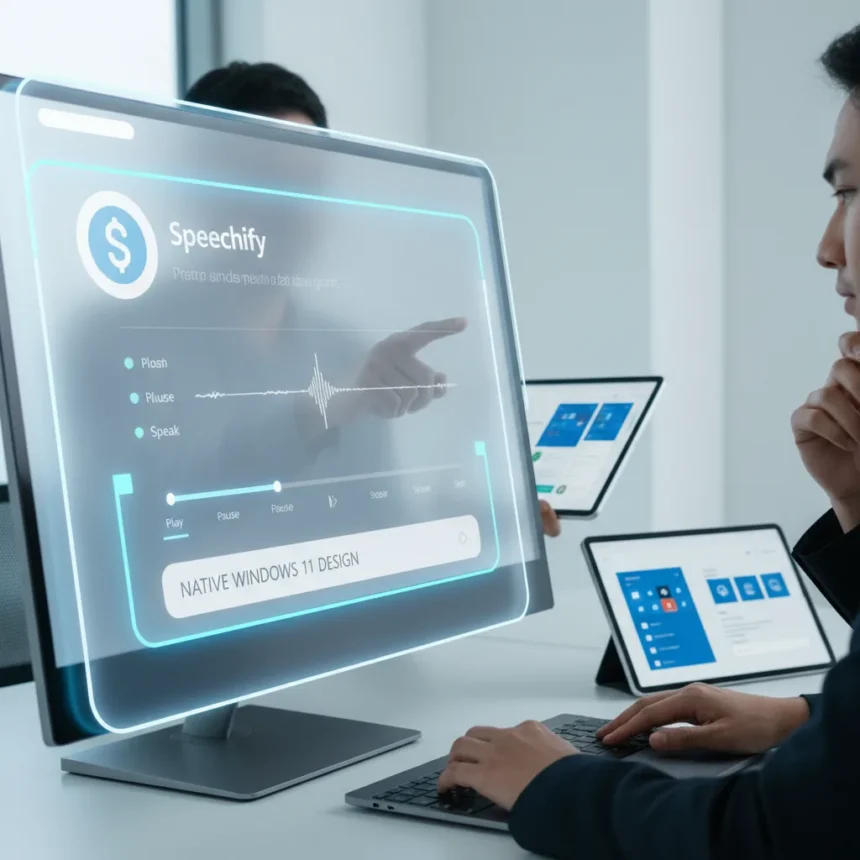
Speechify is a dictation and text-to-speech application that serves as a masterclass in native Windows 11 app design, demonstrating how third-party developers can outpace Microsoft’s own platform integration efforts. While Microsoft continues to push Copilot+ PCs and expanded ARM64 support, Speechify stands out as the kind of thoughtfully engineered application that respects Windows 11’s design language and architectural capabilities in ways many Microsoft applications do not.
Key Takeaways
- Speechify exemplifies native Windows 11 integration that Microsoft’s own apps frequently fail to achieve.
- The app demonstrates how dictation and text-to-speech tools should respect platform conventions and user expectations.
- Microsoft’s push for ARM64 native apps lacks the design polish Speechify demonstrates on Windows 11.
- Third-party productivity apps increasingly outperform Microsoft’s first-party alternatives in native implementation.
- Speechify’s approach to Windows 11 design offers a blueprint Microsoft should study and replicate.
Why Speechify Outpaces Microsoft’s Native Windows 11 Strategy
Speechify succeeds where many Microsoft applications stumble: it treats Windows 11 as a first-class platform rather than an afterthought. The application respects the operating system’s design philosophy, integrating smoothly with system controls, respecting user preferences, and leveraging platform capabilities in ways that feel intentional rather than bolted-on. This is particularly striking given Microsoft’s own productivity suite struggles with consistency. OneNote, Word, and Outlook exist across multiple platforms and devices, but that cross-platform ambition often comes at the cost of native Windows 11 polish. Speechify, by contrast, appears to have prioritized depth over breadth.
The contrast becomes sharper when examining Microsoft’s ARM64 native application efforts. While the company has invested heavily in promoting Copilot+ PCs with 40+ TOPS processing capability and expanded ARM64 support across its application ecosystem, the execution remains uneven. Speechify demonstrates that native development on Windows 11, whether x64 or ARM64, requires attention to detail that transcends raw processing power. The application’s interface, responsiveness, and integration with system-level features suggest a developer team that understands Windows 11 users and their expectations, something Microsoft’s scattered approach to native app development has not consistently achieved.
Native Windows 11 App Design: What Speechify Gets Right
Speechify’s approach to native Windows 11 design reveals principles that Microsoft should codify and enforce across its own application portfolio. The application respects system-level conventions, integrates with accessibility features, and avoids the bloat and complexity that characterize many enterprise-focused Microsoft tools. This matters because Windows 11 users increasingly expect applications to feel like they belong on the platform, not imported from elsewhere.


The broader ecosystem of Windows productivity applications illustrates this gap. Fluent Sticky Notes, Microsoft’s own note-taking application, offers free access and embraces the Fluent Design language with features like Compact Overlay for always-on-top notes. Yet even Fluent Sticky Notes, despite its native credentials, does not achieve the level of thoughtful integration that Speechify demonstrates. Third-party alternatives like Mind Maps Pro ($2.99 with 30-day trial) and LiquidText bring specialized capabilities to Windows 11 and ARM64 devices that suggest a market hungry for well-designed, focused applications. Speechify fills that hunger in the dictation and text-to-speech space, setting a standard Microsoft’s own dictation tools have failed to match.
What Microsoft Should Learn from Speechify’s Windows 11 Implementation
Microsoft’s challenge is not technological—the company has the resources and platform knowledge to build exceptional native applications. The problem is organizational. Microsoft’s productivity suite spans desktops, tablets, phones, and web browsers, forcing developers to balance consistency across platforms against native excellence on any single one. Speechify, unburdened by that constraint, can optimize entirely for Windows 11 users. That focus produces an application that feels like it was designed for the platform, not adapted to it.



The lesson extends beyond user interface design. Speechify’s approach to dictation and text-to-speech suggests that Microsoft should reconsider how it distributes and prioritizes features across its applications. Rather than embedding dictation into Word, Outlook, and OneNote with varying degrees of quality, a focused, standalone application—or a tightly integrated suite of specialized tools—might serve users better. This is not a plea for Microsoft to fragment its ecosystem, but rather an argument for prioritizing excellence within Windows 11 over parity across all platforms.
The Broader Implication: Native Apps as a Competitive Advantage
Microsoft’s push for ARM64 native applications on Copilot+ PCs and other ARM-based Windows devices represents a strategic opportunity to reclaim ground lost to web and mobile applications. Yet that opportunity remains unrealized if the native applications themselves do not justify the platform. Speechify demonstrates that users will adopt and value applications specifically designed for Windows 11 if those applications solve real problems elegantly. The company’s own applications—OneNote, Outlook, Word—remain dominant, but not because they represent the best possible implementation of their respective functions on Windows 11. They dominate through ubiquity and ecosystem lock-in, not through superior native design.
This distinction matters as the Windows ecosystem matures. Copilot+ PCs and ARM64 support represent Microsoft’s bet that native performance and integration will drive adoption. Speechify suggests that bet is sound—but only if Microsoft holds its own applications to the same standards it expects from third-party developers. Right now, the company is losing that comparison.
Should Microsoft acquire or license Speechify’s design philosophy?
Microsoft could benefit from studying Speechify’s architecture and design principles, though acquisition is less important than cultural change. The real value lies in understanding how a focused development team prioritizes native integration over cross-platform parity. Microsoft’s scale makes that shift difficult but not impossible—it requires leadership commitment to excellence on Windows 11 even when that means trade-offs elsewhere.



How does Speechify compare to built-in Windows 11 dictation tools?
Windows 11 includes native dictation capabilities, but Speechify’s text-to-speech and dictation features operate as a more comprehensive, focused application. While exact feature comparisons are not detailed in available sources, Speechify’s prominence as a design exemplar suggests it outperforms Windows 11’s built-in tools in user experience and integration, though the built-in tools remain free and integrated into the operating system itself.
Will Microsoft improve its native app design to compete with Speechify?
Microsoft has not publicly announced plans to overhaul its application design specifically in response to Speechify or similar third-party applications. However, the company’s continued investment in ARM64 native applications and Copilot+ PC features suggests growing awareness that native excellence matters. Whether that awareness translates into the kind of focused, user-centric design Speechify demonstrates remains an open question.
Speechify’s success is a wake-up call for Microsoft. The company built Windows 11 with native integration and design excellence as core principles, yet many of its own applications fail to embody those principles. A third-party dictation tool should not outshine Microsoft’s own productivity suite in respecting the platform. Until that changes, Microsoft will continue losing credibility on its own operating system, and users will keep turning to applications like Speechify that actually respect their choices and expectations.
Edited by the All Things Geek team.
Source: Windows Central