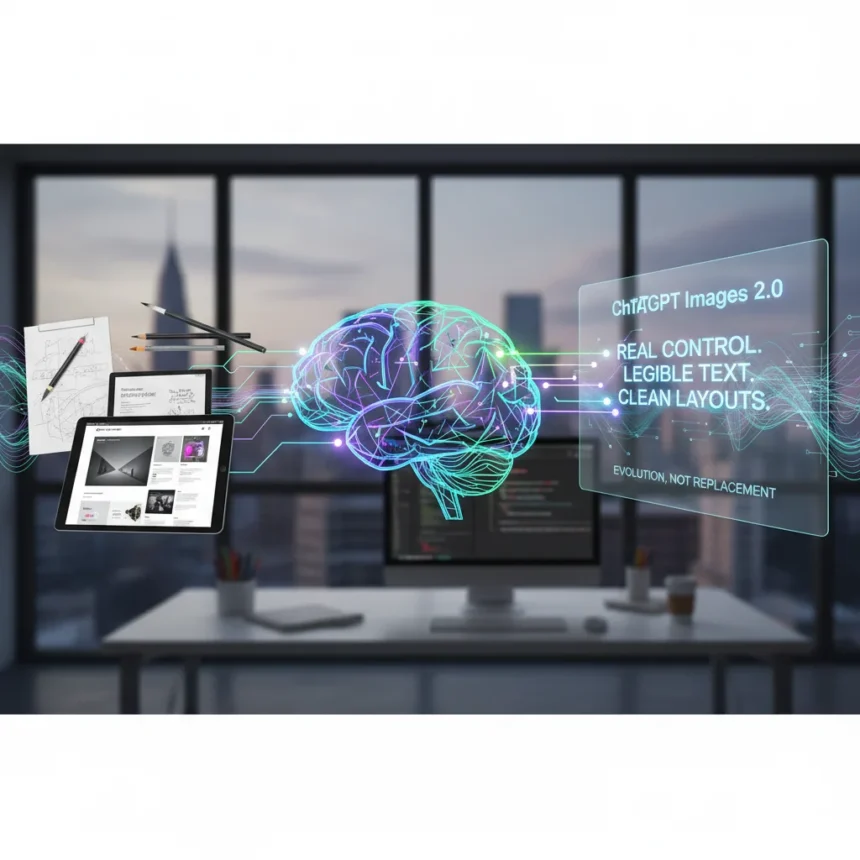
ChatGPT Images 2.0 is OpenAI’s upgraded image-generation model, now rolling out to all ChatGPT and Codex users, that fixes the core problems preventing AI from becoming a real design tool: warped text, broken layouts, and vague instruction-following. The upgrade is fast. It jumped over 300 Elo points on the AI Arena leaderboard—three times the performance gain of prior models—and beats competitors like Nano Banana Pro by a significant margin. For the first time, an AI image generator actually listens when you ask for something specific.
Key Takeaways
- ChatGPT Images 2.0 renders legible, kerned text and handles complex layouts that previous AI tools mangled.
- Supports up to 2K resolution, flexible aspect ratios, and generates up to eight related images with visual consistency.
- Integrates natively into ChatGPT conversations with iterative editing and memory—unlike disconnected tools like Midjourney.
- Advanced “Thinking” mode available to Plus, Pro, Business, and Enterprise subscribers; basic “Instant” mode free to all users.
- Designed for production work: presentation slides, social media graphics, ads, product mockups, and YouTube thumbnails.
What ChatGPT Images 2.0 Actually Fixes
Previous AI image generators were art toys masquerading as design tools. They could hallucinate a sunset. They could not render a button label without warping it into alphabet soup. ChatGPT Images 2.0 changes that. The model now generates sharp, legible text with proper kerning, supports multilingual scripts (Japanese, Korean, Hindi, and others), and respects compositional instructions with genuine precision. You can ask for a specific aspect ratio and get it. You can request image-to-image editing and iterate within the same conversation, with the AI remembering context across generations.
This matters because it moves AI image generation from “experimental art” to “usable design system.” The tool generates natively inside ChatGPT conversations, not in a disconnected interface like Midjourney or DALL·E. That integration means you can write copy, analyze a design problem, and generate mockups all in one place—the same conversation thread. For rapid prototyping, mockups, and production-grade social media assets, ChatGPT Images 2.0 is the first AI tool that doesn’t require a designer to spend hours fixing what the AI broke.
Why the “Death of Graphic Design” Narrative Falls Apart
Every time a new design tool launches—Photoshop, Figma, Canva—someone declares designers obsolete. Now it’s ChatGPT Images 2.0’s turn. The hype is real, but the conclusion is backwards. The tool does not eliminate design work; it redistributes it. Junior execution roles—the ones that involve grinding out ten variations of a social media post or tweaking a mockup for the fifth time—are genuinely at risk. Those are the jobs that ChatGPT Images 2.0 can do faster and cheaper. But senior strategic work, the kind that requires understanding a brand, solving a real problem, and making decisions about what to build, still requires a human designer. That is where the actual value lives.



The real shift is curator versus creator. ChatGPT Images 2.0 generates eight related images in one prompt. A designer using the tool becomes the person who decides which one is right, why, and what to change next. That is not the death of design. That is design accelerated. The tool raises the floor for what a single person can produce—but it does not eliminate the need for judgment, taste, and strategic thinking.
How ChatGPT Images 2.0 Compares to Other AI Tools
Midjourney and DALL·E are still functional, but they operate in isolation. You generate an image, download it, and come back hours later to try again. ChatGPT Images 2.0 lives inside your conversation. That continuity, combined with the Thinking mode feature available to paid subscribers (which can search the web and double-check work), gives the tool a structural advantage for iterative design work. The text rendering alone puts it ahead of every previous model. Photoshop and Figma remain necessary for complex, multi-layer projects. But for rapid mockups, social media graphics, presentation slides, and product-mockup generation, ChatGPT Images 2.0 is now the fastest path from idea to asset.



The performance leap is measurable. ChatGPT Images 2.0 topped the AI Arena leaderboard with a 300-point Elo jump, decisively beating prior models. That is not marketing. That is a tool that actually works better at the specific job designers need done.
What This Means for Your Design Workflow
If you are a junior designer grinding through variations, your job is genuinely harder now. ChatGPT Images 2.0 can do that work, and it will do it in seconds. If you are a senior designer, strategist, or art director, the tool is a multiplier. You can ideate faster, test concepts in minutes, and focus your time on decisions that require taste and judgment. If you are not a designer but need design assets—a startup founder, a content creator, a marketing manager—this tool just gave you a usable alternative to hiring or outsourcing.
The tool rolls out now to all ChatGPT users. The Instant mode is free. The advanced Thinking mode, which includes web search and double-checking, is reserved for paid subscribers. For production work, the Plus, Pro, Business, and Enterprise tiers unlock the full capability set. Up to 2K resolution, flexible aspect ratios, and the ability to generate eight related images with visual consistency across characters and objects means you can prototype entire campaigns in a single session.
Is ChatGPT Images 2.0 a threat to junior designers?
Yes. The tool does execution-level work faster and cheaper than a junior designer. But execution is not design—it is production. Junior designers who evolve into strategists, art directors, or specialized designers (brand, UX, motion) will thrive. Those who stay in the variation-grinding phase will struggle.


Can ChatGPT Images 2.0 replace Photoshop or Figma?
Not for complex, multi-layer projects. But for rapid mockups, social media graphics, presentation assets, and product mockups, it is now faster and more practical than opening Photoshop. Figma and Photoshop remain essential for detailed design systems and production work.
How does ChatGPT Images 2.0 handle text in images?
It renders legible, properly kerned text with on-brand typography support, fixing the core problem that made previous AI tools unusable for real design work. You can request specific fonts, sizes, and styling, and the tool respects those instructions.
ChatGPT Images 2.0 is not the death of graphic design. It is the acceleration of execution-level work and the elevation of strategy. The designers who survive and thrive are the ones who move from “making things” to “deciding what to make.” The tool is a multiplier for that work, not a replacement.
Edited by the All Things Geek team.
Source: Creativebloq