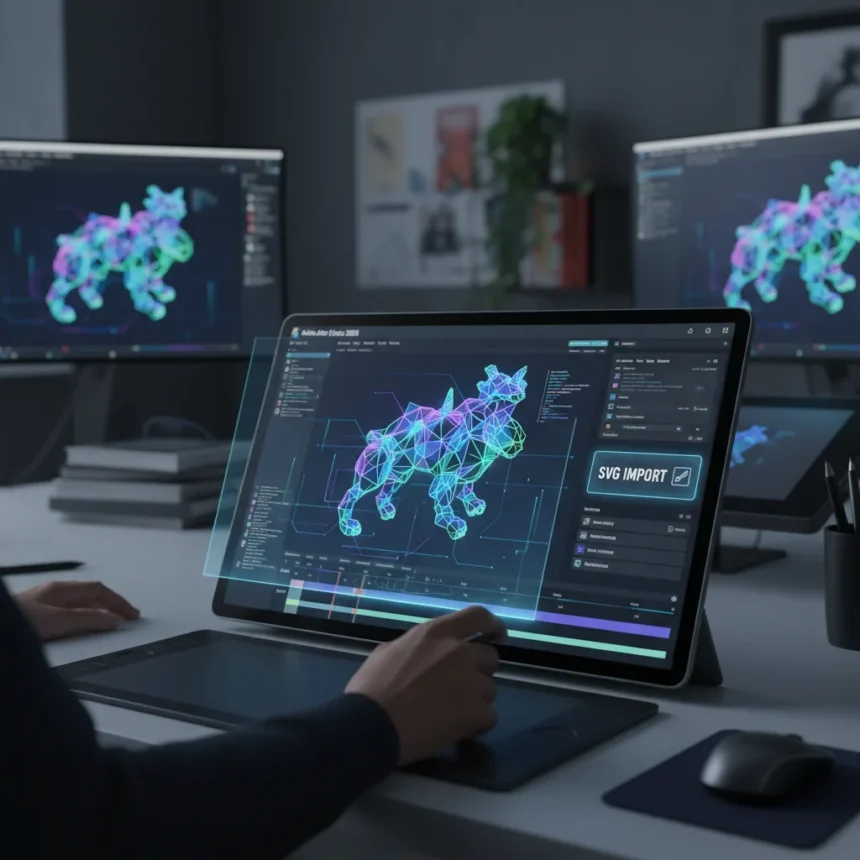
Adobe After Effects 2026 is the latest version of the industry-standard visual effects software, introducing native 3D parametric meshes and streamlined vector workflows designed to speed up post-production for both newcomers and seasoned professionals.
Key Takeaways
- Native 3D parametric meshes simplify 3D workflows and include Spot and Parallel shadows for enhanced realism.
- Direct SVG import from Adobe Illustrator preserves gradients and transparency when converting layers.
- 85% of Sundance filmmakers rely on Adobe Creative Cloud tools, underscoring industry adoption.
- Blackmagic Fusion remains a free alternative for VFX professionals seeking lower-cost options.
- Version 2026 builds on 2024’s accessibility improvements with AI-powered enhancements.
What’s New in Adobe After Effects 2026
The headline feature in Adobe After Effects 2026 is native 3D parametric meshes, a capability that lets creators build and combine shapes directly within the timeline. The new meshes support Spot and Parallel shadows, tools that add depth and realism to scenes without requiring external 3D applications. For beginners, this eliminates the steep learning curve of traditional 3D workflows. For experienced artists, it cuts rendering time significantly.
The second major addition is enhanced vector workflow functionality. Adobe After Effects 2026 now accepts SVG files imported directly from Adobe Illustrator, preserving gradients, transparency, and layer structure when converting Illustrator compositions into shape layers. This bridges a long-standing gap between design and animation, reducing the need for manual recreation or flattening of assets.
How Adobe After Effects 2026 Compares to Alternatives
Blackmagic Fusion remains the primary free alternative to After Effects, offering professional-grade VFX tools integrated with DaVinci Resolve for seamless editing-to-effects workflows. Fusion 18, the premium version, costs a one-time $295 for advanced features like faster network rendering. HitFilm Pro is another option, allowing editors to work in Resolve before switching to add effects. Neither matches After Effects’ breadth of built-in tools or the ecosystem integration Adobe offers through Creative Cloud, but both serve studios and freelancers unwilling to commit to subscription licensing.


What sets Adobe After Effects 2026 apart is its adoption rate. Eighty-five percent of Sundance filmmakers use Adobe Creative Cloud tools, a figure that reflects both the software’s capability and its entrenchment in professional pipelines. Version 2026’s focus on ease-of-use—building on 2024’s simplified interface and AI-assisted tools like Roto Brush 2—narrows the gap between hobbyists and professionals further.
Previous Version Strengths and This Year’s Upgrades
The 2024 release introduced several features that remain relevant. Content-Aware Fill streamlined rotoscoping tasks, while Roto Brush 2, an AI-powered selection tool, cut manual masking time substantially. The 3D environment received high marks for usability, and the interface redesign made the software less intimidating for new users. Version 2026 does not abandon these; instead, it extends them. The new parametric meshes take the 3D environment further, and SVG import extends the vector capabilities that 2024 introduced.



Pricing and Availability
Adobe After Effects 2026 is available as a standalone subscription or bundled within Creative Cloud All Apps. A free trial is available through Creative Cloud, letting potential users test the new features before committing. Specific pricing and exact launch dates were not independently verified at the time of this review, though the announcement coincided with Sundance Film Festival timing.
Is Adobe After Effects 2026 Worth Upgrading?
If you work with 3D elements or frequently import vector assets from Illustrator, the native parametric meshes and SVG support justify an upgrade. The tools directly address friction points that slowed down 2024’s workflow. If you are a free user exploring DaVinci Resolve and Fusion, the subscription cost remains a barrier—Blackmagic’s free offering is genuinely capable for mid-level VFX work.
Does Adobe After Effects 2026 require a Creative Cloud subscription?
Yes. Adobe After Effects 2026 operates on a subscription model, either standalone or as part of Creative Cloud All Apps. A free trial is available, but long-term use requires a paid subscription.
How does Adobe After Effects 2026 compare to Blackmagic Fusion?
Blackmagic Fusion is free and integrates tightly with DaVinci Resolve, making it ideal for editors already in that ecosystem. Adobe After Effects 2026 offers broader built-in tools and dominates professional VFX pipelines, but costs more. The choice depends on budget and workflow preference.



Adobe After Effects 2026 represents incremental but meaningful progress. The native 3D parametric meshes and SVG import are not revolutionary, but they solve real problems that have plagued the software for years. For professionals already subscribed to Creative Cloud, the upgrade is straightforward. For those evaluating whether to switch from free alternatives, the subscription cost remains the deciding factor. The software’s 85% adoption rate at Sundance tells you where the industry stands—and version 2026 ensures Adobe keeps that lead.
Edited by the All Things Geek team.
Source: TechRadar