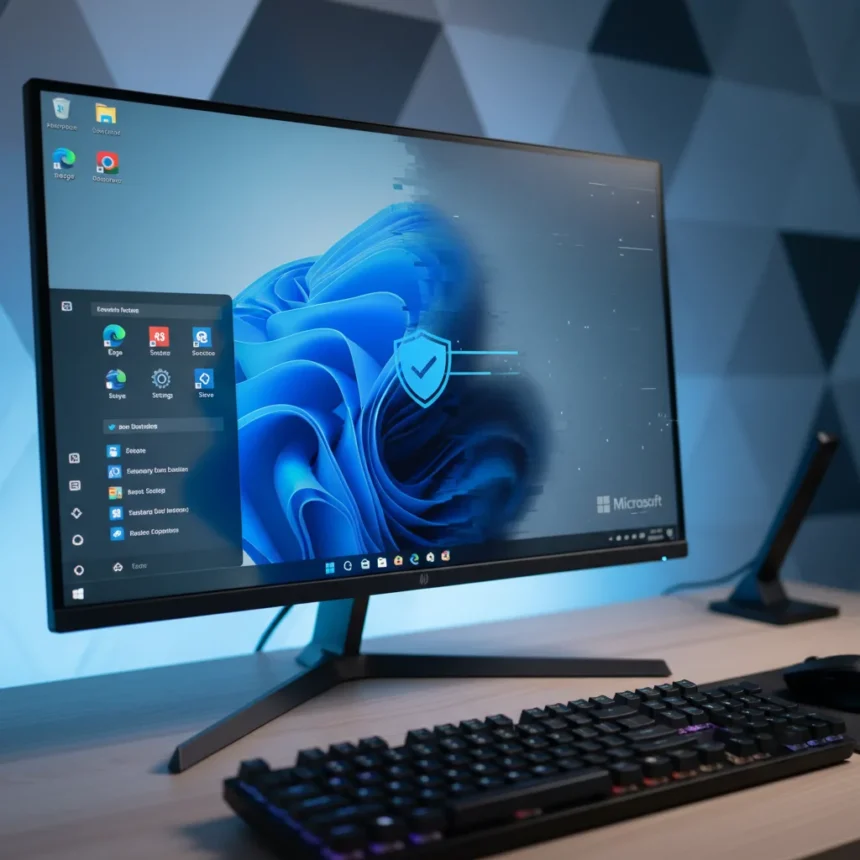
Microsoft is rolling out a Windows 11 desktop fix that addresses a frustrating cluster of bugs affecting the core user interface. The Windows 11 desktop fix targets blank desktop screens, taskbar freezes, and related interface instability that have made machines feel unusable even when the underlying system remained functional.
Key Takeaways
- Microsoft is actively rolling out a fix for Windows 11 desktop and taskbar issues.
- The bugs causing blank desktops and taskbar freezes are now being addressed through the update.
- The fix is being distributed gradually, not all at once to every user.
- These interface problems affected core Windows 11 shell elements, making the system appear broken despite functioning underneath.
What is the Windows 11 Desktop Fix Addressing?
The Windows 11 desktop fix directly targets three categories of problems: completely blank desktop screens, taskbar freezes that prevent interaction with running applications, and general interface flakiness that degrades the user experience. When these bugs strike, users face a system that looks broken even though processes continue running in the background, creating a frustrating disconnect between actual functionality and perceived stability.
Blank desktop screens are particularly disruptive because they eliminate access to shortcuts, file management, and visual feedback. Taskbar freezes compound the problem by preventing users from switching between applications or accessing the Start menu. Together, these issues transform a working machine into an apparently dead one, forcing restarts and workarounds that should never be necessary on a modern operating system.
How the Windows 11 Desktop Fix Is Rolling Out
The fix is not arriving as a single, universal deployment. Instead, Microsoft is rolling it out gradually to Windows 11 users, meaning some machines will receive the update immediately while others wait days or weeks. This phased approach reduces the risk of introducing new problems across millions of devices simultaneously, but it also means users experiencing these bugs today may not see relief immediately.


Users cannot force the update to arrive faster through standard Windows Update settings. The rollout pace is controlled by Microsoft’s servers, which distribute patches based on device compatibility, region, and system configuration. Patience is required, though users experiencing severe desktop or taskbar issues may find temporary workarounds by restarting the Windows Explorer process or performing a full system restart.
Why Windows 11 Interface Stability Matters
Desktop and taskbar failures represent a unique category of Windows bug because they affect the shell layer that sits between the user and everything else. Unlike background service failures or driver issues that might go unnoticed, a blank desktop or frozen taskbar makes the entire system appear to have failed, even if applications and processes continue running normally underneath.



This distinction is critical for user perception. A machine that loses network connectivity or experiences a driver crash might still display a functional desktop and taskbar, allowing users to troubleshoot or restart services. A machine with a blank desktop or frozen taskbar offers no such recourse—the user interface becomes the bottleneck, forcing a hard restart as the only option. Microsoft’s focus on resolving these specific issues reflects their importance to day-to-day usability.
Comparing Windows 11 Stability to Earlier Versions
Windows 11’s interface layer is fundamentally different from Windows 10, built on new architecture that brings visual improvements and performance benefits but also introduces new failure modes. The blank desktop and taskbar freeze issues are specific to Windows 11’s redesigned shell, not carryovers from previous versions. While Windows 10 had its own stability quirks, the particular combination of problems addressed by this fix is unique to the newer operating system.
This distinction matters because it shows Microsoft is actively patching problems introduced by Windows 11’s architectural changes rather than ignoring legacy issues. The fix demonstrates responsiveness to usability problems that directly impact the user experience, even if they do not affect system security or data integrity.
Can I Speed Up the Windows 11 Desktop Fix Rollout?
No, users cannot manually accelerate the rollout of this fix through standard Windows Update settings. Microsoft controls the distribution pace from its servers, and attempting to force an update check will not bypass this schedule. The gradual rollout is intentional, designed to catch compatibility issues before they affect billions of devices.



What Should I Do If My Windows 11 Desktop Remains Blank?
If your desktop is currently blank or your taskbar is frozen while waiting for the fix to arrive, try restarting Windows Explorer by opening Task Manager, finding Windows Explorer in the process list, and selecting Restart. If that does not work, a full system restart often clears the issue temporarily. Once the Windows 11 desktop fix reaches your device, these workarounds should no longer be necessary.
Is This Fix Related to Recent Windows 11 Updates?
The research brief does not specify which Windows 11 build or update introduced these bugs or which build contains the fix. Microsoft rolls out patches through multiple channels—monthly updates, cumulative patches, and emergency fixes—so the exact delivery mechanism for this particular fix remains unclear without additional technical details.
What matters to users is that Microsoft has identified the problem and is actively distributing a solution. The Windows 11 desktop fix represents a tangible response to interface instability that has affected real users, and the gradual rollout approach balances the need for speed against the risk of introducing new problems. Users experiencing blank desktops or taskbar freezes should expect the fix to arrive within the coming weeks, though the exact timing depends on their device configuration and region.
Edited by the All Things Geek team.
Source: TechRadar