





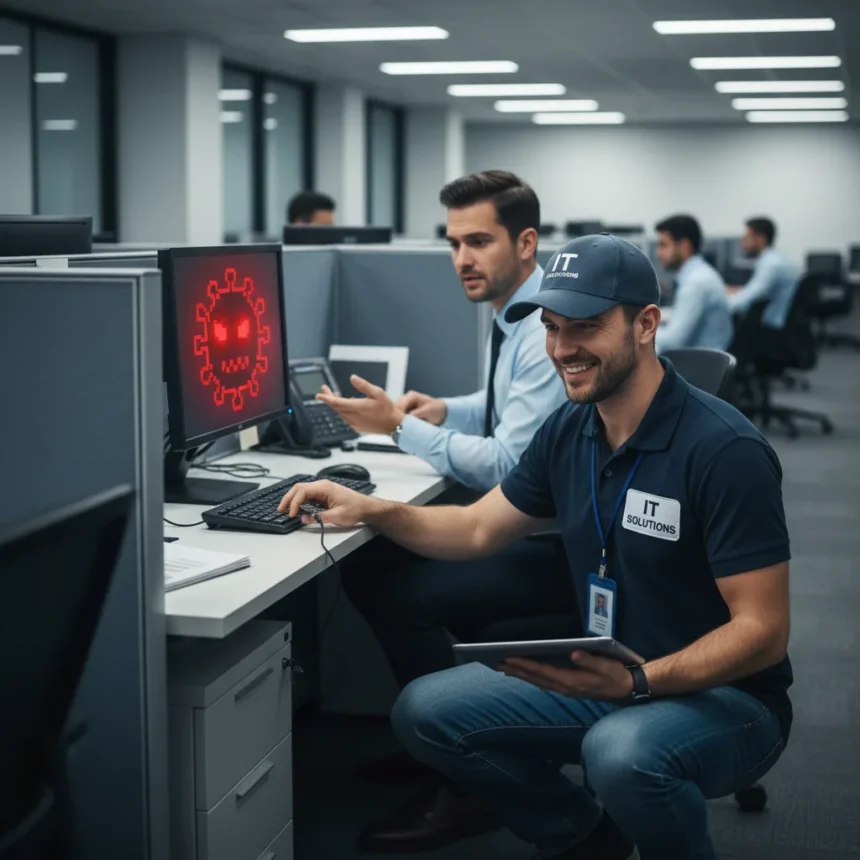
Workplace IT support scams represent a dangerous escalation in how attackers compromise corporate networks. The FBI has warned that hackers are moving beyond remote phishing and failed online access attempts to physically show up at victims’ offices, impersonating legitimate IT support staff to install malware directly on company systems. This shift from digital deception to in-person impersonation marks a troubling evolution in social engineering tactics that exploits the trust employees place in visible authority figures.
Key Takeaways
- Attackers are now impersonating IT support and visiting workplaces in person to install malware when remote compromise fails.
- The FBI warns that workplace IT support scams exploit employee trust in visible IT personnel and bypass remote security controls.
- Verify the identity of anyone requesting access to systems through previously confirmed contact channels, not information they provide.
- Never share authentication codes, sensitive information, or system access with unverified individuals, even if they claim to be IT staff.
- Report suspected impersonation attempts to your IT department, local law enforcement, and the FBI’s Internet Crime Complaint Center (IC3).
Why Attackers Are Moving to In-Person Tactics
Remote cyberattacks have become harder to execute successfully as companies deploy email filters, multi-factor authentication, and user awareness training. When hackers fail to compromise targets through phishing, malicious links, or credential theft online, they are now resorting to physical presence at the workplace. This in-person approach bypasses many digital defenses because it exploits a fundamental human vulnerability: employees tend to trust people who appear to have legitimate authority and physical presence in their office building. An attacker dressed as IT support can walk past reception, access employee workstations, and install malware without triggering the alerts that remote intrusions typically generate.
The tactic works because most employees cannot instantly verify whether someone claiming to be from IT support actually works for the company or a contracted vendor. Unlike remote phishing, which requires the victim to take action (clicking a link, entering credentials), in-person impersonation puts the burden of verification on already-busy office staff who may not want to challenge someone who appears to belong. This creates a window of opportunity that attackers exploit ruthlessly.
How Workplace IT Support Scams Unfold
The attack sequence typically begins with reconnaissance. Attackers gather information about a company’s IT infrastructure, employee names, and organizational structure through open-source intelligence (LinkedIn, company websites, job postings). They then attempt to compromise the target remotely using spear-phishing emails, fake login pages, or credential-stealing malware. If these remote attempts fail—because the employee refuses to click the link, multi-factor authentication blocks access, or the target is security-conscious—the attacker escalates to physical presence.


The attacker then arrives at the victim’s office building, often during busy hours when reception staff are overwhelmed. They may carry a laptop, wear business casual clothing, and carry a clipboard or tablet to appear legitimate. They claim that IT has scheduled maintenance, a security update, or a system check. Once inside, they gain access to an employee’s computer, install malware, create backdoor accounts, or steal credentials that grant them persistent access to the network. By the time the company discovers the compromise, the attacker has already exfiltrated sensitive data or established a foothold for future attacks.
Verification Steps to Defeat Workplace IT Support Scams
The FBI recommends that employees verify the identity of anyone requesting system access through trusted channels, not information the person provides. If someone claiming to be IT support arrives at your desk, do not allow them access to your computer. Instead, hang up on them (if they called) or tell them you will contact IT directly using a phone number from your company directory or internal system. Call IT through a number you know is legitimate—not one the visitor provides.



Research the person’s identity independently. Ask for their employee ID, their supervisor’s name, and their department. Then verify those details by contacting IT through official channels. If IT has not scheduled any maintenance, the person is almost certainly an attacker. Additionally, never share two-factor authentication codes, passwords, or sensitive information with anyone claiming to be IT support, even if they appear to have legitimate credentials. Real IT staff will never ask for your authentication codes or passwords over the phone or in person.
If you receive a message claiming to be from a senior official or authority figure requesting system access or sensitive information, do not assume it is authentic. Verify through a previously confirmed contact method before responding. The same principle applies to anyone claiming to be IT support: independent confirmation beats trust in appearance.
What to Do If You Suspect an Impersonation Attempt
If someone claiming to be IT support arrives at your workplace and you suspect they are not legitimate, do not grant them access to any systems. Politely but firmly tell them that you will verify their credentials through your IT department before allowing them to proceed. Then immediately contact your IT security team or your manager. Provide as much detail as possible: the person’s appearance, what they claimed to need, what building they entered, and whether they had any credentials or badges.
Report the incident to your company’s security team and your local law enforcement agency. If you believe the incident involved a federal crime or targeted critical infrastructure, also report it to the FBI’s Internet Crime Complaint Center (IC3) or your local FBI Field Office. Include as much detail as possible in your report: the date, time, location, description of the attacker, what they claimed to be doing, and what systems or information they attempted to access.



FAQ
Can real IT support staff show up at my desk without warning?
Legitimate IT support staff typically schedule maintenance in advance and notify employees through official channels (email from IT, calendar invites, company intranet announcements). If someone shows up unannounced claiming to be IT support, verify their identity through your IT department before granting access. Real IT staff will never be offended by verification—they expect it as a security practice.
What should I do if I already gave someone access to my computer?
Immediately notify your IT security team and your manager. Change all your passwords from a different device (not the potentially compromised computer). Enable or strengthen multi-factor authentication on critical accounts. Your IT team can scan your computer for malware and monitor your accounts for suspicious activity. The sooner you report it, the sooner the company can contain any damage.
How do I verify someone’s identity if they claim to be from an outside IT vendor?
Ask for their company name, employee ID, and supervisor’s contact information. Then independently contact the vendor company using a phone number from their official website—not a number the person provides. Confirm that the person actually works there and that they have a scheduled appointment at your location. Do not rely on business cards, badges, or credentials they show you, as these can be forged.
Workplace IT support scams exploit the trust that makes offices function smoothly. By treating every request for system access as a potential threat and verifying identity through independent channels, employees become the strongest defense against this escalating tactic. The shift from remote attacks to in-person impersonation shows that attackers are willing to invest time and effort to compromise high-value targets—which means your vigilance matters more than ever.
Edited by the All Things Geek team.
Source: TechRadar




