






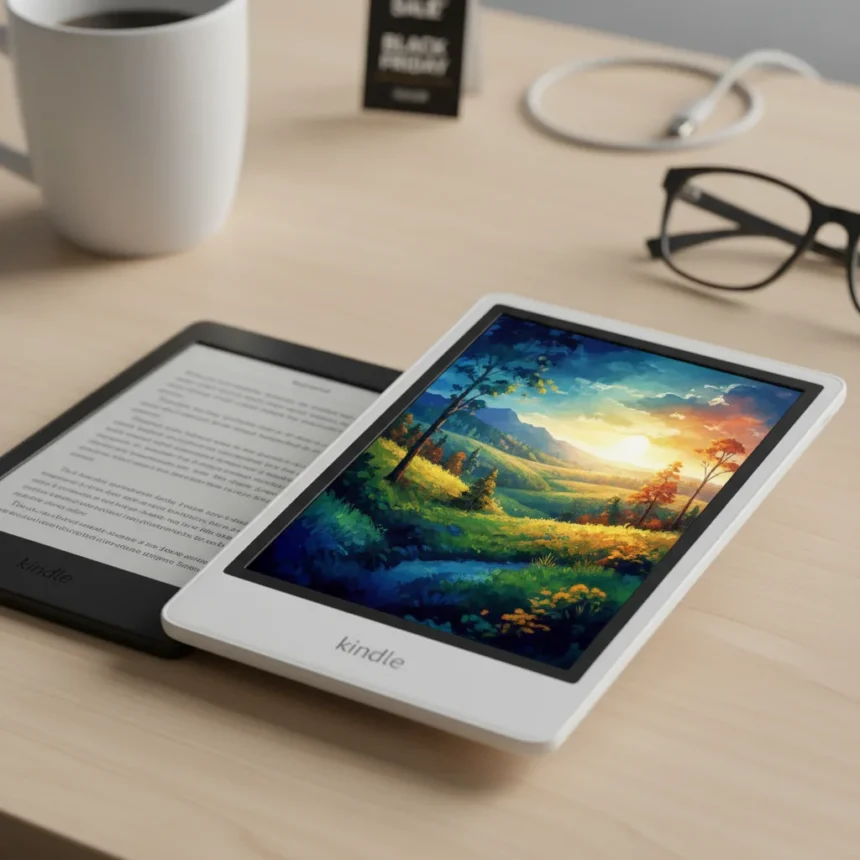
The Kindle Colorsoft just dropped to its record-low Black Friday price on Amazon, marking the first significant discount on Amazon’s first color e-reader since its October 2024 launch. If you’ve been waiting for a reason to upgrade from a standard Paperwhite, this deal demands attention—but the color display isn’t a pure win.
Key Takeaways
- Kindle Colorsoft features a 7-inch Kaleido 3 color display with 300 PPI black-and-white resolution and 150 PPI color resolution, supporting over 4,096 colors.
- Page turns are 25% faster than the previous Paperwhite generation, and battery lasts up to 28 hours of reading or 8 weeks standby.
- Early production units had a yellow band defect on the display; updated models address this issue.
- Unlike the Kobo Libra Colour, the Colorsoft has no physical page-turn buttons or stylus support.
- Color mode reduces contrast compared to black-and-white-only e-readers, which some readers find frustrating.
What Makes the Colorsoft Display Different
The Kindle Colorsoft uses Amazon’s custom-formulated Kaleido 3 display with a light guide featuring micro-deflectors, an ultra-thin coating, and an oxide backplane. These engineering choices deliver sharper contrast and better image quality than earlier color e-ink attempts. The display reaches a peak brightness of 94 units with 12 white and 13 amber LEDs, creating an auto-adjusting front light that mimics natural reading conditions. This is genuinely different from the harsh backlighting of tablets or the flat, gray look of older color e-readers.
The 7-inch screen measures 127.6 x 176.7 x 7.8mm and weighs just 219g—nearly identical to the standard Paperwhite in size but with a color-capable display. Amazon claims the Colorsoft was designed specifically for reading, with none of the glare or intense light of a conventional backlit screen. For manga, illustrated covers, and color PDFs, this matters. For plain text novels, the color capability is irrelevant.
Where Kindle Colorsoft Stumbles Against Competitors
Here’s the tension: color e-ink displays inherently sacrifice contrast to achieve color saturation. The Colorsoft’s 150 PPI color resolution sits half the sharpness of its 300 PPI black-and-white rendering. This creates a visible gray dot pattern when reading in color mode that many users find distracting. You cannot disable color mode and force pure black-and-white rendering—Amazon has not planned buttons for that in the foreseeable future.



The Kobo Libra Colour, Colorsoft’s main competitor, offers 300 PPI black-and-white resolution and 50 PPI color resolution, plus physical page-turn buttons and stylus support for note-taking. The Kobo costs less (£209 vs. £269.99) and includes features the Colorsoft lacks entirely. However, the Colorsoft’s Kaleido 3 display is brighter and cleaner than Kobo’s offering, reducing that gray dot pattern. If you prioritize color vividness over note-taking or physical buttons, the Colorsoft wins. If you want flexibility, Kobo has it.
Against the standard Kindle Paperwhite, the Colorsoft trades battery life for color. The Paperwhite delivers around 6 hours of battery, while the Colorsoft reaches up to 28 hours of reading or 8 weeks standby. Both charge in 2.5 hours via USB-C. The Paperwhite is cheaper and lighter, making it the better choice for readers who don’t care about color.



Specs That Matter: Battery, Waterproofing, and Storage
The Colorsoft packs a dual-core 2GHz Mediatek processor with 1GB RAM and either 16GB or 32GB storage (Signature Edition). Storage is generous for an e-reader—you can hold thousands of books. Battery life of up to 28 hours of reading or 8 weeks standby is class-leading, and the device is fully waterproof to IPX8 standards (up to 2 meters for 60 minutes). Connectivity includes Wi-Fi 5 and Bluetooth 5.1 for pairing with Audible audiobooks, though Audible support is limited to select countries.
One notable absence: no wireless charging. You charge via a 9W USB-C cable, taking 2.5 hours for a full charge. For a device priced at £269.99 or $279.99 at launch, wireless charging would have been a nice-to-have, but it is not a dealbreaker.
The Yellow Tint Problem (Mostly Solved)
Early Colorsoft units shipped with a yellow band defect along the display edge, a manufacturing flaw that frustrated early adopters. Amazon addressed this in updated production batches. If you are buying now at the Black Friday price, you should receive a corrected unit, but check reviews for any recent reports before purchasing.
Is the Black Friday Price Worth It?
The Colorsoft’s record-low Black Friday price makes it genuinely competitive. At launch, £269.99 or $279.99 felt premium for an e-reader, especially one with display trade-offs. At the sale price, the math shifts. If you read manga, illustrated books, or color PDFs regularly, the Colorsoft becomes the obvious choice. If you read mostly text novels and want the longest battery life, the standard Paperwhite remains the smarter buy. The Kobo Libra Colour is still worth considering if you want buttons and note-taking, but the Colorsoft’s brighter, cleaner display tips the scales for pure color quality.



Does the Kindle Colorsoft have physical page-turn buttons?
No. The Colorsoft has no physical page-turn buttons. Amazon has stated it has no plans to add them in the foreseeable future. You turn pages by tapping the screen, which is standard for modern e-readers but frustrating for users who prefer tactile controls.
How long does the Kindle Colorsoft battery last compared to older Kindles?
The Colorsoft delivers up to 28 hours of continuous reading or up to 8 weeks on standby. This significantly outlasts the standard Paperwhite (around 6 hours) and is among the best battery life in the e-reader category. Real-world performance depends on brightness settings and usage patterns.
Can you disable color mode on the Kindle Colorsoft?
No, you cannot force the Colorsoft into pure black-and-white mode. The color display is always active, which means you always see the gray dot pattern characteristic of color e-ink, even when reading text-only books. This is a design choice Amazon made, not a limitation you can work around.
The Kindle Colorsoft at its record-low Black Friday price is the best color e-reader for readers who prioritize display quality and battery life over buttons and note-taking. It is not a universal upgrade from the Paperwhite—it is a specialist tool for a specific use case. Buy it if you read color content regularly. Skip it if you are purely a text reader seeking the longest possible battery life.
Where to Buy
Kindle Colorsoft, which is now on sale at Amazon for $169.99 (was $249.99) | Amazon Kindle Colorsoft: | $279.99
This article was written with AI assistance and editorially reviewed.
Source: TechRadar