





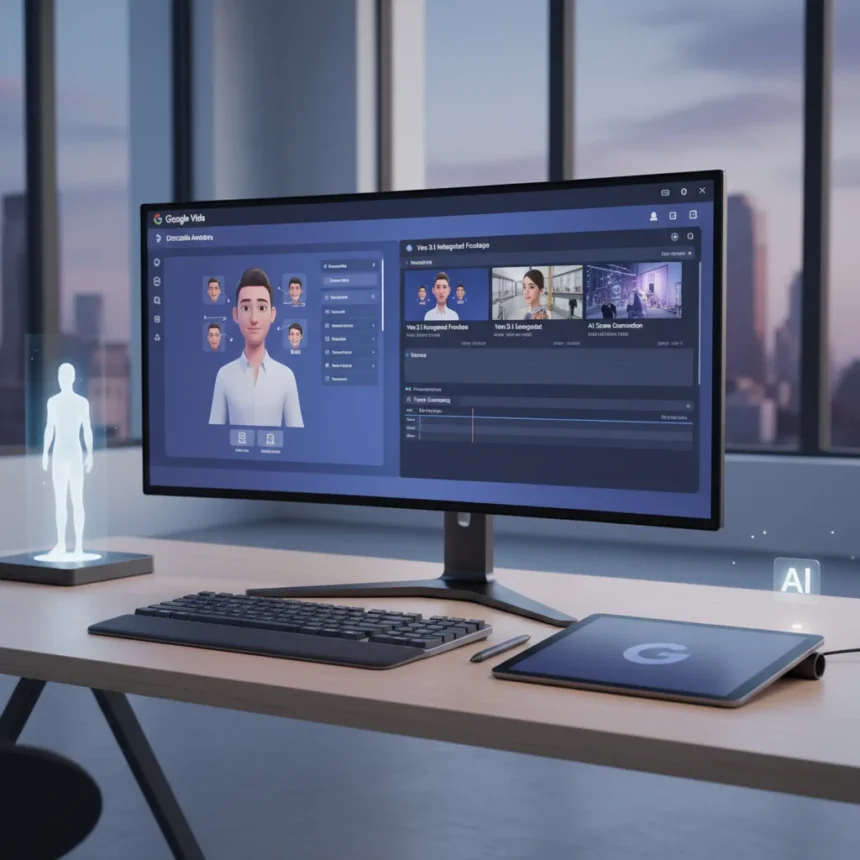
Google Vids AI upgrade has arrived with directable custom avatars and Veo 3.1 integration, transforming how creators build videos from text prompts and existing content. The AI-powered video editor built into Google Workspace now generates full videos including storyboards, scenes, stock media, scripts, background music, and editable elements—without requiring on-camera talent or advanced editing skills.
Key Takeaways
- Google Vids AI upgrade adds Veo 3.1-powered custom avatars with realistic lip-sync for voiceover narration
- New “Ingredients” feature combines uploaded images into AI-generated video clips
- Videos export in Landscape, Portrait, or Square formats for social media platforms
- Real-time collaboration works like Google Docs for group video projects
- Rollout begins February 2026 for Rapid Release domains; broader access follows by March 2026
What Google Vids AI upgrade Brings to Video Creation
The Google Vids AI upgrade centers on realistic, lip-synced avatars powered by Veo 3.1, the video generation model enabling AI-driven character performance. These avatars read scripts naturally—ideal for educators, students, or anyone uncomfortable on camera. Rather than hiring voice actors or recording yourself, you upload a script and the avatar handles narration with synchronized mouth movements. The system generates avatars from scratch or repurposes existing content, making it practical for rapid iteration.
Beyond avatars, the Google Vids AI upgrade includes an “Ingredients” feature that blends uploaded images into new video clips. Upload a hat and snake skin texture, and Veo 3.1 generates a video combining both elements—useful for product demos, creative sequences, or visual storytelling without stock footage limitations. This workflow accelerates content production for teams managing tight deadlines.
Format Flexibility and Real-Time Collaboration
The Google Vids AI upgrade supports export in Landscape, Portrait, and Square formats, letting creators optimize for YouTube, Instagram Reels, TikTok, or LinkedIn without re-editing. A single video project adapts across platforms automatically. Real-time collaboration mirrors Google Docs functionality—multiple users edit simultaneously, comment on scenes, and iterate together without version control headaches. This is particularly valuable for student group projects or distributed teams.



Additional features rolling out through February and March 2026 include a read-along teleprompter that auto-scrolls scripts for natural delivery, transcript trimming to edit by deleting words or silences, and styled captions for accessibility. These tools address common pain points: stumbling over scripts, awkward pacing, and caption consistency across videos.
Availability and Rollout Timeline
The Google Vids AI upgrade reaches Rapid Release domains within 1-3 days of February 2, 2026, with Scheduled Release domains following within 15 days of February 20, 2026. All Google Workspace customers, Workspace Individual subscribers, and personal Google account holders gain access. Schools benefit from license-free AI features until May 2026, removing barriers for educators integrating video into curriculum. Frontline and Education Fundamentals editions also gain expanded access, broadening adoption across K-12 and higher education.



Pricing remains free for promotional Workspace editions like Business Starter and Enterprise Starter through their promo periods, with access extending until May 2026 for qualifying customers. This timing aligns with the 2026 school year, positioning Google Vids as a cost-effective alternative to standalone video editors for institutions managing budgets tightly.
How Google Vids AI upgrade Compares to Standalone Video Editors
Unlike Adobe Premiere Pro or DaVinci Resolve, which demand technical skill and render time, Google Vids AI upgrade generates videos from text in minutes, integrated directly into Workspace workflows. You write in a Google Doc, select Gemini from the options menu, and the system assembles planning, scripting, and final video automatically. This removes friction for non-technical users. However, standalone editors offer deeper customization and professional color grading—Google Vids prioritizes speed and accessibility over granular control.
Veo 3.1, the underlying video generation model, interprets film terminology like timelapse, aerial shot, and pan left, enabling cinematic results without manual camera work. This bridges the gap between simple slideshow tools and professional video production, making Google Vids AI upgrade suitable for marketing videos, educational content, and social media without hiring production teams.
Does Google Vids AI upgrade work for all video types?
Google Vids AI upgrade excels at narrated explainers, educational videos, and marketing content where custom avatars and AI-generated visuals fit naturally. For live-action documentaries, music videos, or projects requiring specific footage, traditional editing remains more practical. The tool assumes you either write scripts from scratch or convert existing Docs and Slides—it is not designed for editing pre-shot footage, though you can upload images for the Ingredients feature.


When will Google Vids AI upgrade reach my account?
Rapid Release domains receive features February 2-5, 2026, while Scheduled Release domains see rollout by March 7, 2026. Check your Google Workspace domain settings to determine which track you are on. Personal Google accounts and Workspace Individual subscribers follow similar timelines. Schools with qualifying editions gain access immediately for license-free AI features through May 2026.
The Google Vids AI upgrade represents a significant shift toward democratizing video creation. By removing technical barriers—no avatar hiring, no voiceover recording, no manual lip-sync—Google makes professional-quality videos accessible to classrooms, small teams, and solo creators. The February 2026 rollout timing, combined with school license-free access, suggests Google is betting on education as the primary adoption driver. Whether the avatars feel natural enough for brand videos or the Ingredients feature delivers consistently cinematic results will determine whether Vids becomes a staple tool or remains a curiosity in the Workspace suite.
Where to Buy
Edited by the All Things Geek team.
Source: Tom's Guide




