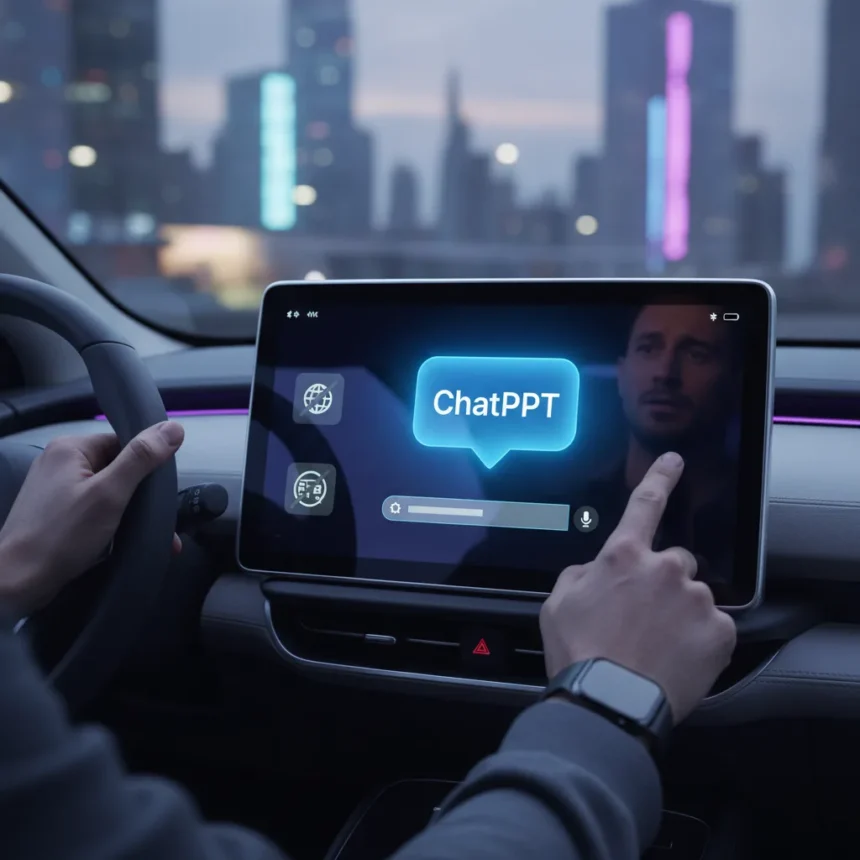
ChatGPT in CarPlay launched with iOS 26.4, bringing a conversational AI assistant to your dashboard for the first time. After testing the integration, the experience is simultaneously impressive and frustratingly limited—a cautious first step that highlights both the promise and the constraints of voice-first AI in a moving vehicle.
Key Takeaways
- ChatGPT in CarPlay requires iOS 26.4 or later and appears in the CarPlay apps panel after update.
- Voice quality sounds like Ricky Gervais with natural inflections, significantly more realistic than Siri or Gemini.
- No wake word support—you must tap the icon to start, unlike “Hey Siri” or “Hey Google”.
- Cannot access maps, vehicle controls, live location, or integrate with Mail or Slack.
- Available globally on all ChatGPT plans with no additional cost.
The Voice That Actually Sounds Human
The default ChatGPT voice in CarPlay is the standout feature. It sounds fluid, natural, and almost unsettlingly personable—like having Ricky Gervais in your passenger seat, complete with his trademark inflections and witty remarks. Compared to Siri’s robotic monotone or Google Assistant’s stilted delivery, this is a quantum leap in conversational realism. The voice carries personality without being distracting, which is crucial when you’re trying to keep your eyes on the road.
This matters because it transforms the interaction from a utilitarian command-and-response into something that actually feels like talking to someone. During testing, asking ChatGPT to settle an in-car debate felt natural—you get detailed answers without the awkward pauses or repetitive phrasing that plagues traditional voice assistants. The audio quality depends heavily on your car’s microphones and speakers, so a luxury vehicle with premium audio will sound dramatically better than a budget sedan.
The Setup Is Straightforward, But the Limitations Sting
Getting ChatGPT in CarPlay running takes three steps: update your iPhone to iOS 26.4, update the ChatGPT app, and connect to CarPlay. Once connected, ChatGPT appears in your apps panel. To enable direct voice mode, open the ChatGPT app on your iPhone, navigate to Settings > Voice, and toggle “Start automatically in CarPlay”. From there, tap the microphone icon to start listening.



Here’s where the weirdness kicks in. Unlike Siri or Google Assistant, there’s no wake word. You can’t say “Hey ChatGPT” to trigger the assistant—you must physically tap the icon on your CarPlay screen. For a voice-first interface, this is a significant friction point. It means fumbling with the touchscreen while driving, which defeats the entire purpose of a hands-free assistant. The integration also cannot access your maps, vehicle information, live location, or control any car functions. It won’t integrate with Mail, Slack, or your calendar. You’re essentially running a chatbot in isolation, disconnected from the systems that actually run your vehicle and your digital life.
ChatGPT in CarPlay vs. Traditional Alternatives
Siri has owned the CarPlay voice assistant space for years. It’s tightly integrated with your vehicle’s controls, can launch navigation, send messages, and control playback—all with a simple voice command. ChatGPT in CarPlay does none of that. It’s a conversational tool, not a control system. Gemini and Google Assistant offer similar ecosystem integration on Android-based systems and some vehicles, though neither has achieved Siri’s seamless car control.



The comparison reveals ChatGPT’s role: it’s built for answering questions and having conversations, not for operating your vehicle. If you need to change the temperature, switch lanes, or navigate to a destination, you’re still reaching for Siri. ChatGPT becomes the passenger you ask for restaurant recommendations or trivia answers, not the copilot controlling your environment.
Audio Quality and Real-World Performance
The voice quality is genuinely impressive, but it’s also entirely dependent on your car’s hardware. A vehicle with poor microphone placement, weak speakers, or inadequate echo cancellation will degrade the experience significantly. Some cars have aggressive noise cancellation that interferes with the microphone picking up your voice clearly. Others have speakers that make even the most realistic voice sound tinny and distant.
There’s also a behavioral quirk: when you reconnect your iPhone to CarPlay, it automatically reopens the last app you used. If that was ChatGPT, you’ll find yourself back in the conversation screen. You can view and continue recent chats or projects from the car screen, which is convenient if you’re following up on something from your last drive. But if you intended to jump straight into navigation or music, you’ll need to switch apps manually.
Why This Feels Like a Beta Feature
ChatGPT in CarPlay is technically available globally on all ChatGPT plans at no extra cost. But it reads as a cautious beta release rather than a fully baked feature. The lack of a wake word, the inability to integrate with vehicle controls or navigation, and the dependence on car-specific audio quality all suggest Apple and OpenAI are testing the waters before committing to deeper integration.


For settling in-car debates or getting detailed answers to questions without taking your eyes off the road for too long, it’s genuinely useful. The voice quality makes it feel like a real conversation. But if you’re expecting ChatGPT to become your primary CarPlay assistant, replacing Siri for everyday tasks, you’ll be disappointed. It’s a supplement, not a replacement.
Is ChatGPT in CarPlay worth using?
If you drive frequently and enjoy having detailed conversations or asking complex questions while on the road, yes. The voice quality alone makes it better than Siri for conversational tasks. Just remember you’ll need to tap the icon to start each time—there’s no voice activation shortcut.
Can ChatGPT in CarPlay control my car or access maps?
No. ChatGPT in CarPlay cannot control vehicle functions, access your navigation, or integrate with other apps like Mail or Slack. It’s a conversational tool only, designed for answering questions and having discussions, not for operating your vehicle.
Does ChatGPT in CarPlay work on all iPhones?
You need iOS 26.4 or later and an updated ChatGPT app, available on compatible iPhone models. The feature rolls out globally but may not appear immediately in all regions.
ChatGPT in CarPlay is a genuinely impressive voice experience hampered by real-world limitations. The voice is the best part—natural, engaging, and far superior to Siri. But without wake word support, vehicle integration, or navigation access, it remains a conversational novelty rather than a transformative CarPlay upgrade. It’s worth trying if you update to iOS 26.4, but don’t expect it to replace your existing voice assistant workflow.
Edited by the All Things Geek team.
Source: TechRadar