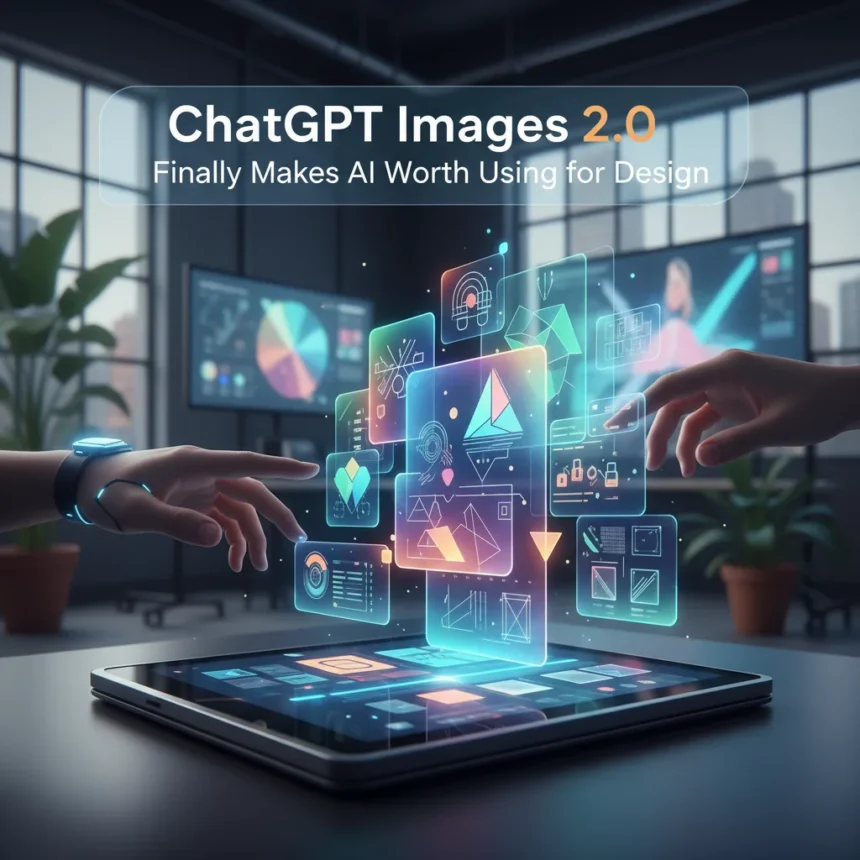
ChatGPT Images 2.0 is OpenAI’s upgraded image generation model, now available across Free, Go, Plus, Edu, and Pro plans on web, iOS, and Android. The update addresses the exact pain points that kept AI image tools out of professional design workflows: slow generation, mangled text, inconsistent edits, and unreliable detail preservation. For the first time, an AI image tool might actually earn space in a designer’s toolkit.
Key Takeaways
- ChatGPT Images 2.0 generates images up to 4x faster than previous versions
- Precise editing mode preserves lighting, composition, and facial likeness across multiple edits
- New dedicated Images tab organizes all creations in one place without sifting through chats
- Pre-built templates and filters (retro magazine layout, futuristic food styling) enable creation without typing prompts
- Handles dense text, accurate crowds, and consistent elements better than predecessor models
Why ChatGPT Images 2.0 Actually Matters for Designers
Previous AI image generators failed designers in predictable ways: text turned into alphabet soup, crowd scenes produced nightmare faces, and editing one element accidentally destroyed others. ChatGPT Images 2.0 fixes these failures. The model now handles denser text without nonsense, renders accurate crowds and small faces, and maintains consistent elements across chain edits. More importantly, it executes precise edits while keeping details intact—lighting, composition, facial likeness, clothing, and hairstyles all stay true across multiple revision rounds.
Speed matters too. Four times faster generation means designers can iterate rapidly, testing variations without waiting minutes between attempts. That speed-to-iteration ratio is what separates a toy from a tool. “Together, these improvements mean ChatGPT can act as a creative studio in your pocket, capable of both practical edits and expressive reimaginings,” OpenAI noted in the launch announcement.
The New Images Tab Changes How You Work
ChatGPT Images 2.0 introduces a dedicated Images app in the sidebar on web and mobile, accessible at https://chatgpt.com/images. Instead of hunting through chat history for that perfect generated image from three weeks ago, everything lives in one “My images” hub. You can browse, revisit, and reuse without friction. A Create Image button sits front and center, making it the default path to generation rather than typing a prompt in a regular chat.



This structural change signals that OpenAI sees image generation as a first-class feature, not a chat afterthought. Designers working on multiple projects simultaneously will appreciate the ability to keep visual assets organized separately from conversation threads. All images are automatically saved, so nothing gets lost.
Templates and Presets Lower the Barrier to Entry
ChatGPT Images 2.0 ships with pre-built templates and filters—retro magazine layout, futuristic food styling, and others based on current design trends. These presets let users generate or edit without typing detailed prompts, making the tool accessible to people who aren’t prompt engineers. A designer can select “retro magazine layout” and feed in a product photo, rather than crafting a paragraph describing the aesthetic they want.



This feature addresses a real friction point: many people struggle to articulate visual ideas in text. By offering template shortcuts, ChatGPT Images 2.0 removes the guesswork and lets users focus on creative direction rather than prompt composition. The presets also reflect trending design styles, so they stay relevant without constant updates.
How It Compares to Older ChatGPT Image Tools
The predecessor versions of ChatGPT’s image generation were criticized for confusing chain edits, overlapping instructions, and producing nonsense text in images. If you asked it to change a shirt color, it might also distort the person wearing it. If you requested text on a banner, it would either omit the text entirely or render gibberish. These failures made the tool unreliable for any work where precision mattered.
ChatGPT Images 2.0 retains the essence in transformations and handles small-detail edits without altering unintended elements. It’s not flawless—no AI image tool is—but the gap between intention and output has genuinely narrowed. For designers, that gap is everything. A tool that gets 90 percent of your vision right on the first try beats a tool that requires six iterations to approach your intent.
Availability and Rollout Timeline
ChatGPT Images 2.0 is rolling out today to all users on Free, Go, Plus, Edu, and Pro plans via web, iOS, and Android. Mobile users will need to update their ChatGPT app to access the new Images tab. Enterprise and Business customers have access to the underlying GPT Image 1.5 model through the API, with the dedicated left-nav tab coming soon. Desktop app support is not yet available.



There’s no additional pricing beyond your existing ChatGPT plan. Free users get access immediately, which is significant—it means anyone can experiment with the tool without committing to a subscription. For API users, standard OpenAI pricing applies, though specific rates aren’t detailed in the launch materials.
What Designers Should Test First
If you’re a designer curious about whether ChatGPT Images 2.0 fits your workflow, start with the editing features. Upload a photo you’re working on and ask for a specific change—adjust lighting, swap a background, try a different color palette. The precision editing is where this tool genuinely shines and where it differs most from previous versions. Then explore the templates to see which design styles resonate with your projects. The combination of reliable edits and template shortcuts is what makes this version worth your time.
Is ChatGPT Images 2.0 ready to replace professional design software?
No. ChatGPT Images 2.0 is a powerful supplementary tool for ideation, rapid iteration, and asset generation, but it doesn’t replace Adobe Creative Suite, Figma, or specialized design applications. Use it to generate concept images, test color variations, or create quick mockups. Use professional software for final production work where pixel-perfect precision and advanced controls matter.
Can I use ChatGPT Images 2.0 commercially?
Yes. Images generated through ChatGPT are yours to use commercially, including in client work and products. Check OpenAI’s current terms of service for any restrictions, but the general policy permits commercial use of generated images.
How does the 4x speed improvement actually feel in practice?
Generation that previously took 30 seconds now takes roughly 7-8 seconds. That speed difference accumulates fast when you’re testing multiple variations. Instead of generating five versions and waiting two minutes total, you’re done in 40 seconds. The psychological effect of speed matters as much as the technical one—faster feedback loops encourage more experimentation.
ChatGPT Images 2.0 is the first version of OpenAI’s image generation tool that designers might actually use for real work. It’s not perfect, but it’s fast, reliable, and genuinely useful. If you’ve dismissed AI image generation as a gimmick, this upgrade deserves a second look.
Edited by the All Things Geek team.
Source: Tom's Guide