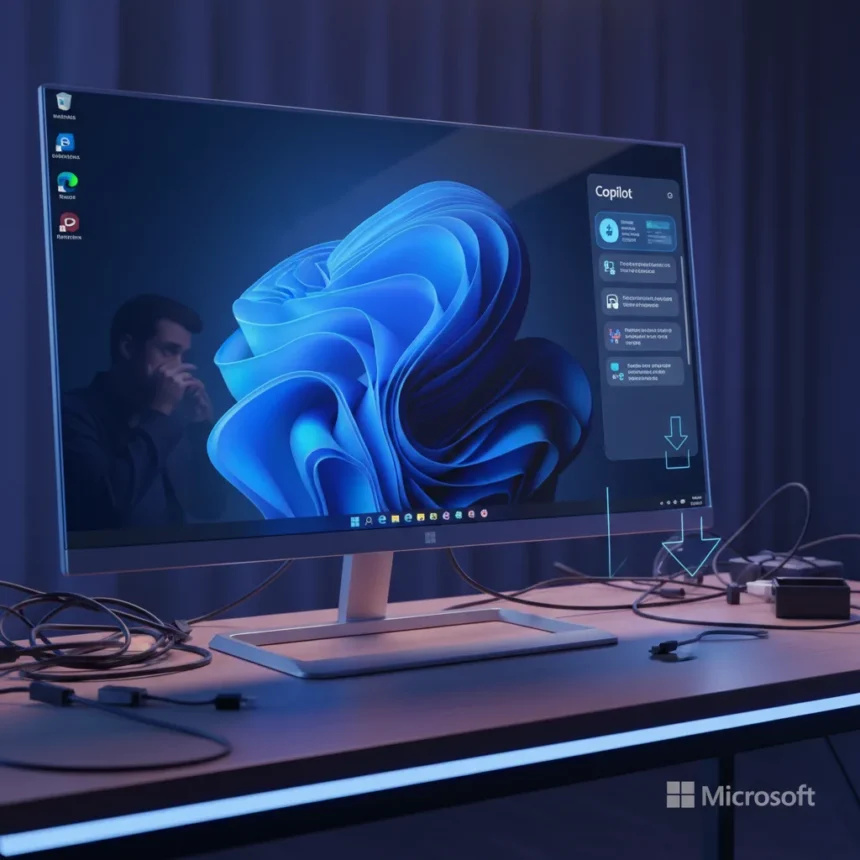
Microsoft’s Copilot sidebar design has returned to Windows 11, contradicting the company’s earlier commitment to reduce the prominence of AI features on the platform. The reversion suggests Microsoft remains uncertain about how aggressively to push AI assistance into the operating system, oscillating between user-friendly restraint and intrusive visibility.
Key Takeaways
- Microsoft had promised to scale back AI visibility in Windows 11 but reversed course
- Copilot’s sidebar design is now back to its original, more invasive form
- The shift indicates internal disagreement over Windows 11’s AI strategy
- Users who preferred a less prominent AI assistant face renewed sidebar intrusion
- Microsoft’s inconsistent messaging undermines trust in stated feature roadmaps
What Happened to Microsoft’s AI Restraint Promise
Microsoft stated it would reduce the visual prominence of AI features in Windows 11, acknowledging user feedback about Copilot’s aggressive placement. The company appeared ready to dial back the sidebar’s constant visibility, offering users a less intrusive experience. That commitment has now evaporated. The Copilot sidebar has returned to its original form, more visually dominant and harder to ignore than the scaled-back version users had grown accustomed to.
This reversal raises questions about Microsoft’s internal decision-making process. Did leadership override the promise? Did user adoption metrics convince executives that aggressive AI placement drives engagement? The company has not publicly explained the shift, leaving users and observers to speculate about what changed between the pledge and the reversal.
Why This Matters for Windows Users
The Copilot sidebar design’s return is not merely a cosmetic change. It represents a fundamental shift in how Microsoft prioritizes AI integration over user choice. Users who disabled or minimized the sidebar to reclaim screen real estate now face renewed pressure to engage with the assistant. The sidebar consumes valuable lateral space, reduces usable window width, and constantly prompts interaction even when users have no need for AI assistance.



For professionals using Windows 11 for focused work—writers, developers, designers—the intrusive sidebar creates friction. It demands attention and screen space that could be allocated to actual work. The original promise to scale back acknowledged this pain point. Its reversal signals that Microsoft’s commitment to user control was conditional, not foundational.
The Bigger Picture: Microsoft’s Indecision on AI
The Copilot sidebar flip-flop reflects broader uncertainty about AI’s role in operating systems. Microsoft appears caught between two competing visions: one where AI is a helpful utility available on demand, and another where it is an always-present agent that shapes every interaction. The company’s inability to commit to either direction damages credibility. Users cannot trust stated feature roadmaps if they reverse without explanation or notice.



This inconsistency also contrasts with how other tech companies approach AI integration. Rather than shoving assistants into every corner, some competitors prioritize user agency—making AI available when summoned, not constantly visible. Microsoft’s oscillation suggests the company has not settled on a coherent philosophy, instead chasing engagement metrics at the expense of user experience.
What Users Can Expect Going Forward
The Copilot sidebar’s return signals that Microsoft will likely continue prioritizing AI visibility in future Windows updates. Users who value a clean, distraction-free interface should expect further pressure to engage with AI features. The company’s reversal of its own promise indicates that scaling back was never a permanent strategy—merely a tactical retreat before the next advance.
For those frustrated by the sidebar’s return, options remain limited. Windows 11 allows some customization, but removing AI features entirely remains difficult by design. This asymmetry—easy to add AI, hard to remove it—reflects Microsoft’s true priorities. The company wants Copilot embedded in the OS, visible and hard to ignore, regardless of user preference.
Does Microsoft plan to make Copilot optional?
Microsoft has not announced plans to make the Copilot sidebar fully optional or removable. The return of the invasive sidebar design suggests the company views AI integration as non-negotiable, not a feature users can disable entirely. Workarounds exist, but they require technical knowledge and offer incomplete solutions.



Why did Microsoft reverse its promise to scale back AI visibility?
Microsoft has not publicly explained the reversal. Possible reasons include internal pressure from leadership to maximize AI engagement, disappointing user adoption metrics under the scaled-back design, or a strategic decision to prioritize AI prominence over user preferences. The lack of transparency compounds user frustration.
How does the Copilot sidebar affect Windows 11 performance?
The sidebar itself consumes minimal system resources, but its constant availability and prompts can create cognitive friction during focused work. The real cost is user attention and screen real estate, not computational overhead. For users with limited screen space, the sidebar’s return represents a tangible usability downgrade.
Microsoft’s flip-flop on Copilot’s sidebar design exposes a company uncertain about its AI strategy and willing to break its own promises to pursue aggressive feature integration. For Windows 11 users, the message is clear: stated commitments to reduce AI prominence cannot be relied upon. The sidebar is back, and Microsoft’s inconsistency suggests it will remain, regardless of user feedback or earlier assurances.
Edited by the All Things Geek team.
Source: TechRadar