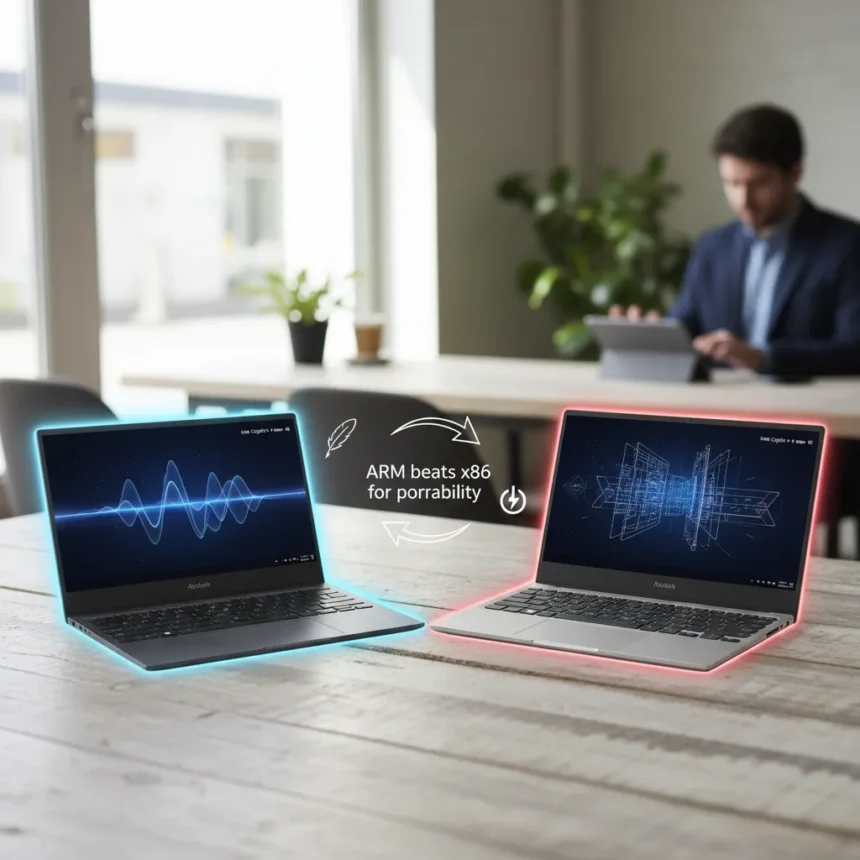
The ASUS Zenbook A16 vs Zenbook S 16 comparison exposes a classic trade-off: portability and ARM efficiency against raw x86 performance and screen real estate. Both laptops launched in early 2026 as Copilot+ PCs with premium Ceraluminum builds and OLED displays, yet they target different buyers. The A16 weighs 1.2–1.3kg and runs Snapdragon X2 Elite Extreme with an 80 TOPS NPU, while the S16 tips the scales at 1.5kg with AMD Ryzen AI 9 or Ryzen 7 processors delivering 50 TOPS. If you value portability and all-day battery claims of 21+ hours, the A16 wins. If you need sustained multi-threaded performance and a larger 16-inch screen, the S16 edges ahead.
Key Takeaways
- Zenbook A16 is the lightest Snapdragon laptop, weighing 1.2–1.3kg with 80 TOPS NPU performance for AI tasks.
- Zenbook S16 runs AMD Ryzen AI with 50 TOPS NPU, heavier at 1.5kg but delivers x86 compatibility and sustained workload handling.
- Both feature 16-inch OLED displays (A16 also offers 14-inch), touchscreen, Wi-Fi 7, and start around $1,199–$1,999 depending on configuration.
- A16 launched January 7, 2026; S16 followed February 5, 2026, making both latest 2026 Copilot+ contenders.
- The choice hinges on whether you prioritize ultraportability and battery life (A16) or x86 software compatibility and larger screen (S16).
Design and Display: Nearly Twins, Different Sizes
Both the ASUS Zenbook A16 vs Zenbook S 16 sport nearly identical premium aesthetics—Ceraluminum chassis, slim bezels, and OLED touchscreens—but diverge in screen real estate and weight. The A16 offers a 14-inch or 16-inch option with 1800×2880 or 3K OLED at 144Hz refresh rate, making it sharper and faster for scrolling and gaming. The S16 locks in at 16 inches with 2880×1800 OLED at 120Hz, slightly less sharp but still vibrant. The A16’s lighter frame—especially in 14-inch trim—wins for frequent travelers; the S16’s fixed 16-inch screen and 1.5kg weight suit desk-bound creators who rarely move the machine. Neither is bulky by modern standards, but the 300g difference compounds over a full workday in a backpack.
Processor and Performance: ARM Efficiency vs x86 Compatibility
The ASUS Zenbook A16 vs Zenbook S 16 processor choice is the article’s core tension. The A16 runs Snapdragon X2 Elite Extreme, an 18-core ARM chip with an 80 TOPS NPU—the fastest Snapdragon laptop processor available. This architecture excels at AI inference, battery life, and always-on connectivity. The S16 opts for AMD Ryzen AI 9 or Ryzen 7 (10-core x86 variants), delivering 50 TOPS NPU and native compatibility with legacy Windows software. For developers who rely on Docker, native compilers, or niche enterprise tools, the S16’s x86 foundation matters. For content creators leveraging modern AI-native apps and cloud workflows, the A16’s Snapdragon efficiency shines. Neither chip dominates across all benchmarks—this is an architectural choice, not a raw speed race.
The A16’s Snapdragon X2 Elite Extreme boasts superior NPU performance at 80 TOPS, making it ideal for on-device generative AI tasks without cloud latency. The S16’s AMD Ryzen AI 9 is no slouch—it handles parallel workloads and sustained rendering better than ARM’s smaller cores, but its 50 TOPS NPU trails the A16. If your workflow is 80% cloud-based (Figma, Notion, Slack, ChatGPT web), the A16’s efficiency wins. If you run local Python scripts, Blender, or legacy Windows apps, the S16 is safer.


Battery Life and Portability: A16 Takes the Crown
ASUS claims the ASUS Zenbook A16 vs Zenbook S 16 differ significantly in endurance, with the A16 promising 21+ hours and the S16 offering 78–83Wh battery capacity. The A16’s smaller form factor (especially 14-inch) and Snapdragon’s power efficiency combine for longer unplugged sessions. The S16, at 1.5kg with an 11mm profile, is still impressively slim and light, but its x86 processor demands more power under load. For remote workers, students, and frequent travelers, the A16’s claimed battery advantage is real. For office workers with regular access to power, the difference shrinks to inconsequence.
RAM, Storage, and Upgradability
Both the ASUS Zenbook A16 vs Zenbook S 16 offer 16GB base configurations scaling to 48GB (A16) and 32GB (S16) LPDDR5x RAM, with 1TB SSD standard. The A16’s higher maximum RAM (48GB vs 32GB) suits AI researchers and video editors juggling massive datasets. The S16’s 32GB ceiling is sufficient for most professional workflows. Neither laptop offers user-accessible upgrades—RAM and storage are soldered—so choose your configuration carefully at purchase. The S16 includes more traditional ports (USB 3.2 Type-A, HDMI, SD card reader, headphone jack), while the A16 likely emphasizes USB-C/Thunderbolt, though exact port counts vary by region.



Price and Value: Where the Real Choice Emerges
Both the ASUS Zenbook A16 vs Zenbook S 16 start around $1,199–$1,999 depending on RAM and storage configuration. The A16, as the newer Snapdragon flagship, may command a slight premium for its 80 TOPS NPU and ultraportability. The S16’s AMD variant offers better value if you need x86 compatibility without paying for Snapdragon’s latest silicon. At this price tier, neither is a budget option—you’re paying for Copilot+ AI features, OLED displays, and premium materials. The deciding factor is not cost but use case fit. A creative professional needing Blender and legacy plugins should stretch for the S16. A digital nomad prioritizing battery life and AI tools should choose the A16.
Which Should You Buy?
The ASUS Zenbook A16 vs Zenbook S 16 choice depends entirely on your workflow and mobility needs. Choose the A16 if you travel frequently, rely on cloud apps, value battery life above all, and want the fastest Snapdragon laptop available. Choose the S16 if you need x86 software compatibility, spend most time at a desk, and want a larger screen for creative work. Both are excellent 2026 Copilot+ PCs with premium builds and vibrant OLED displays. The A16 is the future of ARM laptops; the S16 is the safer, more familiar choice for x86 power users. Your decision should hinge on whether portability or performance matters more—not on marginal spec differences.
Does the Zenbook A16 have better battery life than the S16?
Yes. The A16 claims 21+ hours of battery life, while the S16’s 78–83Wh battery typically delivers 12–15 hours under mixed use. The A16’s Snapdragon X2 Elite Extreme and lighter weight contribute to this advantage. However, actual battery life depends on screen brightness, workload, and usage patterns—the S16 can still last a full workday.
Can I run Windows software on the Zenbook A16?
The A16 runs Windows 11 on ARM architecture, which supports most modern apps through native or emulated compatibility. However, legacy Windows software, niche enterprise tools, and some development environments may not work reliably on ARM. The S16’s x86 AMD processor guarantees full Windows software compatibility without emulation.



Is the Zenbook S16 better for gaming?
Neither laptop is a gaming machine—both prioritize thin, light design over dedicated GPUs. The S16’s AMD Ryzen AI integrates Radeon graphics, which outperforms the A16’s Qualcomm Adreno GPU for gaming. However, both are better suited to productivity and AI tasks than competitive gaming. If gaming is your primary use case, look elsewhere.
The ASUS Zenbook A16 vs Zenbook S 16 is not a matter of one being objectively better. It is a fork in the road: take the A16 for the future of ultraportable AI laptops, or choose the S16 for proven x86 performance and software compatibility. Both launched in early 2026 as legitimate Copilot+ flagships. Your choice should reflect your actual workflow, not marketing claims or benchmark theater.
Where to Buy
Edited by the All Things Geek team.
Source: Windows Central