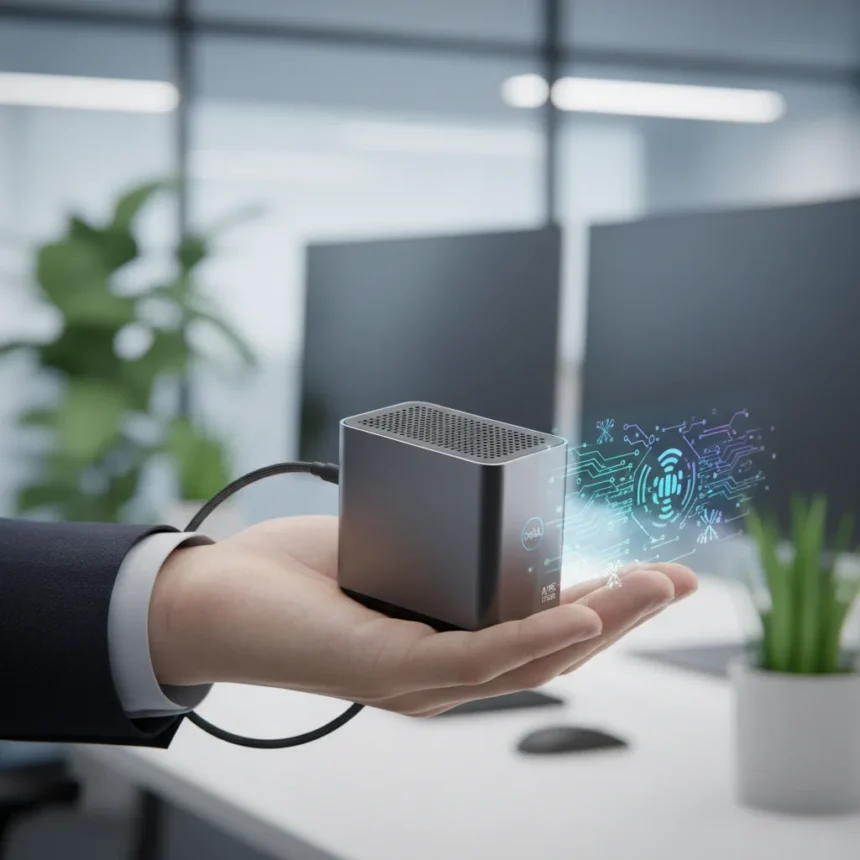
The Dell Pro Micro desktop is a compact AI-capable PC that measures just 7.17 inches tall, 1.41 inches wide, and 7.01 inches deep—small enough to fit in your palm—while drawing 100W of power through a single USB-C connection. It delivers 50 TOPS of AI computing power through an integrated Intel NPU, making it a genuine alternative to traditional tower desktops for offices where space is a premium.
Key Takeaways
- Palm-sized form factor (7.17 in. height) weighs just 2.57–3.05 lb, fitting easily on cramped desks
- Intel Core Ultra 5 235T processor with 14 cores delivers solid single and multi-threaded performance
- 50 TOPS NPU acceleration enables Copilot+ AI features without external GPU hardware
- 100W USB-C power delivery eliminates need for bulky power adapters or wall outlets
- Up to 64GB DDR5 memory and dual M.2 NVMe slots support demanding workloads
Office space is shrinking, and so are the machines that fill it. The Dell Pro Micro desktop challenges the assumption that serious computing requires a tower. At 2.57 to 3.05 pounds, it weighs less than a large water bottle. At those dimensions, it occupies roughly the footprint of a smartphone standing upright. Yet it runs Windows 11 Pro and handles tasks that would have required a full-size desktop five years ago.
Processor and AI Performance in the Dell Pro Micro Desktop
The Dell Pro Micro desktop ships with an Intel Core Ultra 5 235T processor featuring 14 cores: six Performance cores clocked at 2.2–5.0 GHz and eight Efficient cores running at 1.6–4.4 GHz, with 24MB of cache. This architecture balances single-threaded responsiveness with multi-threaded throughput—critical for both traditional productivity and emerging AI workloads. Configurations also support stepping up to Intel Core Ultra 7 or i7 variants for users who need additional headroom.
The real differentiator is the integrated Intel Series 3 NPU, which delivers 50 TOPS of AI computing power without requiring a discrete GPU. This enables native Copilot+ PC functionality and accelerates AI inference tasks like image processing, document analysis, and real-time transcription directly on the device. For offices deploying AI-assisted workflows, that on-device acceleration matters—it means no cloud dependency, no latency waiting for a server response, and no privacy concerns about shipping sensitive data elsewhere.


Dell also offers an AMD variant, the Pro Micro QCM1255, pairing a Ryzen 5 8500GE with six cores up to 5.0 GHz as a direct alternative within the same chassis. For buyers prioritizing raw single-threaded speed, the AMD option is worth evaluating, though the Intel configuration’s efficiency cores provide better sustained performance under varied workloads.
Memory, Storage, and Connectivity Options
The Dell Pro Micro desktop supports up to 64GB of DDR5 memory running at 4800–6400 MT/s across two SO-DIMM slots, with base configurations shipping at 8GB, 16GB, or 64GB. Storage uses dual M.2 2280/2230 Gen4 NVMe SSD slots, starting at 256GB, 512GB, or 1TB of TLC storage. Both memory and storage are user-upgradeable, so buyers can start lean and expand later without paying for maximum capacity upfront.



Connectivity is dense for such a small form factor. The front panel includes one USB 3.2 Gen1 Type-A port (5Gbps), one USB 3.2 Gen2 Type-C port (10Gbps), and a headset jack. The rear adds two USB 2.0 Type-A ports, 2–5 USB 3.2 Gen1 Type-A ports with SmartPower On capability, RJ-45 Gigabit Ethernet, and DisplayPort/HDMI outputs. Wireless connectivity relies on Intel AX211 WiFi 6E (802.11ax, 2×2 MIMO) and Bluetooth 5.3, with an optional MediaTek MT7920 WiFi 6 variant.
Graphics handling is managed by Intel Arc integrated graphics, which supports up to four simultaneous displays—configurations include one DisplayPort 1.4a output capable of 5120×3200 at 60Hz, HDMI 2.1 for 4K/5K displays, and optional 8K support via DisplayPort daisy-chaining. For a machine this small, multi-monitor support is a genuine productivity gain, especially in financial trading, design, or data analysis roles where screen real estate directly impacts workflow efficiency.
Power Delivery and Thermal Efficiency
The headline claim of 100W USB-C power delivery is the standout feature. Traditional desktop computers ship with bulky 300W–500W power supplies; the Pro Micro draws a fraction of that, meaning a single USB-C power adapter—or even a high-capacity USB-C power bank—can sustain the machine indefinitely. This is a genuine advantage for mobile professionals, traveling consultants, or office hotdesking scenarios where dragging cables and finding power outlets is friction.
Dell also offers 65W and 90W AC adapter options with a 4.5mm barrel connector for users who prefer traditional power. The flexibility matters: a 65W option lets budget-conscious buyers save on power infrastructure, while the 100W USB-C path appeals to those already invested in USB-C ecosystems (monitors, docking stations, power banks).



Thermal performance in such a compact chassis is critical. The Pro Micro’s design prioritizes passive and low-noise cooling, though exact thermal specifications are not detailed in available documentation. In practice, the efficient Core Ultra architecture (with its mix of Performance and Efficient cores) should keep thermals manageable during typical office workloads, with the NPU handling AI tasks without adding significant heat.
How the Dell Pro Micro Desktop Compares to Traditional Desktops
The Intel Core Ultra 5 235T in the Pro Micro outperforms the older Intel i7-13700T in multi-threaded scenarios, according to retailer claims, though detailed benchmark comparisons are not publicly available. The meaningful difference is architectural: the 13700T is a laptop-class processor from an older generation, while the Ultra 5 235T uses Intel’s latest efficiency and performance core mix. For most office tasks—email, spreadsheets, video calls, document editing—the difference is negligible. For AI workloads, the Pro Micro’s dedicated NPU gives it a clear edge over older generations.
The real competition is not other desktops but space constraints. In a traditional office, a tower PC occupies 6–8 cubic feet; the Pro Micro occupies less than 0.05 cubic feet. That’s not just a size difference—it’s a paradigm shift. Buyers choosing between the Pro Micro and a tower are not sacrificing performance; they are gaining space and simplicity in exchange for similar or better computing power.
What You Should Know Before Buying
The Dell Pro Micro desktop is available through Dell.com, Newegg, Micro Center, and Insight, with configurations starting at 8GB RAM and 256GB storage. All units ship with Windows 11 Pro, making them Copilot+ PC-capable out of the box. Three-year onsite service options are available through select retailers, which matters for businesses that cannot tolerate downtime.
The machine is not a gaming rig. The integrated Arc graphics handle productivity, video calls, and light creative work, but demanding games or GPU-accelerated rendering will show limitations. Similarly, the compact chassis prioritizes efficiency over extreme performance—workloads that max out CPU cores for hours might benefit from a larger, more powerful machine with better sustained cooling.
For most office environments, though, the Dell Pro Micro desktop is a genuine rethinking of what a desktop should be. It proves that you do not need a tower to get serious work done.
Is the Dell Pro Micro desktop suitable for remote workers?
Yes. The compact form factor, 100W USB-C power delivery, and multi-display support make it ideal for remote workers who move between home offices, coffee shops, and co-working spaces. A single USB-C cable handles both power and data connectivity, simplifying cable management.
Can you upgrade the RAM and storage on the Dell Pro Micro desktop?
Yes. Both RAM and storage are user-upgradeable. The machine includes two SO-DIMM slots for memory and dual M.2 NVMe slots for storage, so you can add capacity without opening a support ticket.
Does the Dell Pro Micro desktop support multiple monitors?
Yes. The integrated Intel Arc graphics support up to four simultaneous displays via DisplayPort 1.4a (5120×3200 at 60Hz), HDMI 2.1 (4K/5K), and optional 8K via daisy-chaining. Exact multi-monitor performance depends on your configuration and display resolution choices.
The Dell Pro Micro desktop is not revolutionary—it is evolutionary. It takes existing Intel technology, strips away unnecessary bulk, and delivers a genuinely useful machine for offices where space is precious and power efficiency matters. For that specific use case, it is hard to beat.
Edited by the All Things Geek team.
Source: TechRadar