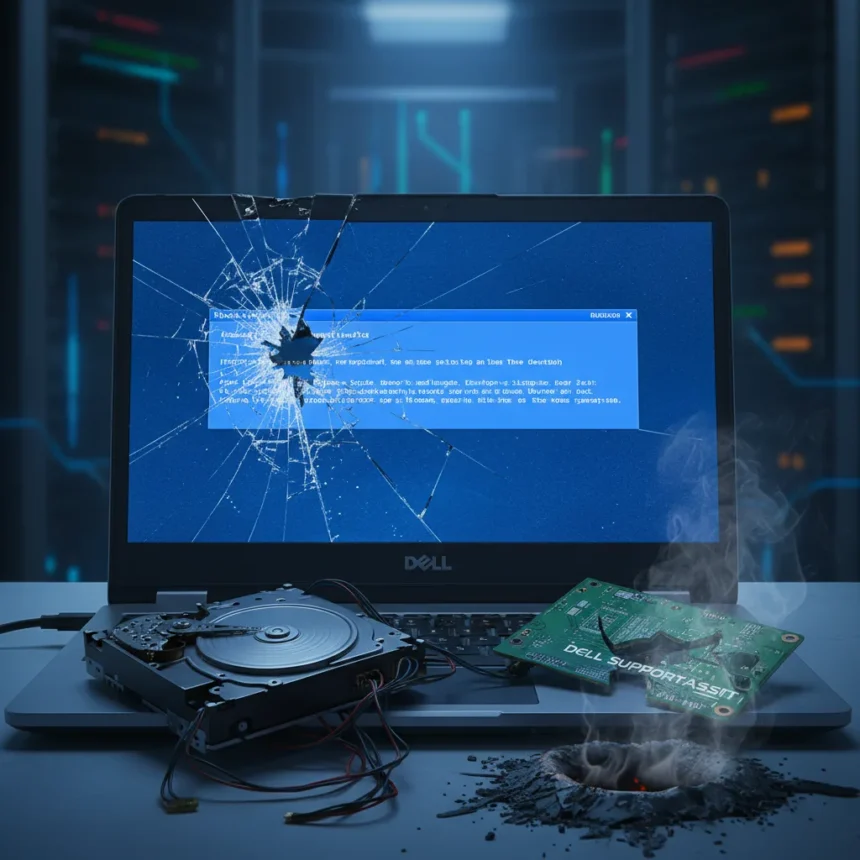
Dell SupportAssist crashing is the tech industry’s most bitter irony right now. A software update deployed in early May 2026 designed to help users diagnose and fix problems is instead triggering relentless blue screen of death (BSOD) crashes every 30 minutes on Dell PCs and laptops, including XPS and Alienware models. Users are locked in reboot loops while Dell’s own “support” tool destabilizes their systems.
Key Takeaways
- Dell SupportAssist May 2026 update causes BSOD crashes every 30 minutes on XPS and Alienware machines
- Affected components include SupportAssist OS Recovery Plugin, Dell Service Core, and Dell Tech Hub
- Quick fix: uninstall Dell SupportAssist and related components via Settings > Apps
- Timeline tools (Reliability Monitor, Event Viewer) confirm SupportAssist updates precede crashes
- No official Dell patch confirmed as of May 12, 2026
The irony cuts deep. Dell positions SupportAssist as a protective layer—a proactive tool that monitors hardware health and patches vulnerabilities before they become problems. Instead, the software itself has become the problem. Reports started flooding in on May 11, 2026, describing systems grinding to a halt with Kernel-Power errors and CRITICAL_PROCESS_DIED crashes (error code 0xEF). This isn’t a hardware failure. This isn’t a Windows 11 incompatibility. This is Dell’s own code destroying system stability.
What’s Actually Happening Inside Your System
The crashes are tied to high RAM consumption and SupportAssist-related processes that are interfering with core Windows components like csrss.exe and wininit.exe. When these critical system processes fail, Windows has no choice but to crash and restart. The cycle repeats every 30 minutes, making the machine essentially unusable. Users report that even basic tasks become impossible when the system reboots constantly.
This isn’t Dell’s first stumble with SupportAssist. A similar bug emerged in December 2024 and was eventually resolved, but the May 2026 update suggests the company hasn’t learned from that failure. The affected components span multiple layers: Dell SupportAssist itself, the SupportAssist OS Recovery Plugin, Dell Service Core, Dell Tech Hub, and various remediation and recovery plugins. It’s a cascading failure across Dell’s entire support infrastructure.


How to Fix Dell SupportAssist Crashing Right Now
The fastest solution is uninstallation. Users who have removed Dell SupportAssist and its related components report immediate stability restoration. Here’s how to do it:
Open Settings and navigate to Apps > Installed Apps (or Programs and Features in older Windows versions). Search for each of these components and uninstall them in order: Dell SupportAssist, Dell SupportAssist OS Recovery Plugin, Dell Connected Service Delivery, Dell Service Core (which includes Tech Hub), and Dell Pair. After removing each one, restart your system and monitor for stability. Most users report that crashes stop immediately once all SupportAssist components are gone.



Before uninstalling, verify that SupportAssist updates actually triggered your crashes. Open Reliability Monitor to see a calendar view of system failures and software installations. If you see SupportAssist updates installed immediately before crash events began, you’ve found your culprit. Event Viewer will show Kernel-Power errors confirming unexpected restarts. This timeline reconstruction takes five minutes and confirms whether SupportAssist is truly responsible before you start removing components.
Troubleshooting If Uninstall Alone Doesn’t Work
Some users may need deeper diagnostics. Dell’s official troubleshooting path involves running pre-boot diagnostics by restarting your computer, pressing F12 repeatedly during startup, and selecting Diagnostics from the boot menu. Run the SupportAssist Pre Boot System Assessment to check for hardware failures and record any error codes. If hardware passes diagnostics, the problem is software—which means uninstalling SupportAssist should solve it.
For advanced users comfortable with Windows internals, WinDbg analysis of minidumps can identify the exact component causing crashes. Windows automatically creates minidump files when BSOD events occur; analyzing these files with WinDbg pinpoints which driver or service is triggering the critical process failure. This step is optional for most users—uninstallation usually works—but it provides definitive proof of what went wrong.
Avoid running Dell’s SupportAssist troubleshooter while active crash loops are happening. The tool may exacerbate instability rather than resolve it, especially when the system is in a degraded state.



Why This Matters Beyond Individual Users
This incident exposes a systemic problem with OEM support software. Dell SupportAssist runs with elevated privileges and deep system integration, which means a buggy update doesn’t just inconvenience users—it can completely disable their machines. Enterprise environments using managed Dell deployments face particular risk; IT teams in those settings should pause SupportAssist updates until Dell releases a fix.
Contrast this with standard Windows diagnostics tools like Reliability Monitor and Event Viewer, which users can access without installing third-party software. These built-in tools provide timeline visibility and error logging without the risk of destabilizing the system. Dell’s decision to bundle support functionality into a proprietary application that runs continuously, rather than offering it as an optional on-demand tool, creates unnecessary risk.
When Will Dell Fix This?
As of May 12, 2026, no official Dell patch has been confirmed. The company’s support channels acknowledge the issue, but no timeline for a fix has been announced. Users are left to choose between uninstalling their support software or tolerating constant crashes. That’s not a choice any PC owner should face.
Is uninstalling Dell SupportAssist safe?
Yes. SupportAssist is convenience software, not a core system component. Uninstalling it removes proactive health monitoring and automated diagnostics, but your PC will function normally without it. You can still access Dell support through the web, and Windows’ built-in diagnostic tools remain available.
Will my Dell warranty be affected if I remove SupportAssist?
The research brief contains no information about warranty implications. Contact Dell support directly to confirm whether uninstalling SupportAssist affects your specific warranty coverage.
What should I do if crashes continue after uninstalling SupportAssist?
If BSOD events persist after removing all Dell support components, the root cause is likely hardware-related or a different software conflict. Run Dell’s pre-boot diagnostics to check hardware health, and review Event Viewer logs to identify which driver or service is triggering crashes. If hardware diagnostics pass, a Windows reinstall may be necessary.
Dell SupportAssist crashing systems is a reminder that support software should help, not harm. Until Dell releases a fix, uninstallation is the practical solution. Your PC’s stability is more important than proactive monitoring from a buggy tool.
Edited by the All Things Geek team.
Source: Tom's Guide