





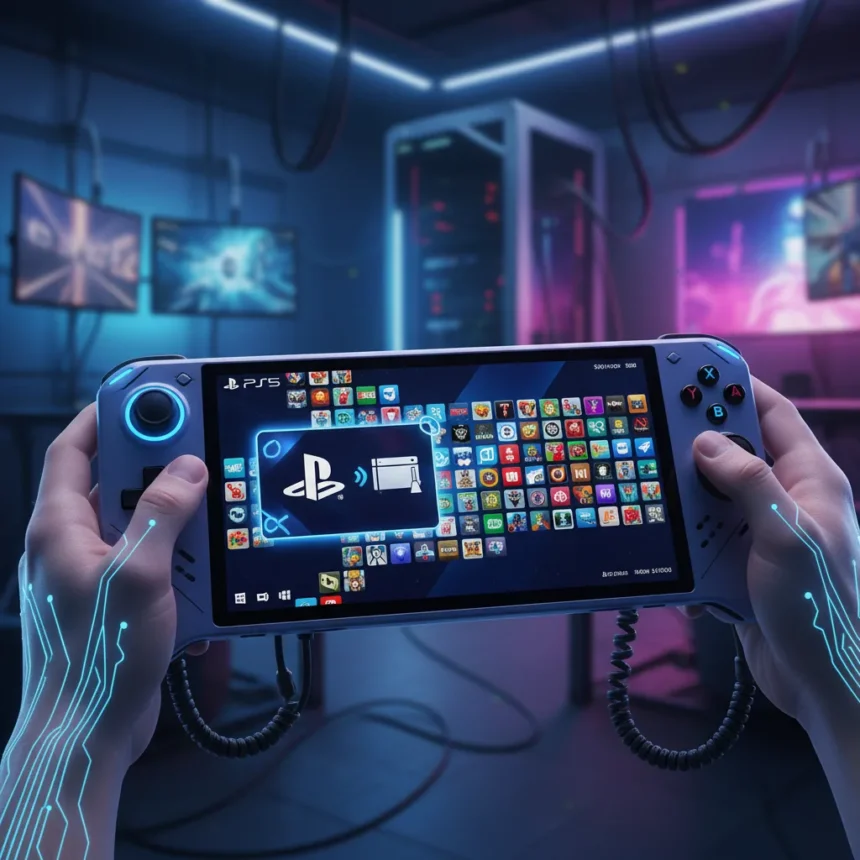
Winhanced is a Windows handheld gaming front end designed to give Windows gaming handhelds a more console-like experience, and the latest update fundamentally expands what these devices can do. The platform now integrates PlayStation library support, enables PS5 remote streaming through Chiaki, and adds backing for over 108 emulators, transforming Windows handhelds from pure PC gaming devices into true all-in-one gaming hubs.
Key Takeaways
- Winhanced now supports PlayStation library integration and PS5 remote streaming via Chiaki
- Over 108 emulators are now supported, covering classic gaming systems
- New Apps Library feature creates a unified interface for all gaming content
- Improved controller navigation makes the handheld experience more console-like
- Windows game compatibility is fully retained alongside new gaming sources
PlayStation Integration Brings Console Gaming to Windows Handhelds
The most significant addition is PlayStation library integration paired with PS5 remote streaming through Chiaki. This means users can browse and launch their PlayStation games directly from Winhanced’s interface, then stream PS5 titles to play on their Windows handheld device. For players who own both Windows handhelds and PlayStation hardware, this eliminates the friction of switching between separate launchers and interfaces. The integration treats PlayStation as a first-class gaming source alongside PC libraries.
PS5 remote streaming is not new technology, but embedding it into Winhanced’s unified launcher makes it genuinely useful for handheld players. Instead of juggling multiple apps, users now access PlayStation content through the same interface they use for their Steam library and emulated games. This architectural approach—treating all gaming sources as equal ecosystem components—is what distinguishes Winhanced from a basic Windows launcher.
Emulator Support Expands Gaming Library Dramatically
Support for over 108 emulators represents a massive expansion of Winhanced’s gaming reach. Classic gaming systems—from 8-bit consoles to 32-bit platforms—become accessible through a single, controller-friendly interface. Rather than downloading separate emulator applications and managing ROM libraries independently, users configure their emulators once within Winhanced and launch games directly from the hub.


This consolidation matters because Windows handhelds like the ROG Ally X and Legion Go excel at running modern PC games, but they also have the horsepower to handle decades of retro gaming. Winhanced lets users leverage that capability without abandoning their primary gaming interface. The emulator support transforms these devices from single-purpose PC gaming machines into cross-generational gaming platforms.
Console-Like Interface Makes Windows Handhelds Genuinely Competitive
The new Apps Library and improved controller navigation directly address why many users prefer dedicated gaming handhelds. Windows, by default, is a desktop operating system adapted for handheld form factors—it works, but the experience feels compromised. Winhanced solves this by creating a console-style menu system optimized for controller input and handheld screen sizes.



Smoother controller navigation means users spend less time hunting through menus and more time playing. Combined with the ability to launch PC games, PlayStation titles, and emulated classics from a single interface, Winhanced positions Windows handhelds as direct competitors to purpose-built gaming devices. The platform retains full Windows game compatibility—a significant advantage over closed systems—while hiding Windows complexity behind a gamer-friendly facade.
Does Winhanced work with all Windows gaming handhelds?
Winhanced is designed for Windows gaming handhelds generally, though specific device optimization varies. The platform works on any Windows handheld but performs best on devices with sufficient hardware for the games and emulators you want to run. Check the Winhanced documentation for device-specific compatibility details and recommended specifications.
Can you use Winhanced alongside Steam’s Big Picture mode?
Yes. Winhanced acts as an alternative launcher and front end, not a replacement for Steam. You can run both—use Winhanced as your primary interface and launch into Steam games, or switch to Big Picture mode when you prefer. The choice depends on your workflow and preference.
Is Winhanced free to use?
Winhanced is available as a free, open-source project. There are no subscription fees or paywalls. Users can download and install it on any Windows handheld without cost, though supporting the developers through donations or contributions is encouraged.


The Winhanced update represents a maturation of the Windows handheld ecosystem. By unifying PC gaming, PlayStation streaming, and retro emulation into a single console-like interface, the platform makes Windows handhelds genuinely competitive with dedicated gaming devices while preserving their biggest advantage: unrestricted access to the full Windows game library. For players who want flexibility without sacrificing usability, this is the update that makes Windows handhelds finally feel like complete gaming platforms.
Edited by the All Things Geek team.
Source: Windows Central




