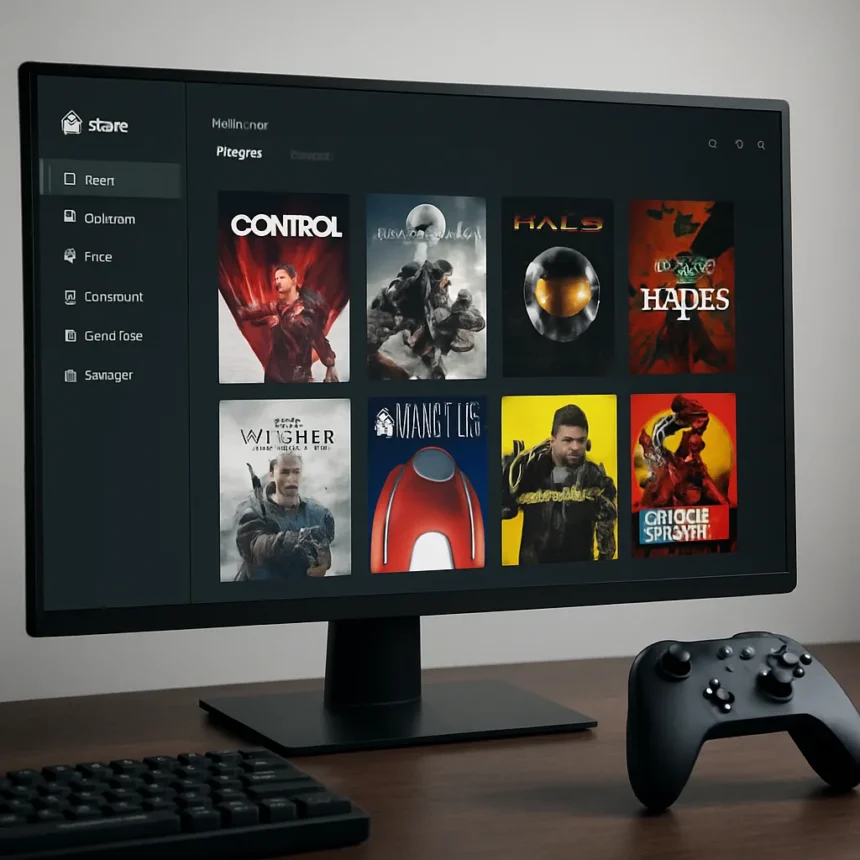
The Xbox PC App is finally closing the gap between itself and Steam. A March 2026 update introduced a feature that lets you manually add any game or app to your library, while an aggregated gaming library system automatically pulls in titles from Steam, Battle.net, Epic Games Store, and GOG into one unified interface. For PC gamers tired of juggling multiple launchers, this is the update they’ve been waiting for.
TL;DR: The Xbox PC App’s March 2026 update (version 2603.1001.17.0) now allows manual app additions via a plus icon, and automatically aggregates installed games from Steam, Epic, Battle.net, and GOG into a single “My Library” view. This removes a major friction point that made Steam the default choice for most PC gamers.
Xbox PC App Add Games Feature: How It Works
The new plus icon in the Xbox app lets you manually add applications and games directly to your library. Once added, these apps appear in the “My apps” tab and can be launched straight from the Xbox interface. It sounds simple, but it addresses a critical pain point: before this update, the Xbox app felt limited to its own ecosystem. Now you can build a unified gaming hub regardless of where you bought your games.
The manual addition feature pairs with something even more ambitious—the aggregated gaming library that rolled out in 2026. This system automatically detects and integrates installed games from multiple storefronts without requiring manual intervention. Games from supported platforms appear in “My Library” and the “Most Recent” section, turning the Xbox app into a genuine one-stop launcher rather than just another storefront fighting for shelf space on your taskbar.


Aggregated Gaming Library: The Real significant shift
The aggregated gaming library feature, announced in June 2025 and rolling out throughout 2026, is where the Xbox app finally matches what Steam users take for granted. Instead of launching Steam to play a Steam game, then switching to Epic Games Store for another title, everything lives in one place. Your entire PC gaming collection—regardless of where you purchased it—appears unified.
This matters because Steam’s dominance partly comes from convenience. It became the default launcher because it was simpler to use one app than five. The Xbox app spent years fighting this by trying to force users into its ecosystem. Now it’s taking the smarter approach: accept that PC gamers buy from multiple stores and make the Xbox app the central hub that respects that reality. That’s a fundamental shift in strategy.



Xbox PC App vs. Steam: Where This Leaves the Competition
Steam remains the largest PC gaming platform by library size and player base, but the Xbox app’s aggregation feature removes a key reason to choose Steam as your default launcher. Steam still has superior community features, workshop integration, and a massive back-catalog, but if you’re primarily concerned with launching games and managing your collection, the Xbox app is now a legitimate alternative.
The comparison also matters for Game Pass subscribers. The Xbox app is the native home of Game Pass for PC, meaning subscribers get hundreds of included titles plus the ability to add their entire external library into one view. Steam offers no equivalent subscription service at that scale. For players who value subscription gaming, the Xbox app’s unified library approach becomes substantially more appealing.
Why This Took So Long
Microsoft’s original Xbox app strategy treated it as a gateway to Game Pass and Microsoft-published titles. The company spent years trying to make the Xbox ecosystem self-contained rather than embracing the reality of PC gaming: players use multiple stores and will never consolidate into one platform. This update suggests Microsoft finally understands that winning on PC means working with the ecosystem, not against it.
The manual add feature and aggregated library don’t force you into Microsoft’s ecosystem. They simply make the Xbox app more useful whether you’re a Game Pass subscriber or not. That’s the kind of thinking that could actually shift PC gamers’ habits—not through exclusivity or aggressive tactics, but through genuine utility.


Should you switch your primary launcher to the Xbox PC App?
If you’re a Game Pass subscriber or prefer a unified library view, the Xbox app is now worth trying as your main launcher. If you rely heavily on Steam’s community features, workshop mods, or social integration, Steam remains the better choice. The best answer depends on your priorities—but for the first time, “Xbox app” is a defensible answer instead of a compromise.
Does the Xbox PC App aggregated library include all PC storefronts?
The aggregated library currently supports Steam, Battle.net, Epic Games Store, and GOG. Other storefronts are not included. If you buy games from smaller platforms, you’ll still need to add them manually using the new plus icon feature.
Can you launch games directly from the Xbox app without opening the original store?
Yes. Once a game appears in your Xbox app library—whether through manual addition or automatic aggregation—you can launch it directly from the Xbox interface. You don’t need to open Steam, Epic, or any other launcher.
The Xbox PC App’s March 2026 update finally answers the question PC gamers have been asking for years: why can’t one launcher just manage everything? It still can’t match Steam’s depth of community features, but as a unified library manager and Game Pass hub, it’s now genuinely competitive. That’s not revolutionary, but for a platform that spent years fighting the market instead of serving it, it’s a significant step toward relevance.
Edited by the All Things Geek team.
Source: Windows Central