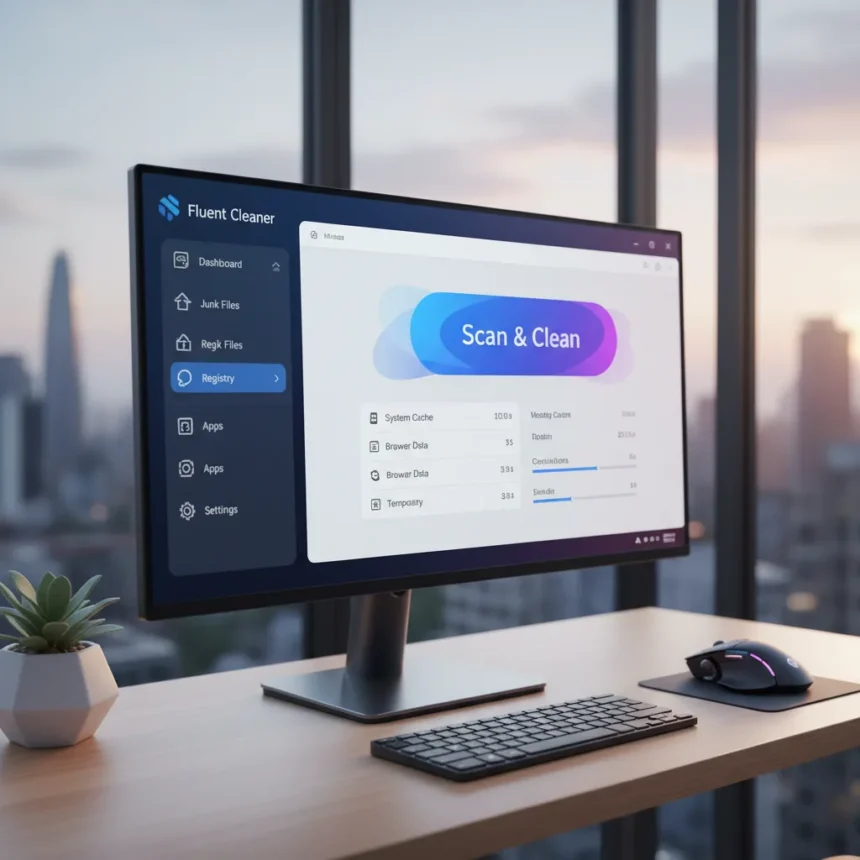
Fluent Cleaner Windows 11 is an open-source system cleaning utility built specifically for Windows 11 using native WinUI 3, delivering the Fluent Design interface that feels like it shipped with the operating system itself. Developed by a solo GitHub creator under the username FullCircle1960, the tool launched in October 2024 and has already accumulated over 1,000 stars on GitHub—a striking signal that Windows users are ready to ditch bloated legacy cleaners.
Key Takeaways
- Fluent Cleaner Windows 11 uses native WinUI 3 design, matching Windows 11’s visual language perfectly.
- Completely free and open-source under MIT license; available on GitHub with no ads or telemetry.
- Requires Windows 11 build 22621 (version 22H2) or later; incompatible with Windows 10.
- Includes junk cleanup, registry cleaning, startup manager, duplicate finder, large file scanner, and browser extension manager.
- Latest version v0.5.0 available as downloadable installer or portable executable for USB use.
Why Fluent Cleaner Windows 11 Matters Right Now
CCleaner has dominated the system cleaning space for two decades, but the tool feels increasingly out of place on Windows 11. Its interface looks borrowed from Windows 7, its free version is riddled with upsells, and it collects telemetry data that many users find invasive. Fluent Cleaner Windows 11 arrives at a moment when Windows 11 users are actively seeking alternatives that respect their preferences and match their operating system’s modern aesthetic. The rapid GitHub adoption suggests this frustration has reached a tipping point.
What sets Fluent Cleaner Windows 11 apart is architectural purity. Rather than bolting a legacy UI onto modern Windows, it was built from the ground up with WinUI 3—the same framework Microsoft uses for its own applications. Every button, menu, and dialog feels native because it literally is. This is not a cosmetic detail; it signals that the developer understands Windows 11 design principles in a way that established competitors simply do not.
Core Features of Fluent Cleaner Windows 11
Fluent Cleaner Windows 11 bundles tools that rival or exceed what CCleaner offers in its paid tier. The Cleaner tab scans for junk files, temporary files, browser cache, and other debris, displaying results in a sortable list organized by size and path. Users review detected items before deletion—a safety-first approach that prevents accidental data loss. The Registry tab performs similar scanning for invalid entries and orphaned keys, with automatic restore point creation before fixes are applied. The Startup Manager displays all startup apps and services with impact scores and command-line details, letting users disable resource hogs without guessing which entries matter. The duplicate file finder works across chosen folders with hash-based matching and customizable size filters. A large file scanner identifies storage hogs exceeding user-defined thresholds. Finally, the extension manager covers Edge, Chrome, and Firefox, consolidating browser cleanup into one interface.


None of these features are revolutionary individually, but their collective depth and integration into a single, coherent interface create something CCleaner never managed: a tool that feels designed for Windows 11 rather than retrofitted onto it.
Installation and Getting Started with Fluent Cleaner Windows 11
Setting up Fluent Cleaner Windows 11 takes under two minutes. Download the latest .msixbundle file from the GitHub releases page, double-click it, and Windows App Installer handles the rest. The tool automatically downloads Microsoft Edge WebView2 runtime if it is missing—a lightweight dependency that most Windows 11 machines already have. For users who prefer portability, a standalone executable version extracts to any folder and runs without installation, making it ideal for USB drives or offline systems.



After launch, the interface greets you with five main tabs: Cleaner, Registry, Startup, Duplicate Finder, and Extensions. Each tab is self-explanatory. The Cleaner tab offers a prominent Scan button; click it, wait for the analysis to complete, then review the detected files. Sorting by size helps identify the biggest space-wasters. Select items to delete and click Clean. Registry scanning follows the same pattern: Scan for Issues, review the results, and Fix Selected after a restore point is created. The startup manager simply lists items with toggles—disable what you do not need.
Fluent Cleaner Windows 11 vs. CCleaner and Other Alternatives
CCleaner remains the industry default, but that reputation rests on legacy dominance rather than current merit. The tool’s interface looks dated on Windows 11, its free version aggressively pushes premium features, and its data collection practices have drawn scrutiny from privacy advocates. Fluent Cleaner Windows 11 eliminates every one of these friction points: no ads, no upsells, no telemetry, and a design that belongs on modern Windows. For users who have tolerated CCleaner out of habit, switching feels like finally upgrading to something that respects both their system and their choices.
BleachBit offers open-source cleaning, but its interface feels utilitarian and lacks Windows 11 optimizations. Wise Disk Cleaner provides a free tier but uses a dated design that clashes with Windows 11 aesthetics. Fortect and TotalAV demand subscriptions for serious functionality. None of these alternatives combine Fluent Cleaner Windows 11’s trifecta of native design, zero cost, and open-source transparency. The tool essentially fills a gap that established vendors left open—a gap created by their own reluctance to modernize.
Is Fluent Cleaner Windows 11 Safe?
Safety concerns are legitimate when downloading system utilities, especially from independent developers. Fluent Cleaner Windows 11 addresses this through transparency: the full source code is available on GitHub for anyone to audit. The MIT license means no hidden clauses or proprietary restrictions. The tool collects zero telemetry, stores no user data, and includes no bundled software. Registry cleaning, the most risky operation any system utility performs, requires explicit user review before changes are applied and automatically creates a restore point beforehand. These safeguards exceed what CCleaner offers by default.



The Windows 11 requirement (build 22621 or later) is another safety feature, not a limitation. Newer Windows builds include security improvements and API stability that older versions lack. Users on earlier Windows 11 versions should update their operating system before attempting installation. Windows 10 users cannot run Fluent Cleaner Windows 11 at all—a deliberate choice by the developer to ensure the tool leverages Windows 11-specific capabilities rather than maintaining backward compatibility that would compromise design and functionality.
Frequently Asked Questions
What is the latest version of Fluent Cleaner Windows 11?
The latest stable release is v0.5.0, available from the GitHub releases page. The project remains under active development, with updates addressing user feedback and adding refinements to existing features.
Does Fluent Cleaner Windows 11 work on Windows 10?
No. Fluent Cleaner Windows 11 requires Windows 11 version 22H2 (build 22621) or later. It is not compatible with Windows 10 or earlier Windows 11 builds, by design.
Is Fluent Cleaner Windows 11 truly free forever?
Yes. The tool is open-source under the MIT license with no ads, no telemetry, and no premium tier. The developer has committed to keeping it free, and the public source code ensures this commitment is enforceable by the community.
Fluent Cleaner Windows 11 represents a rare moment in software: a tool that does what users actually want, respects their privacy, and looks like it belongs on their system. For anyone who has grown tired of CCleaner’s bloat and aggressive monetization, the switch is not just worth considering—it feels inevitable.
Edited by the All Things Geek team.
Source: Windows Central