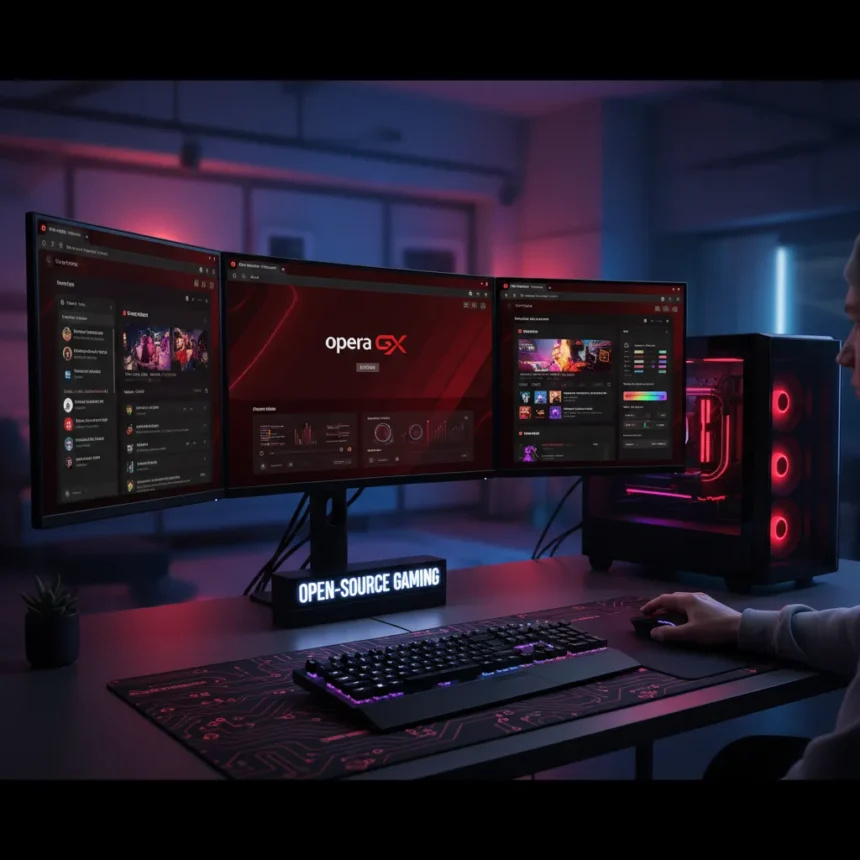
Opera GX Linux browser has officially arrived as a native application, fulfilling years of user demand and marking a significant shift in how the gaming-focused browser ecosystem serves open-source platforms. The Chromium-based browser, originally launched in 2019 by Opera Software in Oslo, rolled out its Linux version in March 2026 following a cheeky January announcement that contrasted the company’s approach with Microsoft’s aggressive AI integrations in Windows.
Key Takeaways
- Opera GX Linux browser now available natively for GNOME and KDE distributions including Nobara Linux and Bazzite
- GX Control limits CPU, RAM, and network usage without sacrificing gaming performance
- Integrated Discord sidebar, Twitch integration, and Spotify music player built directly into the browser
- Over 10,000 community mods enable custom themes, keyboard sounds, shaders, and visual effects
- Free download with optional AI tools powered by Gemini and built-in VPN
What Opera GX Linux Browser Brings to Open-Source Gaming
Opera GX Linux browser distinguishes itself through resource management features designed specifically for gamers who want to run demanding titles without browser overhead. The GX Control system allows users to set hard limits on CPU, RAM, and network bandwidth consumption, preventing background processes from throttling in-game performance. This addresses a core frustration among Linux gamers who have traditionally relied on generic browsers offering no gaming-specific optimizations.
The browser’s feature set extends beyond performance controls. Integrated Discord and Twitch sidebars keep community and streaming tools accessible without switching windows. A built-in music player supports Spotify, Apple Music, and YouTube Music, while GX Corner aggregates game deals and release calendars in one dashboard. Razer Chroma RGB integration allows synchronized lighting effects across compatible peripherals, a feature previously unavailable to Linux users running Chromium alternatives.
Customization That Rivals Desktop Environments
Opera GX Linux browser positions itself as the first browser to offer full appearance customization comparable to operating system-level theming. The browser includes over 10,000 community-created mods enabling custom color themes, keyboard sound effects, audio effects, force dark mode, and visual shaders. This depth of personalization appeals to both gamers seeking aesthetic control and developers who want their tools to match their workflow environment.


The customization extends to privacy and content filtering. Free VPN, content blockers, panic mode for instant history clearing, and split tabs with tab islands provide granular control over browsing behavior and data exposure. Battery saver mode and browser notifications round out features targeting laptop users and multitasking scenarios.
Why Linux Gamers Should Care Right Now
The timing of Opera GX Linux browser’s release aligns with accelerating Linux gaming adoption and growing frustration with Windows AI features. Linux distributions like Zorin OS have attracted over 2 million installations, with roughly one-third coming from Windows users seeking alternatives. Opera’s move signals recognition that this migration is real and that gaming-focused tooling matters to the Linux community.



Microsoft’s push to embed Copilot and AI assistants throughout Windows—including in File Explorer—has created friction among power users who prefer minimal, opt-in feature stacks. Opera GX Linux browser offers an escape route for gamers and developers tired of invasive AI suggestions. The browser includes Gemini-based AI tools, but they are optional rather than forced, respecting the open-source philosophy of user choice.
Compatibility and Installation
Opera GX Linux browser works natively on GNOME and KDE desktop environments, covering the two dominant Linux desktop paradigms. Specific compatibility has been confirmed for Nobara Linux and Bazzite, both gaming-focused distributions, though the browser should function on any major distro running these desktop environments. The native application approach means no Flatpak emulation layer or performance penalty compared to Windows versions.
Installation is straightforward: download from Opera’s official site or your distribution’s package manager and launch. The browser respects system-level settings for themes and fonts, integrating smoothly into existing Linux desktops rather than imposing its own visual language.
How does Opera GX Linux browser compare to alternatives?
Opera GX Linux browser differs fundamentally from generic options like Brave or standard Chromium builds. Brave emphasizes privacy through content blocking and Tor integration, but lacks gaming-specific features like GX Control or Discord sidebar integration. Standard Chromium offers no resource limiting or gaming customizations at all. Opera GX Linux browser splits the difference: privacy-respecting like Brave, but with hardware management and gaming community features neither alternative provides.



Can I use all Opera GX features on Linux?
Most core Opera GX Linux browser features work identically to Windows and macOS versions, including GX Control, customization mods, and Discord/Twitch integration. Some advanced features like Razer Chroma RGB may behave differently depending on your Linux distribution and hardware setup, as RGB support varies across distros and requires specific drivers. The browser itself is fully functional; edge-case hardware integration may require additional configuration.
Is Opera GX Linux browser free?
Yes, Opera GX Linux browser is completely free to download and use. All core features, including GX Control, customization, VPN, and content blockers, are available at no cost. Optional premium services or cosmetic add-ons may exist in the future, but the browser itself imposes no paywall or subscription requirement.
Opera GX Linux browser’s arrival marks a watershed moment for gaming on open-source platforms. It proves that gaming-focused software vendors now see Linux as a legitimate market, not an afterthought. For Windows gamers considering the leap to Linux, or Linux gamers tired of generic browser options, Opera GX Linux browser removes one major friction point and delivers a tool built specifically for how they work.
Edited by the All Things Geek team.
Source: Tom's Hardware