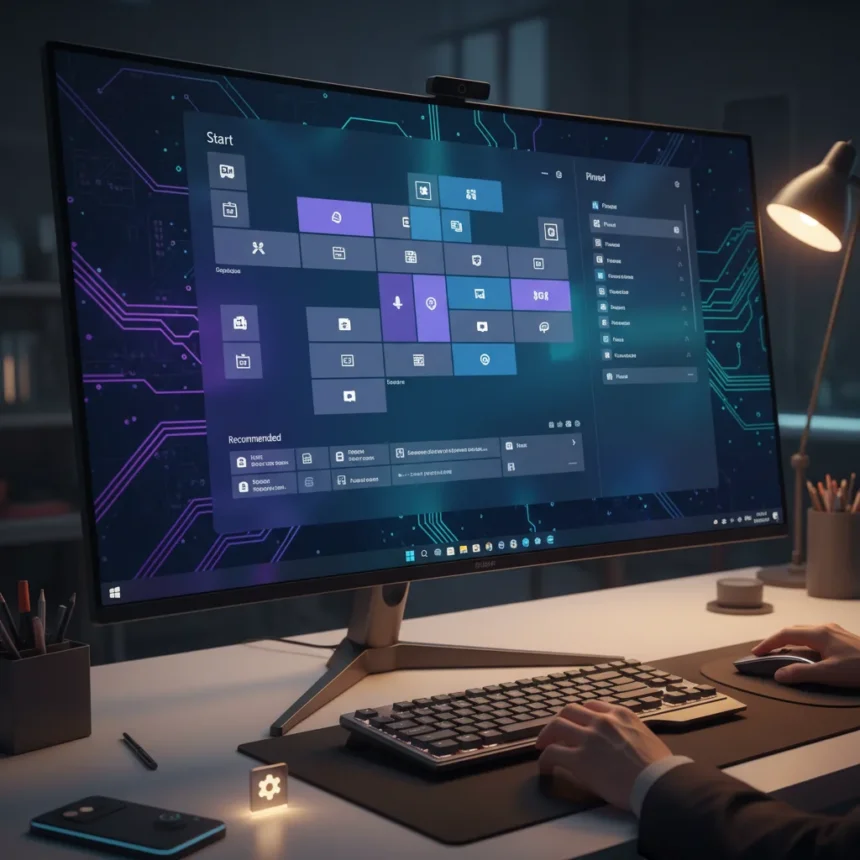
Microsoft’s Windows 11 Start menu upgrades represent a major architectural shift that admits a hard truth: the company’s initial web-based approach to core Windows features didn’t work. The tech giant is rebuilding the Start menu from the ground up using WinUI 3 instead of React-based components, enabling faster performance, smarter app recommendations, and the granular customization users have demanded since Windows 11 launched.
Key Takeaways
- Microsoft is replacing React components with WinUI 3 for lower latency and faster updates across Start menu
- Users will soon resize the Start menu by adjusting pinned app rows and toggling “Show less” or “Show more” displays
- New intelligent algorithm learns user behavior to surface frequently accessed apps with fewer clicks
- Hardware-accelerated animations via DirectComposition reduce jank and battery drain on Windows 11 devices
- Rollout expected through 2026 via Windows updates; currently testing in Insider Preview Build 26200.5518
Why Microsoft Is Abandoning Web Tech for Windows 11 Start menu
The shift from React to WinUI 3 is a quiet but significant admission. React-based components worked fine for experimental features like the Recommended feed and All apps list, but they introduced latency and responsiveness gaps that felt wrong in a core OS feature. Microsoft is moving back to native Windows UI to eliminate those friction points. The company claims speed improvements in both launch times and animation smoothness, aiming for a Start menu that feels “as fast as your instinct”.
This architectural pivot matters because it signals Microsoft’s broader 2026 roadmap priorities: performance and reliability trump flashy web-heavy experimentation in critical user-facing systems. DirectComposition now powers animations, offloading work to the GPU rather than the CPU, which reduces visual jank and extends battery life on laptops. Asynchronous icon and recommendation loading means the Start menu opens instantly, even if content is still populating in the background.
Windows 11 Start menu upgrades: Customization options you’re getting
The Windows 11 Start menu upgrades finally address the customization complaints that haunted the original design. Users can now resize the Start menu by adjusting how many rows of pinned apps display—toggling between “Show less” and “Show more” to expand from 2 rows to 4 rows for pins or recommendations. This is a direct response to Windows 10 users who felt the Windows 11 redesign stripped away control.


Beyond resizing, the new Start menu lets users pin apps, group them into folders, and apply custom themes. The Recommended section now intelligently surfaces relevant apps and recently viewed files, pulling from cloud sources like OneDrive and Microsoft 365 for real-time context-aware suggestions. Accessibility also improves, with better screen reader and keyboard navigation support.
To access current Start menu settings before these upgrades roll out, open Settings (Windows key + I), navigate to Personalization > Start, and adjust the balance between pins and recommendations. You can already manage pinned apps into folders by dragging them, but the new resizing toggles will arrive as part of the 2026 updates.



Performance gains and the new app-learning algorithm
A new algorithm underpins the Windows 11 Start menu upgrades by learning which apps you actually use. Instead of showing a static list, it prioritizes frequently accessed applications, reducing the clicks needed to launch what you need. The algorithm works silently in the background, adapting over time as your habits change.
Performance testing in Insider Preview Build 26200.5518 shows measurable improvements in responsiveness and animation smoothness compared to the current React-based implementation. Hardware acceleration via DirectComposition is the key technical enabler—it moves rendering burden off the CPU, preventing the stutter and lag that plagued earlier versions. Quicker launch times mean the Start menu responds the instant you press the Windows key.
When will Windows 11 Start menu upgrades arrive?
Microsoft is rolling out these upgrades through the broader 2026 Windows 11 roadmap, with builds like 25H2 and 26H2 targeting general availability in the coming months. The features are currently being tested in Insider Preview Build 26200.5518, which means they remain works-in-progress and may change before wider release. No exact launch date has been confirmed, but the 2026 timeline suggests these upgrades will reach mainstream users within the next several update cycles.
Current Windows 11 users running the latest stable builds can already access basic Start menu customization via Settings > Personalization > Start, but the resizing toggles, expanded row options, and performance improvements are exclusive to preview builds for now.



How does this compare to Windows 10’s Start menu?
Windows 11’s original Start menu drew criticism for removing tiling and limiting customization compared to Windows 10, which let users create custom tile layouts and organize apps visually. The Windows 11 Start menu upgrades restore much of that flexibility by enabling pinned app grouping, row resizing, and theme customization, though not the full tile-based system Windows 10 offered. The new intelligent recommendations also go further than Windows 10, using cloud integration and behavior learning to surface apps contextually.
Will the new Recommended section raise privacy concerns?
The Recommended section’s cloud integration with OneDrive and Microsoft 365 introduces increased telemetry to surface real-time suggestions. Users who prioritize privacy may want to review what data flows between their Start menu and Microsoft’s cloud services, though the brief does not detail specific data collection practices. The toggle-based customization at least gives users control over how many recommendations appear on screen.
Can I disable parts of the Windows 11 Start menu upgrades?
Yes. The new toggle controls let you choose how much of the Start menu you see—”Show less” minimizes recommendations and pinned app rows, while “Show more” expands them. You can also manage which apps appear by pinning and unpinning them, and group them into folders for organization. These controls arrive as part of the 2026 updates and will be accessible via Settings > Personalization > Start.
Microsoft’s shift to WinUI 3 and native performance optimization signals a maturation in how the company approaches Windows 11 development. The Windows 11 Start menu upgrades prove that user feedback about customization and responsiveness resonates—and that sometimes going back to proven architectural foundations beats chasing web-tech trends. Expect these features to roll out gradually through 2026, with Insider Preview testers seeing them first.
Edited by the All Things Geek team.
Source: Windows Central