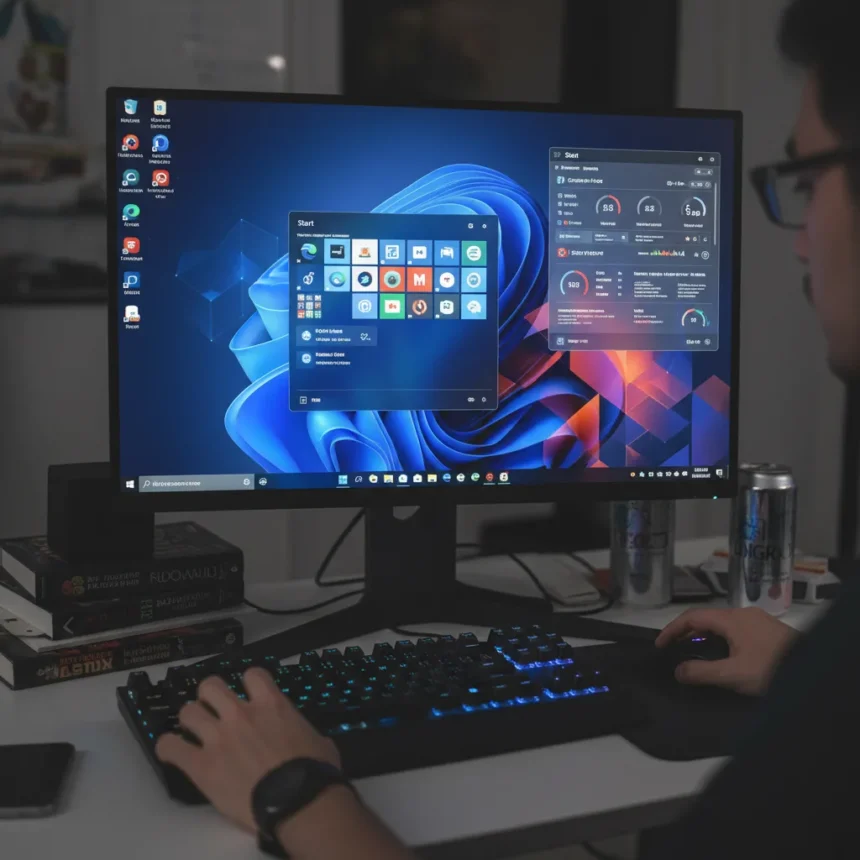
Windows 11 customization has become a thriving ecosystem of third-party tools, not because users love experimenting—but because Microsoft refuses to give them basic options that Windows 10 users took for granted. The taskbar is locked to the center. The Start menu cannot be resized. Shortcuts cannot be grouped. These are not missing features in some distant roadmap. They are deliberate design choices, and they are driving users toward tools that Microsoft itself is now actively blocking.
Key Takeaways
- Windows 11 centers the taskbar by default and removes the ability to reposition it to the sides or top, a highly requested feature.
- The Start menu changed from cascading design to a grid layout, removing resizable and full-screen options.
- Microsoft is blocking customization apps in Windows 11 24H2, potentially causing a black screen of death.
- Third-party tools thrive because users want to restore Windows 10 workflows and UI conventions.
- Microsoft design leaders promise improvements, but trust remains low after years of unfulfilled promises.
The Design Lockdown That Sparked a Backlash
Microsoft’s approach to Windows 11 customization is a masterclass in how to create demand for the very products you then try to eliminate. Windows 11 centers the taskbar and Start button by default, removing a feature that existed for two decades: the ability to move the taskbar to the sides or top. Users flooded Microsoft forums with requests to restore this basic option. The Start menu shifted from a traditional cascading design to a simplified widget-like grid, stripped of resizable options, full-screen mode, and shortcut grouping. These changes disrupted productivity workflows in business environments, where users expected Windows 11 to behave like its predecessor.
The frustration is legitimate. A user on Microsoft’s Q&A platform summarized the requests plainly: repositioning the taskbar to the left, right, and top, resizable Start menu, full-screen Start menu, grouping of shortcuts. None of these are exotic demands. They are features that existed in Windows 10. Yet Microsoft treated them as design decisions too sacred to revisit. This is where the third-party tool ecosystem stepped in.
Microsoft’s Contradictory Response: Fix Some, Block Others
Microsoft has made selective concessions. After backlash, the company restored the Task Manager to the right-click menu and eventually brought back native taskbar ungrouping. But these token gestures do nothing to address the core complaints. The taskbar remains immovable. The Start menu remains rigid. And now, in Windows 11 24H2, Microsoft has escalated its response: the company is actively blocking customization apps, with users reporting a black screen of death if certain tools are installed.


This is the critical turning point. Microsoft is no longer simply refusing to implement features. It is preventing third-party developers from implementing them instead. A user on the Zorin forum documented the shift: Microsoft appears to be blocking even more apps for customizing the user interface in Windows 11 24H2. The strategy is self-defeating. By preventing users from customizing their own systems, Microsoft is not encouraging them to accept Windows 11’s design. It is convincing them that the company does not respect their autonomy.
Why Third-Party Tools Will Never Go Away
The Windows 11 customization market thrives because it solves a real problem that Microsoft created and refuses to fix. Users want to restore Windows 10-like workflows. They want taskbars on the side. They want ungrouped windows. They want full-screen Start menus. These are not niche demands. They represent the majority of Windows users who switched to Windows 11 and immediately felt something was missing.



Microsoft’s design team, led by partner director of design Moch Rogers, has stated that work is underway on design improvements and design craft. But skepticism is warranted. Microsoft has made similar promises before—to prioritize native applications over web-based hybrid experiences, to address telemetry concerns, to listen to user feedback. Years later, those promises remain unfulfilled. The gap between what Microsoft says it will do and what it actually does has become the real story.
The contrast with other operating systems is stark. Linux distributions like Zorin OS operate on a simple principle: the only thing stopping you customizing is your imagination and skill set. macOS and Amazon Fire OS have taken different paths, but neither is as aggressively restrictive as Windows 11. Microsoft has chosen to lock down the UI and then block the tools that users create to unlock it. This is not design philosophy. This is control.
What This Means for Windows Users
The Windows 11 customization scene will continue to thrive as long as Microsoft refuses to address core complaints. Third-party developers will keep building workarounds. Microsoft will keep trying to block them. Users will keep finding new tools. It is an exhausting cycle that benefits no one except the developers who profit from Microsoft’s stubbornness.
The real issue is not that Windows 11 looks different. The real issue is that Microsoft removed user choice and then made it illegal—or at least technically impossible—to restore it yourself. That is a problem that no design promise can fix. Only actual change can fix it.



Is Windows 11 customization really worth the effort?
For users who depend on specific workflows—side taskbars, window grouping, full-screen Start menus—yes, the effort is worth it. These are not cosmetic preferences. They are productivity features. If your job depends on a specific UI layout, and Windows 11 forces you to adapt, third-party tools are not optional. They are necessary.
Why does Microsoft block customization apps in Windows 11?
Microsoft blocks customization apps to enforce its design vision and prevent users from reverting to Windows 10-style interfaces. The company argues this protects system stability, but users argue it removes choice. The blocking in Windows 11 24H2 suggests Microsoft prioritizes design control over user autonomy.
Will Microsoft ever let users move the taskbar again?
Microsoft design leaders have promised improvements, but no official roadmap includes taskbar repositioning. The company has restored some features after backlash, but the taskbar remains centered and immovable. Until Microsoft acknowledges this as a priority, users will rely on third-party tools.
The Windows 11 customization ecosystem exists because Microsoft created a void. Users want control over their own systems. Microsoft refuses to provide it. The solution is not better design promises from Microsoft. The solution is for Microsoft to stop treating user customization as a threat and start treating it as a feature.
Edited by the All Things Geek team.
Source: Windows Central