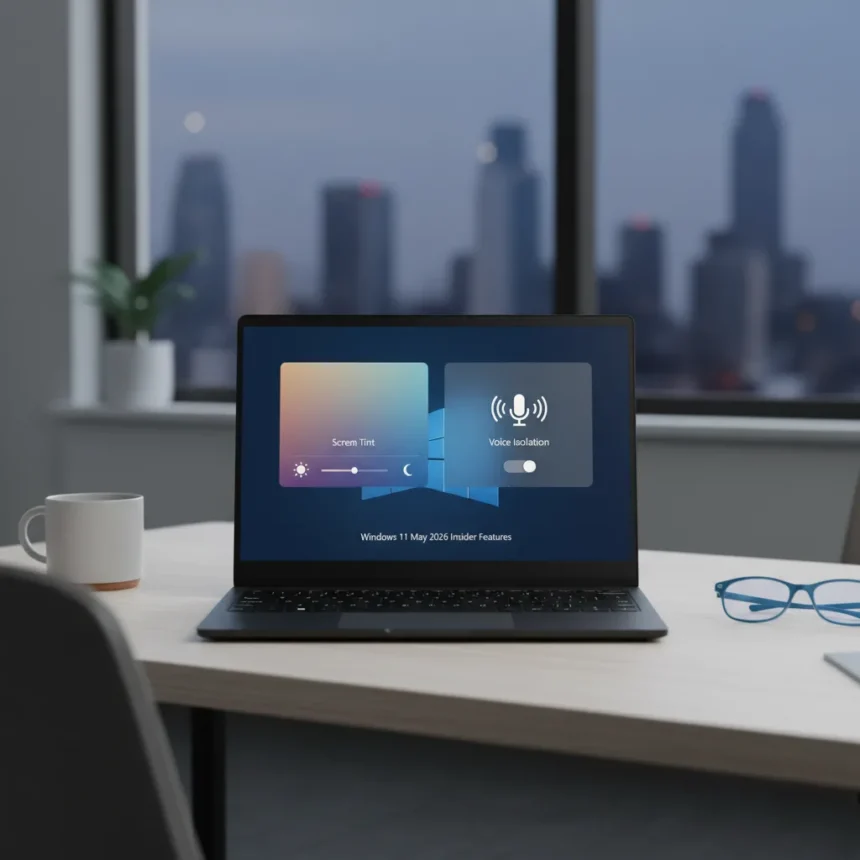
Windows 11 May 2026 Insider features mark another significant refresh from Microsoft, introducing tools designed to enhance productivity and accessibility. The May 2026 Insider builds shipped Screen tint, Voice Isolation, Start menu customization, Windows Ready Print, and additional refinements that signal where the operating system is heading.
Key Takeaways
- Screen tint and Voice Isolation represent the most practical additions for daily users.
- Start menu customization gives power users finer control over their desktop experience.
- Windows Ready Print streamlines document handling workflows.
- May 2026 Insider builds represent Microsoft’s incremental approach to OS evolution.
- Not every feature in the batch will appeal equally to all user segments.
Screen Tint and Voice Isolation Lead the Pack
The standout features from the Windows 11 May 2026 Insider builds are Screen tint and Voice Isolation, two tools that address real user pain points. Screen tint allows users to apply color overlays to reduce eye strain during extended work sessions, while Voice Isolation cleans up background noise during video calls and recordings. These are not flashy additions, but they solve problems people actually face daily.
Screen tint joins a growing list of accessibility features in Windows 11, positioning the OS alongside competitors that have prioritized eye comfort in their operating systems. Voice Isolation, meanwhile, eliminates the need for third-party noise-suppression software during Zoom calls or podcast recordings, keeping critical functionality within the OS itself rather than requiring external tools.
Start Menu Customization and Windows Ready Print Expand User Control
The May 2026 Insider builds also introduced Start menu customization, giving users granular control over how their desktop launcher appears and behaves. This feature appeals directly to power users who have long requested deeper personalization options. Rather than accepting Microsoft’s default layout, users can now tailor the Start menu to their specific workflow, reducing clutter and improving navigation speed for frequently used applications.


Windows Ready Print rounds out the batch by simplifying document preparation and printing workflows. For users who regularly handle print jobs, this addition eliminates friction in a process that has remained relatively unchanged for years. The feature streamlines the path from document to printer, reducing the number of dialog boxes and confirmation steps required to get a file onto paper.
The Bigger Picture: Incremental Progress Over Leaps
The Windows 11 May 2026 Insider features reflect Microsoft’s current philosophy: steady, user-focused improvements rather than dramatic overhauls. None of these additions will fundamentally change how people work, but collectively they address friction points that accumulate over time. This approach differs from operating system refreshes of the past, which attempted to introduce sweeping changes all at once.



For users still deciding whether to upgrade or stay on Windows 10, these features alone may not justify the jump, but they demonstrate that Microsoft continues investing in core usability. The company is listening to feedback from Insider testers and shipping practical solutions rather than chasing flashy marketing angles.
Which Features Should You Actually Care About?
Screen tint and Voice Isolation deserve immediate attention if you spend long hours at your computer or participate in frequent video calls. These two features solve problems that most users encounter regularly. Start menu customization appeals to the subset of users who obsess over desktop organization and workflow optimization. Windows Ready Print matters primarily to professionals who handle document printing as part of their daily responsibilities.
If you fall outside these categories, the May 2026 Insider batch represents solid maintenance work rather than a reason to jump into the Insider program. The features are useful, but they are not transformative.
Should I join the Windows Insider program to test these features?
The Windows Insider program is worth joining if you want early access to features and do not mind occasional bugs or instability. However, if you rely on your computer for critical work, stick with the stable release channel. The May 2026 Insider features will eventually reach the general public through standard Windows updates, so patience is a viable option.



When will these Windows 11 May 2026 Insider features reach regular users?
Microsoft typically rolls out Insider features to the general public within a few months to a year, depending on testing results and feedback. Expect Screen tint, Voice Isolation, Start menu customization, and Windows Ready Print to arrive in a future stable release, though the exact timeline remains unconfirmed.
How do Screen tint and Voice Isolation compare to third-party alternatives?
Screen tint integrates directly into Windows, eliminating the need for separate blue-light filter applications. Voice Isolation similarly replaces dedicated noise-suppression software, though some professional-grade tools may offer more granular control. The advantage of native Windows features is simplicity and guaranteed compatibility across applications.
The Windows 11 May 2026 Insider features demonstrate that Microsoft understands what users actually need: practical tools that solve everyday problems without requiring external software. Screen tint and Voice Isolation are the clear winners of this batch, while Start menu customization and Windows Ready Print serve more specialized audiences. If you are an Insider tester, these updates are worth exploring; if you are on the stable release channel, they will arrive when they are ready, and your workflow will be slightly better for it.
Edited by the All Things Geek team.
Source: Windows Central