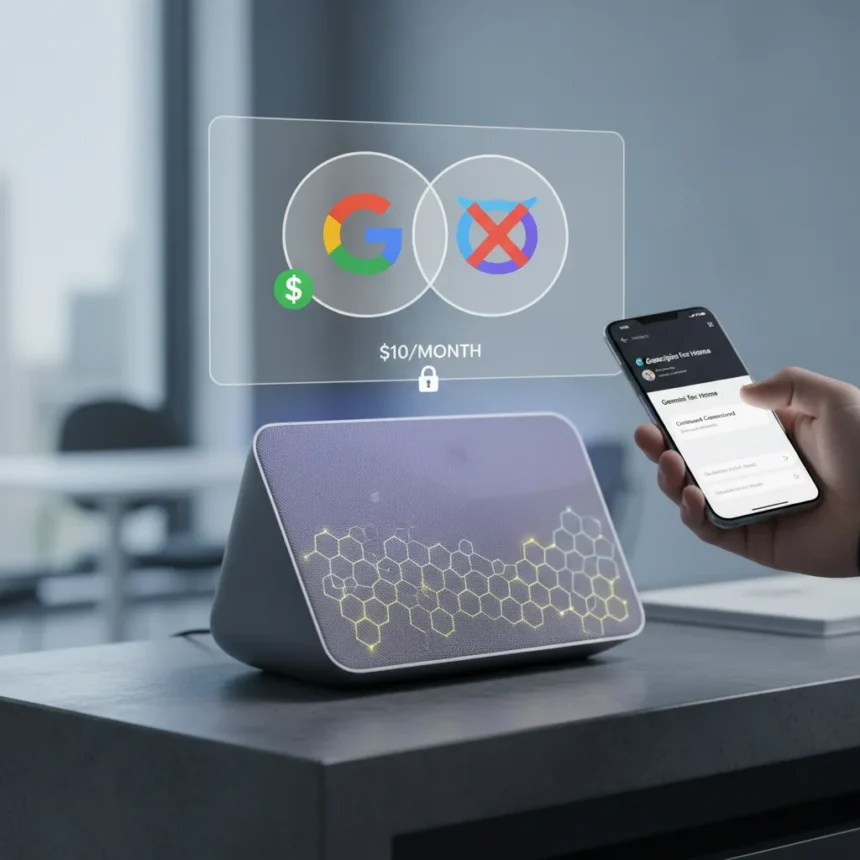
Continued Conversations Google Home—the feature that lets you ask follow-up questions without repeating the wake word—has moved behind a paywall on Google’s new Gemini-powered devices. Previously free on Google Assistant, the feature now requires a Google Home Premium subscription at $10 per month, and users cannot roll back to the older, free version.
Key Takeaways
- Continued Conversations lets you ask follow-up questions for 8-15 seconds without saying “Hey Google” again
- Feature is now paywalled on Gemini for Home; requires Google Home Premium at $10/month
- Google Assistant speakers and displays still offer the feature free, with 8-second listening window
- No rollback option available—devices upgraded to Gemini cannot revert to the free Assistant version
- Users report Gemini struggles with basic tasks like calling contacts and setting timers without the paid feature
How Continued Conversations Google Home Works
The feature activates after you say “Hey Google” and ask an initial question or command. Once the speaker responds, it listens for approximately 8 to 15 seconds for follow-up questions without requiring the wake word again. Visual indicators show when the microphone is actively listening—a moving light on the speaker, a white circle on display screens, or a dedicated mic indicator. You can end the conversation by saying “Thank you,” “I’m done,” or simply stopping for 15 seconds without speaking.
On Google Assistant-powered speakers and displays, this listening window extends to 8 seconds and remains completely free. The experience feels natural for quick multi-part queries: ask about the weather, then immediately ask for a forecast for tomorrow without repeating the activation phrase. That seamless flow now comes at a cost on Gemini devices.
Enabling Continued Conversations Google Home on Your Device
To activate the feature on supported Google Home and Nest speakers or displays, open the Google Home app and navigate to your profile picture or initial in the top right corner. Tap Home settings, then Google Assistant, then Continued Conversation, and toggle it on. The setting applies to all speakers and displays on your account when enabled by the primary account holder; secondary users need Voice Match enabled to use the feature.



Once enabled, the listening behavior changes across your entire setup. If you have multiple speakers in different rooms, all of them will listen for follow-ups in the same window. This convenience comes with a caveat: on Gemini for Home, you must subscribe to Google Home Premium to access it. The app interface does not distinguish between the free Assistant version and the paid Gemini version—you discover the paywall only when you attempt to use it on an upgraded device.
Why Google Moved Continued Conversations Behind a Paywall
Google positioned Continued Conversations as part of a broader shift toward premium smart home features bundled under Google Home Premium. The subscription tier also includes Gemini Live, an advanced conversational mode with deeper context understanding, designed as the successor to basic follow-up chats. However, the transition has sparked user frustration because the company removed free access to a feature people relied on without offering a clear migration path or rollback option.



User reports from support forums reveal deeper frustration: Gemini for Home struggles with fundamental tasks like calling contacts, setting timers, and handling follow-up requests—the exact use cases Continued Conversations was designed to support. Without the paid subscription, these interactions become fragmented and require repeating the wake word for every command, defeating the purpose of a conversational smart speaker. The paywall effectively makes Gemini for Home less capable than its free Assistant predecessor for everyday tasks.
Continued Conversations Google Home vs. Google Assistant
Google Assistant speakers continue to offer Continued Conversations at no cost, with an 8-second listening window after your initial command. Gemini for Home devices, by contrast, extend that window to 15 seconds but lock the feature behind Google Home Premium. This creates a paradoxical situation: upgrading to the newer Gemini system actually removes free functionality that existed on older hardware.
Gemini Live serves as Google’s proposed alternative for ongoing conversations on Gemini devices, offering more sophisticated context retention and multi-turn dialogue. However, Gemini Live is not a direct replacement for Continued Conversations—it is a separate, more advanced feature that also requires the $10/month subscription. Users who simply want to ask quick follow-ups without repeating the wake word are paying for a premium tier that bundles features they may not need.
Is Continued Conversations worth the $10/month subscription?
The value depends on your usage patterns. If you rely on quick follow-up questions—asking about weather, then traffic, then reminders—the 15-second listening window on Gemini saves repetition and feels more natural than the 8-second window on free Assistant speakers. However, user reports indicate that Gemini struggles with the basic commands that Continued Conversations is meant to enable, such as calling contacts or setting timers. Paying for a feature that does not work reliably is not a compelling value proposition.



Can you roll back from Gemini to Google Assistant on your speaker?
No. Once Google upgrades a device to Gemini for Home, there is no option to revert to the free Google Assistant version. Users who preferred the free Continued Conversations feature on Assistant are stuck with either paying for the feature or losing it entirely.
Does Continued Conversations work the same way on all Google Home devices?
The feature works similarly across speakers and displays, with visual listening indicators adapting to the hardware—moving lights on speakers, white circles on displays, or mic indicators depending on the device. However, the listening window differs: Google Assistant devices listen for 8 seconds, while Gemini for Home devices listen for 15 seconds. The key difference is cost: free on Assistant, $10/month on Gemini.
Google’s decision to paywall Continued Conversations represents a broader shift toward premium smart home features, but it also highlights a gap between Gemini’s ambitions and its current execution. Users are paying for convenience that the system does not reliably deliver on basic tasks. If you are considering upgrading to Gemini for Home, weigh the 15-second listening window against reports of instability with fundamental voice commands—the extra seconds may not be worth the subscription cost until Gemini’s core functionality improves.
Edited by the All Things Geek team.
Source: Android Central