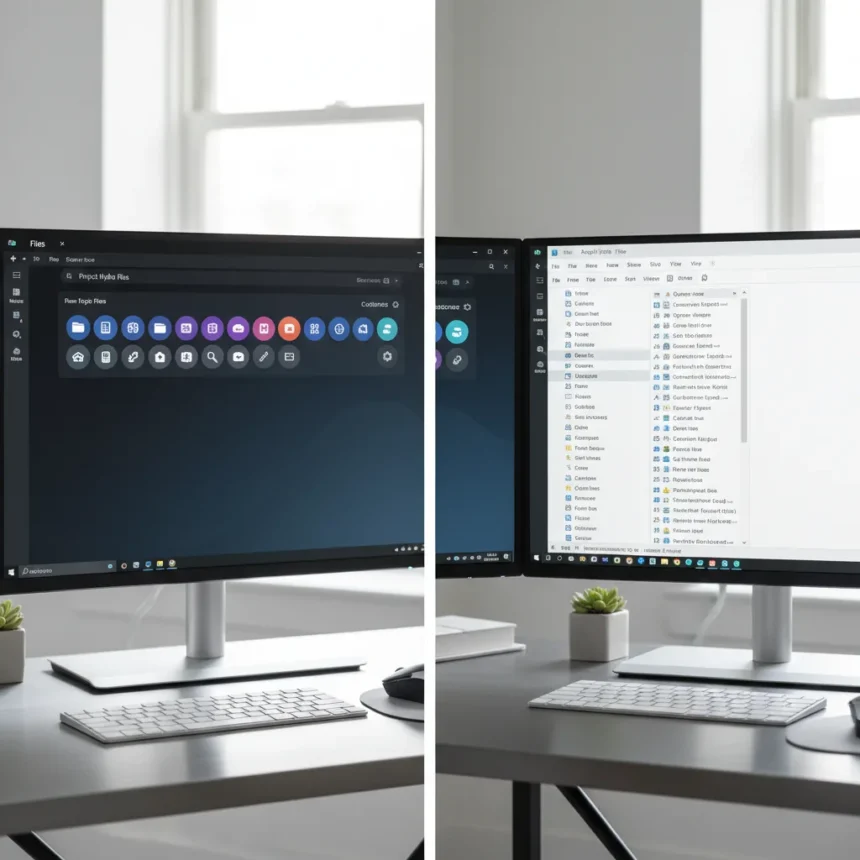
The Files app customizable toolbar in version 4.0.39 is a small feature that exposes something larger: Windows File Explorer hasn’t meaningfully evolved in years. While Microsoft’s stock file manager remains functionally adequate for basic navigation, third-party alternatives like Files are pulling further ahead with thoughtful UI refinements that feel native to modern Windows 11.
Key Takeaways
- Files app v4.0.39 introduces a customizable toolbar, letting users arrange controls to match their workflow.
- File Explorer’s static, unchangeable interface contrasts sharply with Files app’s flexibility.
- Files app has evolved through multiple major versions (3.0, 3.9, 4.0) with cumulative improvements.
- The toolbar customization addresses a gap that File Explorer users have lived with for over a decade.
- This update positions Files app as the practical choice for Windows 11 users who want modern file management.
What the Files App Customizable Toolbar Actually Does
The Files app customizable toolbar lets you rearrange, hide, or show buttons based on what you actually use. Instead of a fixed set of navigation controls that Microsoft decided for everyone, you decide which tools appear where. This sounds minor until you realize File Explorer forces you to work around its preset layout—no customization, no exceptions. The toolbar in Files responds to how different users work. Some people navigate mostly by favorites. Others live in the address bar. Files lets both groups optimize their interface without compromise.
This flexibility matters because file management workflows vary wildly. A designer working with hundreds of folders needs different quick-access tools than a developer managing code repositories. Files acknowledges this reality. File Explorer treats all users as identical.
How Files App Compares to Windows File Explorer
File Explorer remains the default file manager on Windows 11, and for users who never dig into settings, it works adequately. But adequate is not the same as thoughtful. File Explorer’s interface is essentially unchanged from Windows 10, which borrowed heavily from Windows 7. The toolbar is static. The navigation pane is static. Even basic visual refinements that match Windows 11’s design language took Microsoft years to implement, and they remain incomplete. Files app, by contrast, has shipped multiple major versions (3.0, 3.9, and 4.0) each adding meaningful improvements rather than incremental tweaks. The customizable toolbar is just the latest example of this design philosophy: give users control, not constraints.


File Explorer users cannot customize the toolbar. They cannot rearrange buttons. They cannot hide features they do not use. This is not a technical limitation—it is a design choice. Files app proves that Windows 11 users are ready for a file manager that treats them as individuals with different needs, not as a monolithic group forced into one layout.
Why This Matters for Windows 11 Users Right Now
Windows 11 launched with promises of modernization, yet File Explorer still feels like it belongs to a previous decade. Every time you open it, you are using an interface that has not fundamentally changed in usability for over ten years. The toolbar customization in Files app is not revolutionary—other operating systems have offered this for years—but for Windows users, it represents a significant quality-of-life improvement that Microsoft has consistently ignored. This gap is widening. As Files app continues to evolve with features that reflect how people actually work, File Explorer’s stagnation becomes harder to ignore. If you spend hours each day managing files, the difference between a rigid interface and a flexible one compounds. By the end of a work week, that difference feels enormous.



Is the Files App Customizable Toolbar Worth Switching For?
If you are already using File Explorer and do not feel constrained by its limitations, there is no urgent reason to switch. But if you have ever wished you could hide buttons you never use, or rearrange the toolbar to match your actual workflow, Files app v4.0.39 is worth a serious look. The customizable toolbar is one feature among many that Files app has accumulated across its evolution. The larger story is that Files app is actively improving while File Explorer stagnates. For professionals who manage files constantly, that trajectory matters.
Will Microsoft Ever Add Toolbar Customization to File Explorer?
Microsoft has shown little urgency in modernizing File Explorer beyond cosmetic updates. The company has invested more engineering effort into cloud integration and OneDrive features than into the core file management experience. This suggests that toolbar customization is unlikely to arrive in File Explorer anytime soon, if ever. The Files app has filled this gap because the demand exists and Microsoft is not addressing it.
Can You Customize Other Aspects of Files App Beyond the Toolbar?
The customizable toolbar is the headline feature in v4.0.39, but Files app has accumulated other customization options across its major versions. The app is designed around the principle that users should control their environment, not the reverse. This philosophy extends beyond just the toolbar, making Files app a fundamentally different experience than File Explorer’s one-size-fits-all approach.
The Files app customizable toolbar is a reminder that Windows 11 deserves a file manager built for 2024, not one inherited from 2010. Microsoft could modernize File Explorer tomorrow if it chose to prioritize the work. Until it does, Files app will keep pulling ahead, one thoughtful feature at a time. For anyone tired of File Explorer’s rigidity, that is worth paying attention to.



Edited by the All Things Geek team.
Source: Windows Central