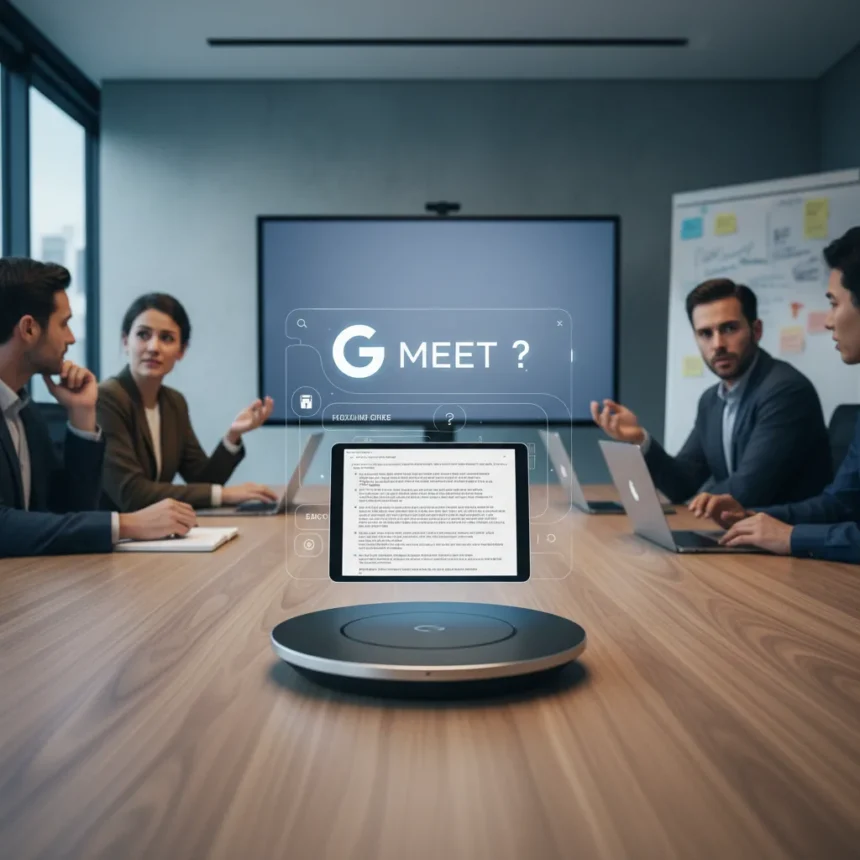
Google Meet’s AI note-taking feature is expanding beyond video calls to handle in-person meetings, but the rollout raises questions about whether the tool is ready for real-world deployment. The feature attempts to transcribe and summarize face-to-face conversations, positioning itself as a competitor to dedicated meeting capture tools.
Key Takeaways
- Google Meet’s AI note-taking now supports in-person meeting summaries alongside video call transcription.
- The feature requires specific setup and device placement to function reliably in physical spaces.
- Accuracy remains inconsistent when audio quality degrades or multiple speakers overlap.
- Integration with Google Workspace creates a locked ecosystem for note storage and retrieval.
- The tool targets teams already invested in Google’s productivity suite.
What Google Meet’s AI note-taking actually does
Google Meet’s AI note-taking feature generates automated summaries and transcripts of conversations, extending its capabilities from video meetings to in-person gatherings. The system captures audio, identifies speakers, and produces structured notes that sync with your Google Workspace account. Unlike manual note-taking, the AI approach removes the distraction of typing during meetings, though it introduces new challenges around privacy, accuracy, and device management.
The feature works by processing audio in real-time, detecting speaker transitions, and applying natural language processing to extract key discussion points. Google packages this within its existing Meet interface, making it seamless for organizations already using Workspace. However, the in-person expansion requires careful microphone placement and audio levels to function reliably.
How in-person meeting capture differs from video calls
Capturing in-person meetings introduces physical constraints that video calls avoid. The microphone must be positioned centrally to pick up all speakers equally, a challenge in larger conference rooms or casual standing meetings. Background noise, acoustic properties of the room, and speaker distance from the device all affect transcription quality.



Video meetings benefit from each participant’s individual microphone and internet connection, creating cleaner audio feeds. In-person capture relies on a single device’s microphone array to handle variable audio conditions. This architectural difference means the same AI model performs noticeably worse in physical spaces, particularly when multiple people speak simultaneously or when someone moves away from the microphone.
Google’s approach contrasts with dedicated meeting capture devices like Fireflies or Otter, which use specialized hardware and cloud processing optimized for room acoustics. Those tools often include multiple microphones and noise-cancellation algorithms specifically designed for conference environments. Google Meet’s solution prioritizes integration over specialization, betting that Workspace users will accept lower accuracy in exchange for unified note storage.



Setup requirements and practical limitations
Using Google Meet’s AI note-taking for in-person meetings requires a device—typically a tablet or laptop—placed in the meeting space. The device must remain powered and connected to the internet throughout the meeting, adding logistical friction. Users must also enable recording permissions and ensure the feature is activated before the meeting starts, creating multiple failure points.
The feature works best in controlled environments: smaller rooms, predictable speaker patterns, and minimal background noise. Real-world meetings rarely meet these conditions. A noisy office, a client presentation with unfamiliar accents, or a brainstorm session with overlapping voices will produce degraded transcripts that require manual cleanup.
Privacy also emerges as a practical concern. Recording in-person meetings requires explicit consent from all participants in many jurisdictions. The automatic capture creates a compliance burden for organizations operating across regions with different recording laws. Google provides controls within Workspace, but the responsibility falls on meeting organizers to manage consent and data retention.
Google Meet AI note-taking versus alternative tools
Dedicated meeting capture platforms like Fireflies.io, Otter, and Grain offer specialized features that Google Meet’s tool does not yet match. Those services provide higher transcription accuracy, speaker identification without setup hassles, and integrations with CRM and project management tools. They also offer standalone mobile apps, allowing capture from smartphones without requiring a dedicated device.


Google Meet’s advantage lies in ecosystem lock-in. Organizations already paying for Workspace get the feature as part of their subscription, eliminating additional software costs and vendor relationships. Notes automatically sync with Google Drive, Calendar, and Gmail, creating a unified workspace. For teams heavily invested in Google’s tools, the convenience outweighs accuracy tradeoffs.
The tradeoff is clear: specialized tools excel at meeting capture quality and flexibility, while Google Meet prioritizes integration and cost efficiency for existing Workspace customers. Neither approach is universally superior—it depends on whether your organization values best-in-class accuracy or ecosystem simplicity.
Should you enable Google Meet AI note-taking for in-person meetings?
Enable the feature if your organization uses Workspace extensively and your meetings occur in controlled environments with consistent speaker patterns. The tool works adequately for internal team meetings, one-on-ones, and structured presentations where audio conditions are predictable. The integration benefit justifies the accuracy tradeoff in these scenarios.
Avoid it for client presentations, large group meetings, or noisy environments. The transcription errors will require manual review, negating the time savings. Also disable it if your industry or region imposes strict recording regulations—the compliance burden outweighs the convenience.
Does Google Meet’s AI note-taking work better for video or in-person meetings?
Video meetings produce significantly more accurate transcripts because each participant’s audio arrives as a separate digital stream. In-person meetings compress all audio into a single microphone feed, degrading clarity and speaker identification. Expect 10-15% lower accuracy for in-person capture, with the gap widening in larger or noisier rooms.
Can you use Google Meet AI note-taking without recording?
The feature requires recording to function—it cannot generate summaries from live audio alone. The recording is stored in your Workspace account and governed by your organization’s data retention policies. You can delete the recording after the summary is generated, but the note-taking process itself requires the recording step.
What happens to the meeting notes after they’re created?
Google Meet’s AI note-taking stores summaries and transcripts in your Google Drive, accessible through the Meet interface or Drive directly. Notes remain in your Workspace account indefinitely unless you delete them. They sync across devices and are searchable, making retrieval straightforward for Workspace users.
Google Meet’s expansion into in-person meeting capture signals where workplace AI is headed—toward convenience and integration over specialized excellence. The feature works adequately for teams already committed to Workspace and willing to accept accuracy tradeoffs for seamless note management. For organizations seeking best-in-class meeting capture, dedicated tools remain the better choice. The real question isn’t whether Google Meet’s AI note-taking is good—it’s whether good-enough, integrated-everywhere beats excellent-but-separate in your workflow.
Edited by the All Things Geek team.
Source: Tom's Guide