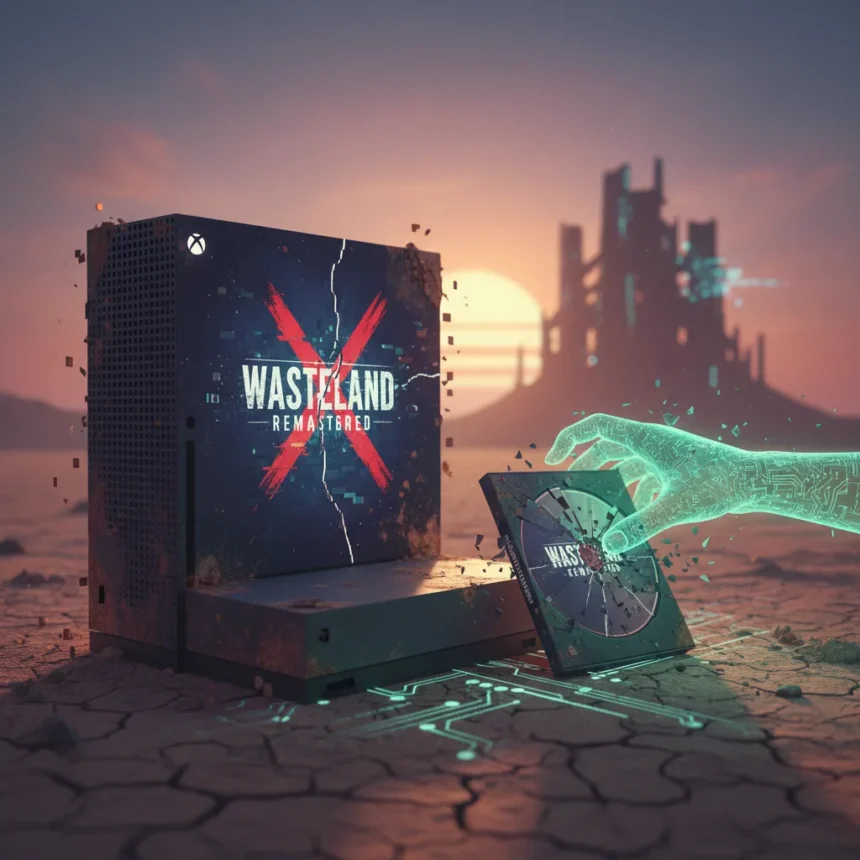
Wasteland Remastered Xbox glitch exposed a critical flaw in Xbox’s digital store when the game briefly appeared free, allowing thousands of players to claim a copy that simply won’t launch. If you grabbed it during the error window, your claimed version is broken—but Microsoft and the publisher are providing full working copies as compensation to affected players.
Key Takeaways
- Wasteland Remastered appeared free on Xbox due to a store pricing error, allowing players to claim it temporarily.
- Claimed copies from the glitch do not work properly and will not launch.
- Microsoft or the publisher will provide full working copies as compensation to players who claimed it during the error.
- Standard Xbox troubleshooting like power cycling and reinstalling may help while waiting for compensation.
- The game has known launch issues including XP glitches in Quartz town that require specific workarounds.
Why Your Claimed Copy Doesn’t Work
When Wasteland Remastered Xbox glitch hit the store, the pricing error created a mismatch between what your account thinks it owns and what the licensing system recognizes as valid. Your claimed copy carries a corrupted license tied to the erroneous free promotion, which the store’s backend rejects when you attempt to launch the game. This is not a download issue or a storage problem—it is a licensing validation failure at the platform level.
The game itself was reported as broken at launch with multiple issues, but the glitch-claimed copies carry an additional layer of corruption. Even if you successfully download and install the full game files, the system will not permit launch because your profile’s license data points to a transaction that never should have completed. This is why simple troubleshooting steps like restarting your console or checking for updates will not fix the problem on their own.
How to Recover Your Working Copy
While you wait for Microsoft or the publisher to issue compensation, you can attempt standard Xbox recovery steps to at least rule out local corruption. Start by restarting your console: press and hold the Xbox button on your controller, select Restart console, and confirm. This clears temporary cache that might be interfering with license validation.


If the restart does not work, perform a full power cycle. Turn off your Xbox completely, unplug the power cable for 10 to 30 seconds, then plug it back in and power on. This resets the console’s connection to Xbox services and forces a fresh license check.
Next, check for game updates through My games & apps. Highlight Wasteland Remastered and ensure the latest patch is installed—outdated versions sometimes fail to validate licenses correctly. If updates are available, install them and attempt to launch again.



If the game still will not launch, uninstall it completely and reinstall from scratch. Go to My games & apps, select See all, highlight the game, press the Menu button, and choose Uninstall. Once removed, navigate to Full library, find All owned games, and reinstall Wasteland Remastered. The fresh installation may pick up corrected license data from the store.
For more persistent issues, remove and re-add your Xbox profile to fix corrupted profile data that might be blocking the game. Go to Settings, select Your profile, choose Sign-out, then sign back in with your account credentials. This forces the system to refresh your profile’s license cache.
As a last resort before waiting for compensation, try recovering your games through the Xbox app on PC if you have it installed. Open the app, go to Settings, select Account, choose Download history, and redownload Wasteland Remastered. This pulls a fresh copy from Microsoft’s servers using your account’s correct license information.
What to Expect From Compensation
Microsoft or the publisher will issue full working copies to everyone who claimed Wasteland Remastered during the glitch window. This compensation ensures that players who acted in good faith during the store error receive a legitimate, functional version without additional cost. The exact timeline for distribution has not been publicly detailed, but affected players should monitor their Xbox messages and account notifications for redemption instructions.


Do not attempt to purchase a second copy or use workarounds like account switching—doing so may complicate your compensation claim. The official recovery path is to wait for the issued working copy, which will arrive with proper licensing that the store recognizes as valid.
Known Issues in Wasteland Remastered Beyond the Glitch
Even once you have a working copy, be aware that Wasteland Remastered has known gameplay issues. The Quartz town area contains an XP glitch that requires avoiding smashing the glass skylight and instead performing repeated camping actions on the rooftop to progress correctly. The game was reported as broken at launch with multiple issues that persist in current versions, so you may encounter other quirks during gameplay.
Is the compensation automatic or do I need to request it?
The research indicates that Microsoft or the publisher will provide working copies as compensation, but the exact claim process has not been detailed publicly. Monitor your Xbox account notifications and email for official instructions. If you do not receive compensation within a reasonable timeframe, contact Xbox Support directly with proof that you claimed the game during the glitch window.
Can I use standard Xbox troubleshooting to fix my glitch copy permanently?
Standard troubleshooting like power cycling, updating, and reinstalling may temporarily allow the game to launch, but the underlying licensing corruption will likely persist. These steps are worth trying while you wait for official compensation, but they are not a permanent fix for a glitch-claimed copy.
Will my compensation copy work on Game Pass for Console?
The compensation copy will be issued as a standalone owned title tied to your account, separate from Game Pass. You will own it outright, and it will work on any console where you sign in with your account, regardless of Game Pass subscription status.
The Wasteland Remastered Xbox glitch was a rare but embarrassing failure in Xbox’s store infrastructure that left thousands of players with unplayable copies. The good news is that compensation is coming—the bad news is that you will need patience. In the meantime, run through the troubleshooting steps above to eliminate local issues, but do not expect them to solve the licensing problem. Once your working copy arrives, you will finally be able to experience the game, quirks and all.
Edited by the All Things Geek team.
Source: Windows Central