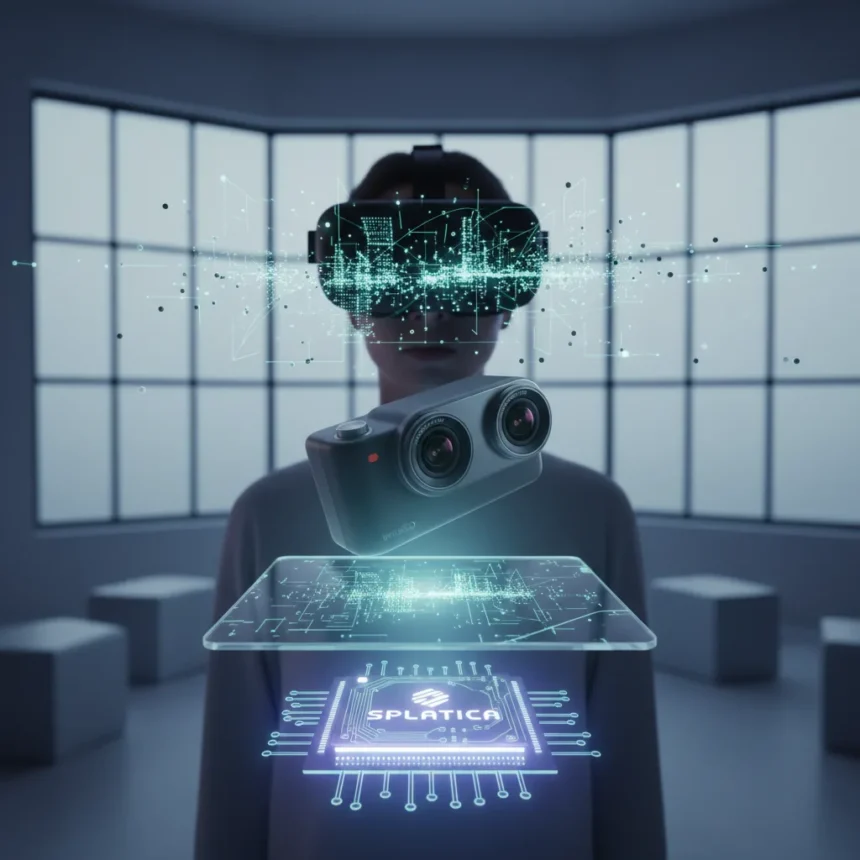
Splatica 3D environments represent a fundamental shift in how creators turn 360° footage into immersive spaces. The service converts Insta360 camera recordings into interactive, photorealistic 3D scenes using Gaussian Splatting—a point-cloud rendering technique that bypasses the need for LiDAR, manual 3D modeling, or specialized scanning hardware. What once required production teams and weeks of work now happens in hours through a web app.
Key Takeaways
- Splatica converts 360° Insta360 footage into navigable 3D environments without LiDAR or manual modeling
- The process requires only 5 minutes of video capture and takes a few hours to process automatically
- Resulting scenes are game-like, allowing free movement and viewing from any angle within captured space
- Applications include virtual tours, real estate, heritage preservation, game development, and robot training
- The service is accessible via a web app at splatica.com, available to any Insta360 camera owner
How Splatica 3D Environments Actually Work
The workflow is deliberately simple. You record 360° video using an Insta360 camera—the X5, for example, or an Insta360-equipped drone like the Antigravity A1—by walking or flying through a location for roughly 5 minutes. Full coverage of a space requires just that brief capture window. Upload the file to Splatica’s web app, and the automated pipeline converts the footage into a Gaussian Splat-based 3D scene. Processing takes a few hours. Once complete, you access the scene in Splatica’s viewer, where you can trim unwanted portions, refine quality, measure distances, annotate points of interest, and share an interactive link.
This workflow eliminates the friction that has kept virtual-tour creation expensive and specialized. Traditional approaches—Google Street View–style tours, drone-based 3D scans, or photogrammetry pipelines—demand dedicated teams, multiple camera passes, and manual cleanup. Splatica 3D environments automate the hard parts. The result is not a video or a static 360° photo; it is real navigable 3D space that feels like stepping inside a game environment.
What Makes Splatica 3D Environments Different From Competitors
Conventional 3D reconstruction relies on mesh-based modeling or LiDAR scanning. Both are slow and require expertise. Gaussian Splatting applied to real-world 360° footage is fundamentally different—it generates point-cloud representations that render faster and require less manual intervention. Standard 360° video platforms only offer spherical playback; you watch the space, but you cannot move freely through it. Splatica 3D environments let you walk, pan, and explore as if navigating a game world. The technology partnership between Insta360 and Splatica effectively democratizes what was previously a high-end production workflow, turning consumer-grade cameras into tools for creating production-ready immersive content.

The practical advantage is speed and accessibility. A local beauty spot, a real estate property, a historical site, or a game location can become a navigable 3D environment in a single day of work. No LiDAR. No specialized equipment beyond an Insta360 camera you may already own. No 3D expertise required.
Real-World Applications for Splatica 3D Environments
The use cases are expanding rapidly. Virtual tours now go beyond flat, clickable hotspot maps; they become full 3D explorations where clients can walk through a property or venue from any angle. Real estate agents can showcase homes in spatial detail without scheduling visits. Cultural heritage organizations can preserve and share historical locations in immersive form. Game developers can use Splatica 3D environments for location scouting, concept art, or even in-game environments sourced from real-world scans. Virtual production teams can generate photorealistic backdrops for film and television work. Robotics and drone training programs can create realistic spatial environments for simulation.



The breadth of applications reveals why this technology matters. It removes barriers between capturing a space and sharing it interactively. A creator with an Insta360 camera and internet access can now produce content that previously required a production budget.
The Processing and Refinement Pipeline
Once your 360° video uploads to Splatica’s web app, the service handles reconstruction automatically. You do not touch 3D modeling software or write code. The automated pipeline processes your footage and generates a Gaussian Splat representation. After processing completes, Splatica’s viewer tools let you refine the result. Trim out unwanted portions of the scene—foreground distractions, moving objects, or areas outside your area of interest. Upscale or adjust the 3D model quality. Measure distances or areas within the environment for documentation. Add annotations or notes to highlight points of interest. Export the 3D model for use in external tools, or share a direct link so others can explore the scene in their browser without installing anything.
This refinement layer matters because raw Gaussian Splat output can include artifacts or unnecessary detail. The ability to clean up and annotate transforms a raw scan into a polished, shareable asset. Splatica 3D environments bridge the gap between automated processing and professional output.
Getting Started With Splatica 3D Environments
You need an Insta360 camera—any consumer model that captures 360° video. Insta360 offers several options, from compact handheld cameras to drone-mounted versions. Fly or walk through your target location, ensuring full coverage in about 5 minutes of recording. Transfer the video file to your computer. Visit splatica.com or access the web app directly at app.splatica.com. Create an account or log in. Upload your Insta360 video file. Wait for processing—typically a few hours. Once complete, open your scene in the viewer, refine as needed, and share the link.



The entire process is designed for creators without 3D or photogrammetry expertise. You do not need to understand mesh topology, point clouds, or rendering engines. The service abstracts those complexities away. That simplicity is why the TechRadar article emphasizes that the whole process is surprisingly easy—because it genuinely is, compared to traditional alternatives.
Splatica 3D Environments vs. Traditional Virtual Tours
Google Street View and similar platforms require you to click and navigate through predefined paths or hotspots. You view the space; you do not explore it freely. Splatica 3D environments invert that model. The entire captured space becomes navigable. Move your viewpoint anywhere within the bounds of the recording. Look up, down, left, right. Measure distances. Examine details from angles the original camera operator did not explicitly frame. This freedom transforms passive viewing into active exploration, which is why the result feels game-like rather than documentary.
Traditional 3D scanning and photogrammetry workflows also demand more time and expertise. Multiple camera passes, careful calibration, manual mesh cleanup, and texture baking are standard steps. Splatica 3D environments eliminate those steps by leveraging Gaussian Splatting on 360° footage—a mathematical approach that trades some geometric precision for speed and automation. For most real-world applications—virtual tours, game environments, training simulations—that trade-off is worth it.
Why Splatica 3D Environments Matter Now
The convergence of three trends makes this moment significant. Insta360 cameras have become affordable and ubiquitous, putting 360° capture in the hands of everyday creators. Gaussian Splatting has matured as a rendering technique, enabling fast, high-quality 3D reconstruction from video. Cloud computing and web apps have made complex processing accessible without local hardware or software installation. Splatica 3D environments sit at the intersection of these three forces. The service is not a breakthrough in isolation; it is the practical realization of technology that has been theoretically possible for a few years but was not yet accessible to non-specialists.
For content creators, real estate professionals, heritage organizations, and game developers, this shift is material. Projects that once required outsourcing to specialized firms can now be handled in-house with minimal training. That democratization drives adoption and, over time, changes what kinds of immersive content get created and shared.
What Splatica 3D Environments Still Cannot Do
No automated system is perfect. Gaussian Splatting works best with clear, well-lit environments and sufficient motion through the space. Heavily occluded areas, fast-moving objects, or extreme lighting changes can degrade results. The technology excels at static locations and slow, deliberate camera movement—ideal for real estate, heritage sites, and game location reference but less suitable for capturing dynamic scenes or fast action. If you need sub-millimeter geometric accuracy for engineering or construction documentation, traditional laser scanning remains more reliable. Splatica 3D environments are photorealistic and production-ready for most creative and commercial uses, but they are not a replacement for precision measurement tools.
FAQ: Splatica 3D Environments
Do I need special equipment to use Splatica 3D environments?
No. An Insta360 camera is the only hardware requirement. Any model that records 360° video works—handheld cameras, drone-mounted versions, or even smartphone-based options if Insta360 supports them. Your computer, internet connection, and a web browser are all the software and infrastructure you need.
How long does processing take for Splatica 3D environments?
Processing typically takes a few hours, depending on video length and server load. You upload your file and wait; the service handles the rest automatically. Once processing completes, your scene is ready to explore and refine in Splatica’s viewer.
Can I export Splatica 3D environments for use in game engines or other software?
Yes. Splatica’s viewer tools include export options so you can download the 3D model for use in external applications like game engines, virtual production software, or 3D design tools. You can also share an interactive link so others explore the scene directly in their browser without installing anything.
Splatica 3D environments represent a genuine shift in how immersive content gets created. By automating the hardest parts of 3D reconstruction and packaging the result in a web app, the service has made interactive 3D environments accessible to creators who would never have attempted traditional photogrammetry or 3D scanning. For anyone with an Insta360 camera and a location worth capturing, the barrier to entry is now just time and curiosity.
Edited by the All Things Geek team.
Source: TechRadar