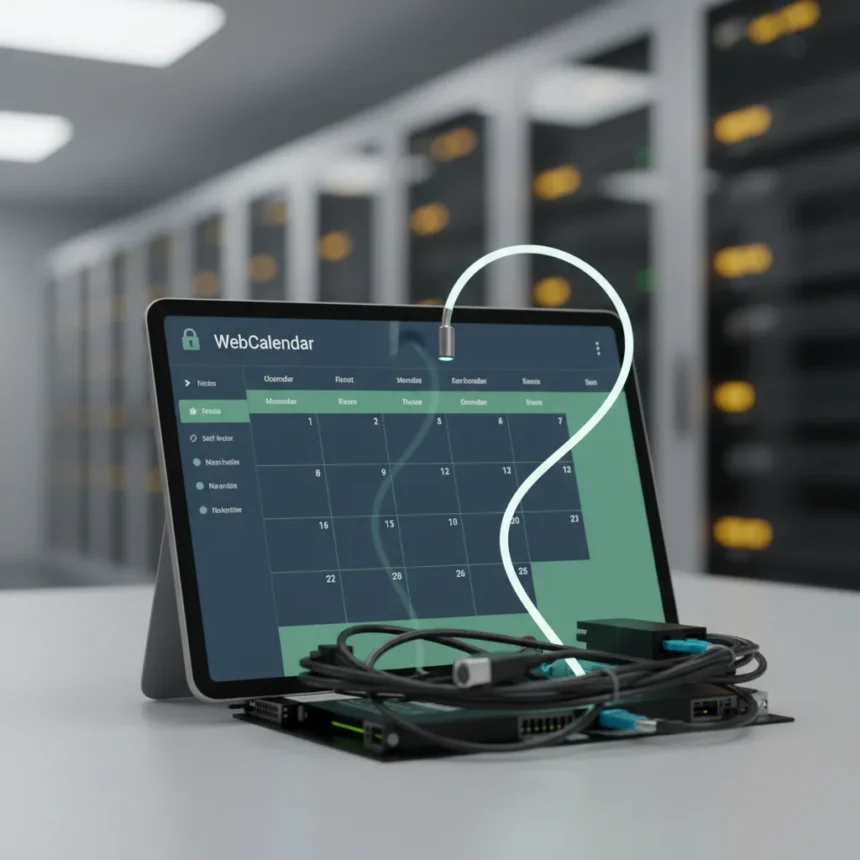
WebCalendar self-hosted calendar is an open-source application designed for easy schedule management, offering day, week, month, and year views alongside sharing capabilities. Unlike Google Calendar, which ties your data to a cloud service, WebCalendar runs on your own infrastructure, giving you control over privacy and customization. For business users tired of subscription fees and cloud lock-in, it represents a meaningful alternative worth evaluating.
Key Takeaways
- WebCalendar is free, open-source software you host yourself rather than relying on cloud providers.
- It supports multiple calendar views and team sharing without monthly subscription costs.
- TechRadar ranks it among the best calendar apps of 2026 for productivity and collaboration.
- Self-hosting means you control your data but manage your own server infrastructure.
- It integrates with platforms like Joomla for custom calendar application builds.
Why WebCalendar Matters for Business Users
The calendar app market is dominated by Google Workspace and similar cloud services that charge monthly fees and store your schedule on third-party servers. WebCalendar disrupts that model by offering a free, self-hosted alternative that lets you keep scheduling data on your own terms. This approach appeals to teams concerned about data sovereignty, privacy regulations, or simply avoiding recurring subscription costs. For businesses managing multiple calendars, reminders, and meeting schedules, the efficiency gains come without the dependency on a tech giant’s infrastructure.
What distinguishes WebCalendar is its straightforward design focused on practical scheduling rather than feature bloat. You get reminders, meeting coordination, and efficient time planning tools—the essentials that most teams actually use. The open-source nature means you can modify the interface or integrate it with other tools if needed, though that flexibility requires technical comfort with self-hosting.
WebCalendar vs. Google Calendar: The Real Tradeoff
Google Calendar wins on convenience: it syncs across devices, integrates smoothly with Gmail and Google Workspace, and requires zero technical setup. WebCalendar demands more from you. You need to host it somewhere—either on your own server or through a hosting provider—and manage updates and security yourself. That responsibility is the price of independence. For small teams or solo users, the effort might not justify the savings. For organizations with privacy concerns or a technical team already managing infrastructure, WebCalendar becomes genuinely attractive.


The cost difference is stark. Google Workspace requires monthly subscription fees per user, while WebCalendar costs nothing upfront. Over time, especially for growing teams, those savings accumulate. You trade convenience for control and cost savings—a choice that depends entirely on your priorities and technical capacity.
Integration and Customization Possibilities
WebCalendar can be integrated into platforms like Joomla, allowing organizations to build custom calendar applications tailored to specific workflows. This flexibility is valuable for businesses that need more than a generic calendar—perhaps one linked to project management systems, client portals, or internal dashboards. The open-source architecture means developers can extend functionality rather than being locked into whatever features Google or other proprietary vendors decide to offer.



That said, integration requires technical expertise. It is not a point-and-click setup like Google Calendar. You need someone comfortable with hosting, server administration, and potentially some coding to realize the full customization potential.
Who Should Actually Use WebCalendar?
WebCalendar makes sense for three groups: organizations with technical teams already managing servers, businesses with strict data privacy requirements, and teams that want to eliminate recurring subscription costs. If your company runs its own infrastructure for other tools, adding a self-hosted calendar is a natural extension. If you are a solo freelancer or small team without server administration skills, Google Calendar or similar cloud services remain simpler choices despite the monthly cost.
The 2026 calendar app landscape now includes WebCalendar as a legitimate option for those willing to invest in self-hosting. It is not the easiest solution, but for the right use case, it solves real problems that cloud-only alternatives cannot address.
Is WebCalendar truly free?
Yes, WebCalendar is free open-source software with no licensing fees. However, you pay indirectly through hosting costs if you use a third-party server, or through infrastructure and maintenance if you host it yourself. The software itself carries no price tag.



Can I migrate from Google Calendar to WebCalendar?
The research brief does not specify WebCalendar’s import capabilities or migration tools. Before switching, verify that your hosting provider or WebCalendar documentation covers data import from Google Calendar to avoid losing scheduling history.
Does WebCalendar work on mobile devices?
The research brief does not detail mobile app availability or responsive design for WebCalendar. Check the project documentation to confirm whether it supports mobile access or if you need additional tools to view calendars on phones and tablets.
WebCalendar represents a genuine shift in how organizations can approach calendar management—away from mandatory cloud services and toward self-hosted alternatives that respect data autonomy. It is not for everyone, but for teams prioritizing privacy, cost control, and technical flexibility, it deserves serious consideration alongside the cloud giants.
Edited by the All Things Geek team.
Source: TechRadar