






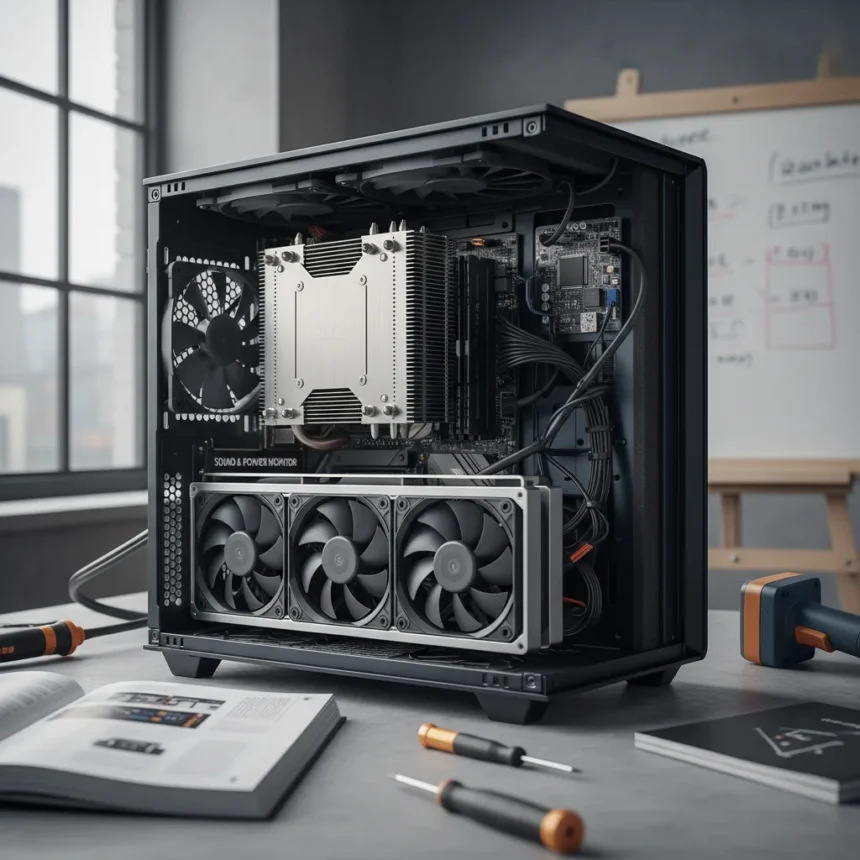
Building a quiet PC is harder than you think, and the reason is thermodynamics. Every watt of power your system consumes must exit as heat, and every bit of that heat requires cooling—which means fans, and fans make noise. The challenge intensifies with modern high-power GPUs and CPUs that demand aggressive cooling just to stay within safe operating temperatures.
Key Takeaways
- CPU, GPU, and power supply account for roughly 90% of system heat and noise generation.
- Best power supplies are only 85% efficient, dumping 15% of input power as waste heat.
- Large fans (120mm+) are quieter than small fans at equal airflow.
- Fanless cooling works for low-power CPUs below 65W TDP; Noctua NH-P1 supports up to 47W.
- PWM fans can run at 0 RPM below 55°C CPU temperature for complete silence.
Why Heat and Noise Are Inseparable
The fundamental problem is physics. As one expert noted, “The easiest way to build a quiet PC is to start with components that run cool. It’s as fundamental as the first law of thermodynamics: heat has to be exhausted from the system; more heat equals more noise.” Your CPU, GPU, and power supply are responsible for roughly 90% of your system’s heat output and noise generation. If any of these components draws significant power, silence becomes a luxury, not a default.
Power supplies illustrate this perfectly. Even the best units achieve only about 85% efficiency, meaning they dump 15% of input power directly as waste heat. A 750W PSU running at full load wastes roughly 113 watts as thermal energy—equivalent to a 100-watt incandescent lightbulb. That heat must go somewhere, and typically it goes straight into your case, forcing cooling fans to spin faster.
Component Selection: The Foundation of Silence
Building a quiet PC starts before you even open a case. Prioritize low-power components across all three major heat sources. For CPUs, aim for models with a TDP below 65W if fanless cooling appeals to you. The Noctua NH-P1, priced around $120, uses pure passive cooling and supports CPUs up to 47W TDP—enough for entry-level workstation or office builds. For slightly higher power budgets, the NH-L9a-AM5 offers low-profile passive cooling up to 36W for roughly $55.



GPUs present a harder problem. Most discrete graphics cards run hot and loud by design. If gaming or 3D work is non-negotiable, select cards with lower TDP ratings and factory quiet-mode profiles. Undervolting—reducing the voltage supplied to the GPU—cuts heat output without sacrificing much performance, allowing fans to stay slower or off entirely during light loads.
Fan Physics and Case Design Matter More Than You’d Expect
Here’s a counterintuitive truth: larger fans are quieter than smaller ones at equivalent airflow. A 120mm fan spinning at 1200 RPM moves air more quietly than a 80mm fan at 2000 RPM, even if both deliver the same cubic feet per minute. This is why minimalist builds often sound better than cramped ones—fewer, larger fans work less hard.



Case design amplifies this effect. Thicker materials absorb sound; thinner sheet metal amplifies it. The Antec P280, Azza Silentium 920, and Cooler Master Silencio 650 all use dense, sound-dampening materials to reduce noise transmission. Some builders go further, stripping unnecessary case panels, removing unused fans, and even modifying front I/O ports to minimize airflow turbulence and cable noise.
The Fan Curve Trick: Running Fans at Zero RPM
PWM fans—the standard for modern PC cooling—can be configured in BIOS to stop spinning entirely below a certain CPU temperature threshold. Set your fan curve to 0 RPM until the CPU reaches 55°C, and you’ll enjoy complete silence during idle and light workloads. This works best with low-power CPUs; AMD APUs are more heat-sensitive than Intel CPUs and should not exceed this 55°C threshold to avoid throttling or instability.
Once the CPU climbs past 55°C, fans ramp up smoothly. For most office work, web browsing, and video playback, your system never leaves the silent zone. Only sustained gaming, video encoding, or 3D rendering triggers active cooling.
Undervolting and Hybrid GPU Cooling
Undervolting reduces the electrical voltage supplied to the CPU or GPU, lowering heat output without disabling the chip. A modest CPU undervolt might drop temperatures by 5–10°C with zero performance loss. GPU undervolting is trickier but can be paired with hybrid cooling modes that keep fans off until temperatures spike, then spin them up aggressively only when needed.


Some extreme builders remove the integrated heat spreader (IHS) from CPUs to improve thermal contact with the cooler, but this voids warranties and risks permanent damage if done incorrectly. It’s a last resort, not a standard step.
Case Modifications for Silence
Stripping unnecessary components from your case sounds counterintuitive but works. Remove case fans you don’t need. Remove SSD mounting brackets if you’re using fewer drives. Disable unused front-panel I/O ports or cover them to reduce turbulent airflow. Store all removed parts safely in a magnetic bowl so you can reinstall them if you sell the PC later.
Prepare the motherboard outside the case before installation. Apply a thin thermal paste layer (Noctua NT-H2 is a reliable choice), install your CPU cooler, and test temperatures before sealing everything up. Poor thermal contact is a silent killer—literally—because it forces fans to work harder to compensate.
Is fanless cooling realistic for gaming?
No. Fanless cooling works only for low-power CPUs under 65W TDP, typically found in office machines, light workstations, or retro gaming emulators. Modern gaming GPUs draw 200–450 watts and generate enormous heat; they require active cooling. If silence is your priority, accept that gaming demands compromises.
How much does a truly quiet PC cost?
A high-end quiet liquid-cooled build without cooling components runs around $2,905 USD; adding premium cooling systems brings the total to approximately $4,350 USD. Budget-conscious quiet builds cost far less—$800–$1,500 for a passively cooled office machine or low-power workstation.
Can I retrofit my existing PC to be quieter?
Yes, partially. Replace loud fans with larger, slower models. Undervolt the CPU and GPU in BIOS. Strip unnecessary case panels and cables. Upgrade to a quieter power supply. However, if your GPU runs hot by design, retrofitting has limits—you cannot change its fundamental power draw without replacing it.
Building a quiet PC is an exercise in tradeoffs. You can have silence, performance, or cost-effectiveness—pick two. Most builders chase performance and cost, then wonder why their PC sounds like a jet engine. Start with cool-running components, minimize fans, and configure your BIOS intelligently, and you’ll be surprised how quiet a PC can actually be.
Where to Buy
$199.99 | $199.90 | $204.99 | $64.95 | $34.95
Edited by the All Things Geek team.
Source: Tom's Hardware