





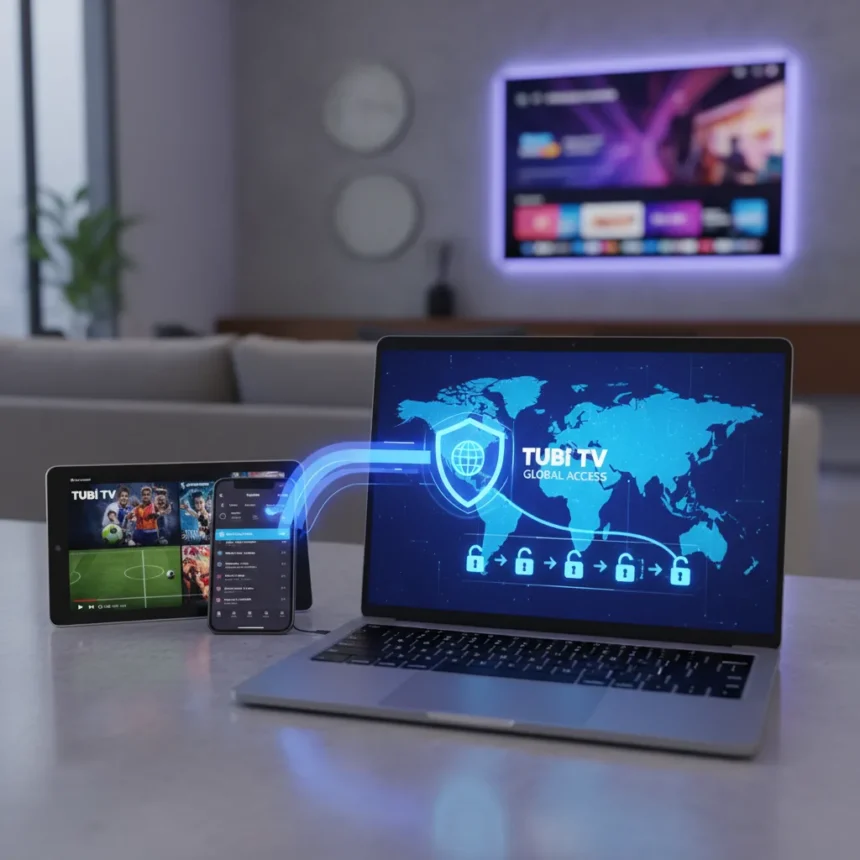
Tubi is a free, ad-supported streaming service offering movies, TV shows, and live sports at no cost. But here’s the catch: to watch Tubi from anywhere outside its available regions, you’ll need a VPN. Geographic restrictions limit where you can stream, making international access tricky without the right workaround.
Key Takeaways
- Tubi is completely free with ads; there’s no paid tier to remove them.
- Geographic restrictions prevent access from outside supported regions without a VPN.
- A VPN lets you connect to a server in a supported country and stream Tubi’s full catalog.
- You can watch via the Tubi website or app on phones, tablets, smart TVs, and streaming devices.
- A free Tubi account may be required for mature-rated content.
Why You Need a VPN to Watch Tubi From Anywhere
Tubi’s content library and live sports offerings are geographically restricted. If you’re traveling abroad or living outside a supported region, the service simply won’t load. A VPN solves this by masking your location and routing your connection through a server in a country where Tubi operates. Once connected, Tubi recognizes your virtual location and grants access to the full catalog.
The service detects your IP address to determine your physical location. By connecting to a VPN server in a supported country, you change that IP address, allowing Tubi to serve you content as if you’re accessing from within its licensed region. This is the most straightforward method for international viewers.
How to Watch Tubi From Anywhere: Step-by-Step Setup
Getting access takes just three simple steps. First, choose and install a VPN application on your device—whether that’s a computer, smartphone, tablet, or smart TV. Second, launch the VPN and select a server location in a country where Tubi is available. Third, open Tubi (via the website or app) and start streaming immediately.



The process requires no technical expertise. Most VPN apps have intuitive interfaces where you simply tap or click a connect button. Once the VPN connection is active, open Tubi as you normally would. The service should load without restrictions, displaying its full catalog of free movies, shows, and live sports.
For mature-rated content, Tubi may prompt you to create a free account. This is a standard age-verification measure and takes only a few minutes. No payment information is required—Tubi remains completely free.



Accessing Tubi on Multiple Devices
Tubi works across a wide range of devices. You can stream on smartphones and tablets through the Tubi app, on smart TVs through the app or built-in streaming services, and on dedicated streaming devices. The process remains the same: connect your VPN first, then open Tubi.
If you’re using a smart TV or streaming device, install the VPN app on that device before launching Tubi. Some devices may have limited VPN options, so check compatibility before purchasing a subscription. For computers and phones, VPN installation is straightforward and usually takes under a minute.
What to Expect: Ads, Content, and Updates
Tubi is 100% ad-supported with no option to remove advertisements or unlock a premium tier. Expect commercial breaks throughout movies and shows, similar to traditional television. The trade-off for free access is accepting ads—there’s no paid alternative.
The catalog updates regularly with new titles added over time. Tubi competes with other free ad-supported services like Pluto TV and Crackle, though each platform offers different content libraries. Tubi’s strength lies in its breadth of free entertainment without subscription fees, making it an accessible option for budget-conscious viewers worldwide.



Is Using a VPN to Watch Tubi Legal?
Using a VPN itself is legal in most countries. However, circumventing geographic restrictions may violate Tubi’s terms of service. While enforcement is rare for individual viewers, technically you’re accessing content outside your licensed region. The risk is minimal for casual users, but it’s worth understanding that you’re operating in a gray area.
Tubi’s actual goal is expanding global availability. The service has announced rollouts to new regions, including Australia. Rather than relying on VPNs long-term, check whether Tubi has launched officially in your country—the service is gradually expanding its footprint.
FAQ
Can I watch Tubi for free without a VPN?
Yes, if you’re in a region where Tubi operates. The service is completely free and ad-supported everywhere it’s available. A VPN is only necessary if you’re outside Tubi’s licensed regions or traveling abroad.
What’s the best VPN for watching Tubi?
The research brief does not specify which VPN is optimal for Tubi access. Choose a VPN with servers in countries where Tubi is available and check user reviews for streaming reliability before subscribing.
Does Tubi have live sports?
Yes, Tubi offers live sports coverage alongside its on-demand movie and TV library. This adds another reason viewers seek global access to the platform.
Watching Tubi from anywhere is achievable with a VPN, though it requires understanding that you’re working around geographic restrictions. For the best long-term experience, keep an eye on Tubi’s official expansion announcements. In the meantime, a VPN remains your most practical workaround for accessing free movies, shows, and live sports globally.
Edited by the All Things Geek team.
Source: TechRadar




