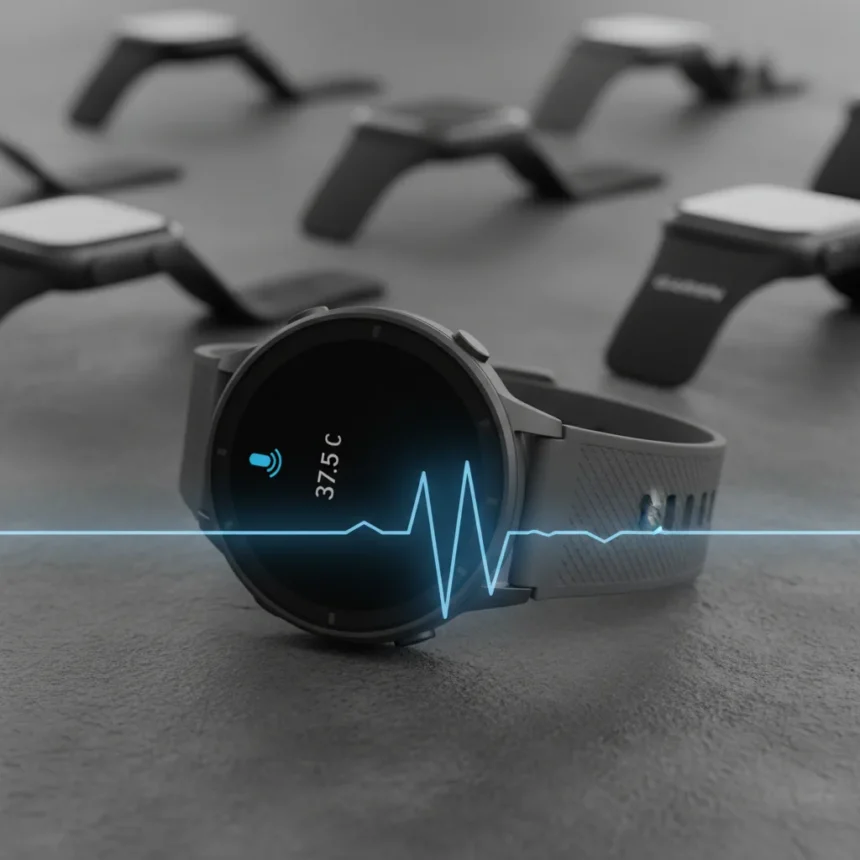
Coros watches voice control is now live, marking a significant step forward for the running-watch brand as it competes with Apple Watch and Garmin devices. The firmware update introduces voice-activated features that let users record training thoughts directly from their wrist, alongside new physiological tracking capabilities and improved activity analysis tools. This is not a new watch launch—it is a software upgrade rolling out to existing Coros devices, underscoring the brand’s strategy of keeping current hardware competitive through continuous improvement.
Key Takeaways
- Coros watches now support voice control for recording workout thoughts and training logs directly from the wrist
- The update adds core body temperature sensor support, measuring physiological data via adhesive chest patches
- 3D elevation overlays in the Coros app provide clearer post-workout analysis of terrain changes
- The firmware update is available immediately via the Coros mobile app for supported devices
- Voice recordings are automatically transcribed and saved to training logs for later review
How Coros watches voice control works
The voice control feature integrates smoothly into the post-workout workflow on Coros watches. After completing a run, users are first prompted to rate their perceived exertion using one of five smiley-face options. The watch then prompts them to record workout thoughts using voice input. The audio is saved to the training log in the Coros app and automatically transcribed, allowing athletes to review their notes in text form later. This approach mirrors the convenience of Apple Watch voice memos and Garmin’s voice-activated controls, reducing the need to manually type notes while fatigued after a workout.
The transcription feature is particularly useful for runners who want to log training insights without fumbling with touchscreen controls. Athletes can capture immediate reactions to pace, effort, terrain, and how their body felt—details that might be forgotten by the time they open their app on a phone. Unlike full voice assistants, the Coros implementation is purpose-built for training logs, keeping the focus on what runners actually need.
Core body temperature tracking and new sensor support
The update introduces compatibility with Core body temperature sensors, adding a medical-grade physiological measurement option to Coros watches. These non-invasive sensors attach to the chest using either an adhesive patch or a strap, providing continuous core temperature data unaffected by environmental conditions. Core body temperature is a more reliable indicator of fitness and recovery than skin temperature, making it valuable for serious endurance athletes monitoring their physiological state across training cycles.


This addition positions Coros closer to premium training ecosystems where multiple biometric inputs inform coaching decisions. While Garmin and Polar have long offered advanced metrics, Coros is catching up by supporting external sensors that expand the data picture without requiring users to replace their watches. The sensor integration works within the Coros app, where temperature trends can be reviewed alongside workout performance and recovery metrics.
3D activity overlays and improved post-workout analysis
The firmware update also enhances how runners analyze their workouts through 3D elevation overlays in the Coros app. These visual representations let athletes see elevation changes at a glance, making it easier to identify climbs and descents during a route. For trail runners and mountain athletes, this is a practical improvement—understanding where the hardest sections occurred helps with pacing strategy for future attempts on the same route.



The 3D overlay feature transforms raw elevation data into an intuitive visual format, reducing the cognitive load of interpreting flat graphs. Runners can now see exactly where they slowed down and correlate it with terrain, providing actionable feedback for training adjustments. This level of post-workout analysis detail has become table stakes in the running-watch market, and Coros is bringing its software in line with competitor offerings.
How to install the Coros watches voice control update
Installing the firmware update is straightforward. Supported Coros watch owners can upgrade now through the Coros mobile app. The update is available immediately—there is no waiting list or phased rollout mentioned. Users simply open the app, navigate to the device settings, and download the latest firmware. The process is standard for wearable updates and should take only a few minutes depending on connection speed.
Why this update matters for Coros’ competitive position
Coros has built a reputation for affordable, capable running watches that deliver strong training metrics without the premium price tags of Garmin or Polar. This update reinforces that strategy by adding flagship-level features through software rather than forcing users to buy new hardware. Voice control, temperature sensing, and improved visualization are exactly the kinds of conveniences that justify keeping an older watch rather than upgrading. In a market where Garmin and Polar regularly push new devices, Coros is proving that software updates can keep existing watches relevant and competitive.
The timing also matters—releasing this update for the new year captures runners who are resetting training plans and refocusing on fitness goals. A watch that suddenly feels more capable and data-rich might convince someone on the fence about upgrading to stick with their current device instead.



Can I use Coros watches voice control with other fitness apps?
The voice control feature is built into the Coros ecosystem and saves recordings to the Coros app specifically. While the audio files themselves could theoretically be exported, the native integration is designed for Coros users. Athletes using third-party fitness platforms would need to manually transfer or screenshot data, making the feature less useful outside the Coros workflow.
Do I need a Core body temperature sensor to use this update?
No. The voice control, 3D overlays, and other firmware improvements work on all supported Coros watches without any additional hardware. The Core sensor support is optional—athletes interested in temperature tracking can add a sensor, but it is not required to benefit from the update.
Which Coros watches are supported by this firmware update?
The research brief does not specify which exact Coros watch models receive this update. Coros typically supports its current lineup, but users should check the Coros app or company website to confirm their specific device is eligible before attempting to download.
This firmware update demonstrates that Coros is serious about competing on software innovation, not just hardware specs. Voice control, temperature tracking, and better data visualization address real pain points for runners—and they arrive without a new watch purchase. For Coros owners, the update is a meaningful boost to training capability. For potential buyers, it reinforces that choosing Coros means investing in a platform that improves over time.
Where to Buy
Edited by the All Things Geek team.
Source: TechRadar