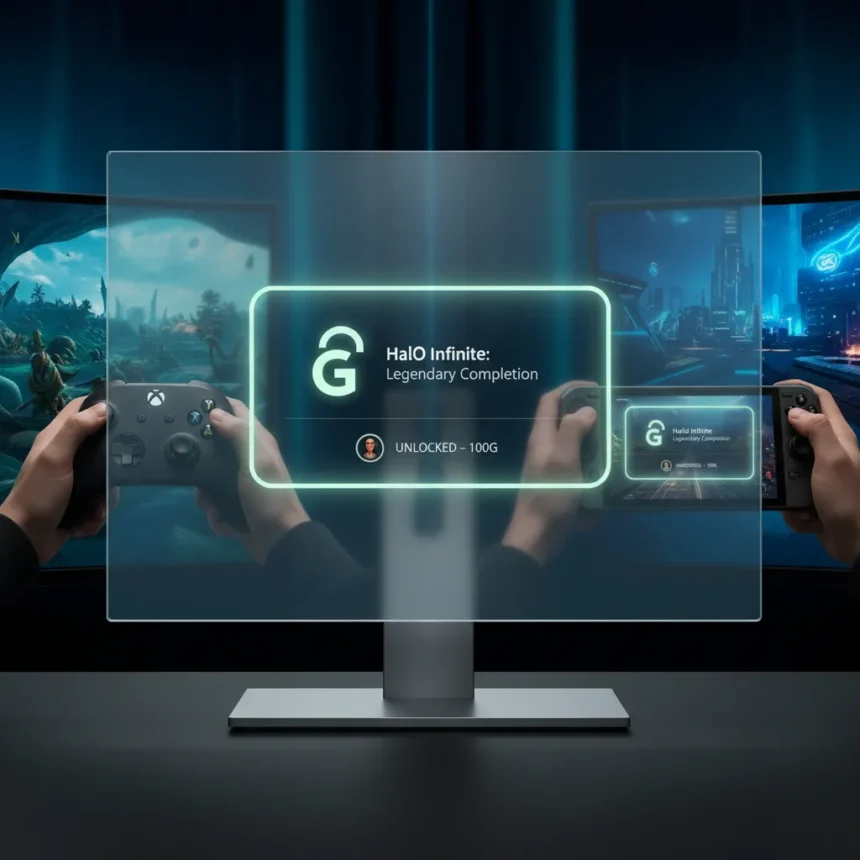
Xbox PC achievements are finally getting the visual treatment they should have received years ago. Microsoft is overhauling how achievements appear on PC to match the console experience, eliminating the clinical, utilitarian design that has long made the PC version feel disconnected from the broader Xbox ecosystem. For handheld PC gamers and those juggling games across multiple devices, this alignment matters—it creates a consistent Xbox identity whether you’re playing on a living room console or a portable screen.
Key Takeaways
- Xbox PC achievements are receiving a visual overhaul to match console design language.
- The update creates platform consistency across Xbox console and PC gaming experiences.
- Handheld PC players benefit most from the unified achievement presentation.
- The change reinforces Microsoft’s cross-platform Xbox ecosystem strategy.
- PC gamers have long complained about the clinical feel of the current achievement UI.
Why Xbox PC achievements needed a redesign
The current Xbox PC achievements interface feels sterile and disconnected. While console achievements display with vibrant artwork, descriptive text, and visual flair, the PC version presents them as a bland, text-heavy list—functional but forgettable. This disconnect creates friction for players who expect a seamless experience across the Xbox ecosystem. When you unlock an achievement on console, it feels like an event. On PC, it feels like a database entry.
Handheld gaming has accelerated the urgency of this fix. As more players use portable devices like Steam Deck and other Windows-based handhelds to play Xbox Game Pass titles, the disparity between console and PC achievement presentation becomes increasingly obvious. A handheld player switching between an Xbox console achievement and a PC achievement on the same handheld device should not encounter two completely different visual languages. Microsoft’s redesign acknowledges this reality.
What the Xbox PC achievements update delivers
The visual overhaul brings PC achievements into alignment with console design standards. This means richer visuals, clearer hierarchy, and presentation that matches the Xbox brand identity players recognize from console. The update transforms achievements from utilitarian checkboxes into meaningful moments worth celebrating, even on PC.


The broader implication is platform unity. Xbox is not just fixing a UI problem—it is reinforcing the idea that Xbox is Xbox, regardless of hardware. Whether you play on a Series X, a gaming PC, or a handheld device, the achievement experience should feel native and intentional. This consistency reduces cognitive friction and strengthens the ecosystem’s perceived value.
Impact on handheld and cross-platform players
Handheld PC gaming has exploded over the past two years, with devices running Windows becoming the primary way many players access Game Pass and other Xbox titles. These players are the direct beneficiaries of the PC achievements redesign. A more polished, console-like achievement presentation on a handheld device reinforces that you are playing within the Xbox ecosystem, not on some secondary platform.



For players who rotate between console and PC depending on context, the visual consistency removes one more friction point. You unlock an achievement on your console in the evening, then continue the same game on your handheld during a commute—and the achievement notification, design, and presentation language remain consistent. That consistency is what separates a fragmented collection of gaming devices from a unified platform.
How this fits Microsoft’s broader strategy
This achievement redesign is a small but telling move in Microsoft’s larger vision of Xbox as a platform rather than a box. By standardizing the achievement experience across console and PC, Microsoft is signaling that PC gaming is not an afterthought or secondary channel—it is core to Xbox’s identity. The same applies to handheld devices running Windows.
The clinical PC achievements problem existed for years because PC was treated as a separate tier within the Xbox ecosystem. Fixing it now reflects a matured understanding that players expect consistency across devices. This philosophy extends beyond achievements—it is the foundation of Game Pass, cross-buy, and cross-save functionality. A visual overhaul to achievements is one more brick in the wall of a truly unified Xbox experience.
Is the Xbox PC achievements redesign coming to all games?
The redesign applies to Xbox PC achievements across the platform, affecting all games that award achievements through the Xbox system. This is a universal change, not a game-by-game rollout, ensuring consistency from day one.


Will the PC achievement redesign affect my existing achievements?
No. Existing achievements remain in your account and unlock history. The redesign only changes how new achievements are presented visually going forward, and how the achievement interface itself appears when you view your progress.
How does this change affect Game Pass for PC?
Game Pass for PC benefits directly from the achievement redesign, since Game Pass is a primary way PC and handheld players access Xbox titles. A more cohesive achievement experience encourages continued engagement with the service and reinforces the value of the Xbox ecosystem.
Xbox PC achievements have been a minor but persistent pain point for a platform that Microsoft has been trying to position as equal to console. The clinical design made PC feel like a secondary experience, which contradicted the company’s messaging about platform unity. By aligning PC achievements with console visuals, Microsoft is finally closing a gap that should never have existed. For handheld players especially, this consistency transforms how the Xbox ecosystem feels—no longer fragmented, but genuinely unified.
Edited by the All Things Geek team.
Source: Windows Central