





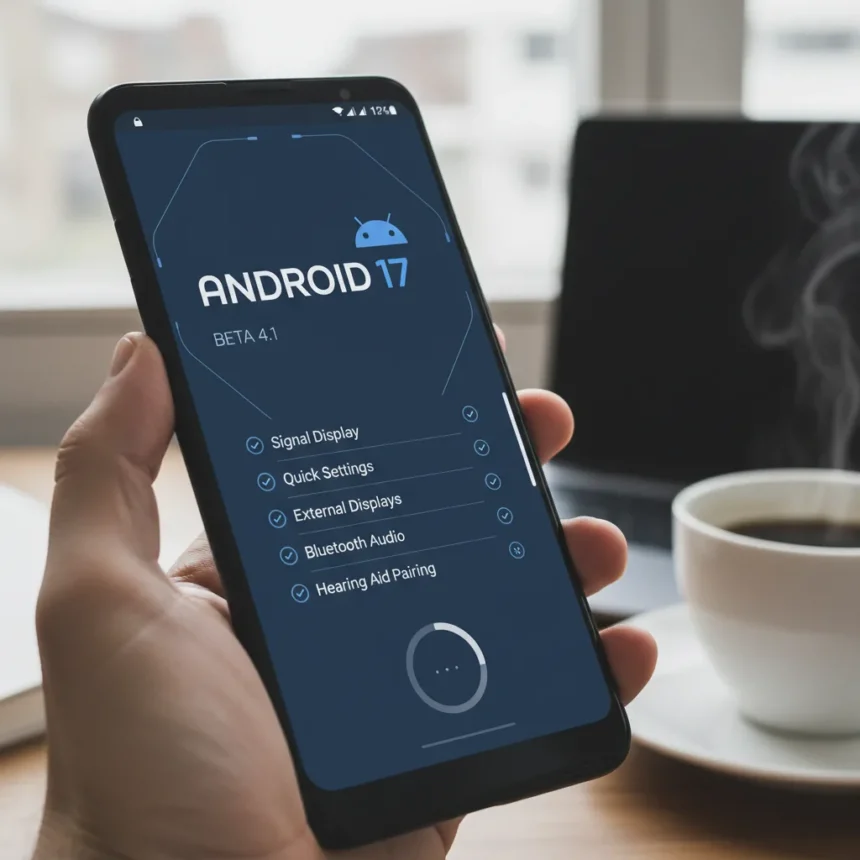
Android 17 Beta 4.1 is now rolling out to Pixel beta testers with a focused set of last-minute fixes before Google’s stable release. This minor update arrives as the company enters the final stabilization phase, suggesting a launch is imminent.
Key Takeaways
- Android 17 Beta 4.1 is a minor update addressing five user-facing bugs on Pixel devices
- The patch fixes signal bar display errors, Quick Settings synchronization, external display output, Bluetooth audio routing, and hearing aid pairing issues
- Beta 4 was already the last scheduled beta, making 4.1 a final cleanup before stable release
- Enrolled testers receive an over-the-air notification when the build is ready
- Build numbers differ by device: CP21.260330.011.A1 for Pixel 6 and 7, CP21.260330.011 for newer devices
Android 17 Beta 4.1 Targets Specific User-Facing Issues
Google identified five bugs in Android 17 Beta 4 that warranted immediate attention before launch. The most visible fix addresses a status bar display problem where zero signal bars appeared despite active network connectivity. This kind of UI mismatch can confuse users into thinking they have lost connectivity when they haven’t.
A second fix tackles a Quick Settings synchronization bug where the mobile data icon remained active even when Airplane mode was enabled. When Quick Settings fail to reflect actual system state, users lose trust in the control panel. The third fix addresses external display output, resolving an issue where connected displays would go black when users selected high resolutions. This matters for developers, content creators, and anyone using Pixel devices with external monitors.
The remaining two fixes target accessibility and audio. One patch restores proper Bluetooth audio routing after system interruptions such as timers, which previously left audio silent. The other fix prevents hearing aids from being automatically forgotten from paired devices after inactivity or charging. For users relying on hearing aids, unexpected disconnection is not merely inconvenient—it’s a functional failure.



Why Beta 4.1 Signals Final Launch Preparations
Google had already designated Android 17 Beta 4 as the last scheduled beta of the release cycle. That decision meant Beta 4 was supposed to be the final checkpoint before stable release. The arrival of Beta 4.1 indicates Google discovered issues during testing that needed fixing before crossing the finish line, but these issues were small enough not to warrant a full Beta 5 cycle.
This pattern reflects how mature software approaches launch. Rather than iterate through multiple beta versions, Google is doing targeted patch releases to address specific regressions. The strategy suggests confidence in the overall stability of Android 17 while acknowledging that real-world testing with thousands of beta devices always surfaces edge cases. Beta 4 itself was framed around app compatibility and platform stability, with broader features like app memory limits and on-device anomaly detection for resource-intensive behaviors already in place.



How to Install Android 17 Beta 4.1
If you are already enrolled in the Android Beta Program, you will receive an over-the-air notification when Beta 4.1 is ready to install on your device. Enrolled testers do not need to do anything manually—Google handles the rollout automatically.
If you are not yet enrolled, you can register for the Android Beta Program through Google’s official enrollment page. The program is free and available on supported Pixel devices, including Pixel 6, Pixel 7, and newer Pixel hardware, as well as the Pixel Tablet. Alternatively, if you prefer to install the build immediately without waiting for the OTA notification, you can use Google’s Android flashing tool to manually install Beta 4.1.
Android 17 Beta 4.1 vs. Earlier Beta Versions
Android 17 Beta 4.1 differs from Beta 4 in scope—it is purely a maintenance release focused on bug fixes rather than new features or platform additions. The broader Android 17 beta cycle had already introduced major developer-facing features such as Android Keystore support for ML-DSA and profiling triggers for app anomalies by the time Beta 4 arrived. Beta 4.1 does not expand that feature set; it simply ensures those features work reliably on real hardware.
This contrasts with earlier beta versions, which introduced new capabilities alongside bug fixes. The progression from Beta 1 through Beta 4 gradually stabilized the platform, and Beta 4.1 represents the final polish. For users on stable Android 16, the jump to stable Android 17 will include all the features already tested in earlier betas, plus the fixes being validated in 4.1.



What Happens After Beta 4.1?
Android 17 is expected to reach stable release in mid-2026. Beta 4.1 appears to be the last update before that stable launch, based on Google’s decision to make Beta 4 the final scheduled beta and the fact that 4.1 is a minor patch rather than a full new beta version.
Once stable Android 17 launches, non-beta users will receive the update through their regular update channels. The fixes in Beta 4.1 will be included in that stable build, so users who do not participate in beta testing will still benefit from the bug fixes Google is validating now.
Should I Install Android 17 Beta 4.1?
If you are already in the beta program and have been testing Android 17, installing Beta 4.1 is recommended because it fixes known issues that affect daily usability—particularly the signal bar display, Quick Settings sync, and Bluetooth audio routing. These are not obscure edge cases; they are visible bugs that impact core phone functions.
If you are considering joining the beta program specifically for Android 17 Beta 4.1, keep in mind that stable release is expected soon. Beta 4.1 is likely the final beta, so you would only be testing for a few weeks before the stable version arrives. For risk-averse users, waiting for the stable release in mid-2026 is the safer choice.
What devices support Android 17 Beta 4.1?
Android 17 Beta 4.1 is available for Pixel 6, Pixel 7, and all newer Pixel devices, including the Pixel Tablet. Google has not published a complete list of supported models, but generally, any Pixel device capable of running Android 17 Beta 4 will receive Beta 4.1.
Can I downgrade from Android 17 Beta 4.1 to stable Android 16?
Downgrading from a beta version to stable requires using Google’s Android flashing tool and wiping your device. It is not a simple rollback through settings. If you are concerned about stability, waiting for stable Android 17 is easier than attempting a downgrade.
Is Android 17 Beta 4.1 safe to use daily?
Android 17 Beta 4.1 is a near-final build with five specific bug fixes, making it more stable than earlier betas. However, beta software can still contain unforeseen issues. If your Pixel device is your primary phone, stable Android 17 will be a safer choice once it launches in mid-2026.
Android 17 Beta 4.1 represents Google’s final push before launch, addressing real bugs that testers discovered. The fixes are practical—signal display, Quick Settings, display output, Bluetooth audio, and hearing aid pairing—rather than cosmetic. For beta testers, this patch is worth installing. For everyone else, stable Android 17 is just around the corner.
Edited by the All Things Geek team.
Source: Android Central