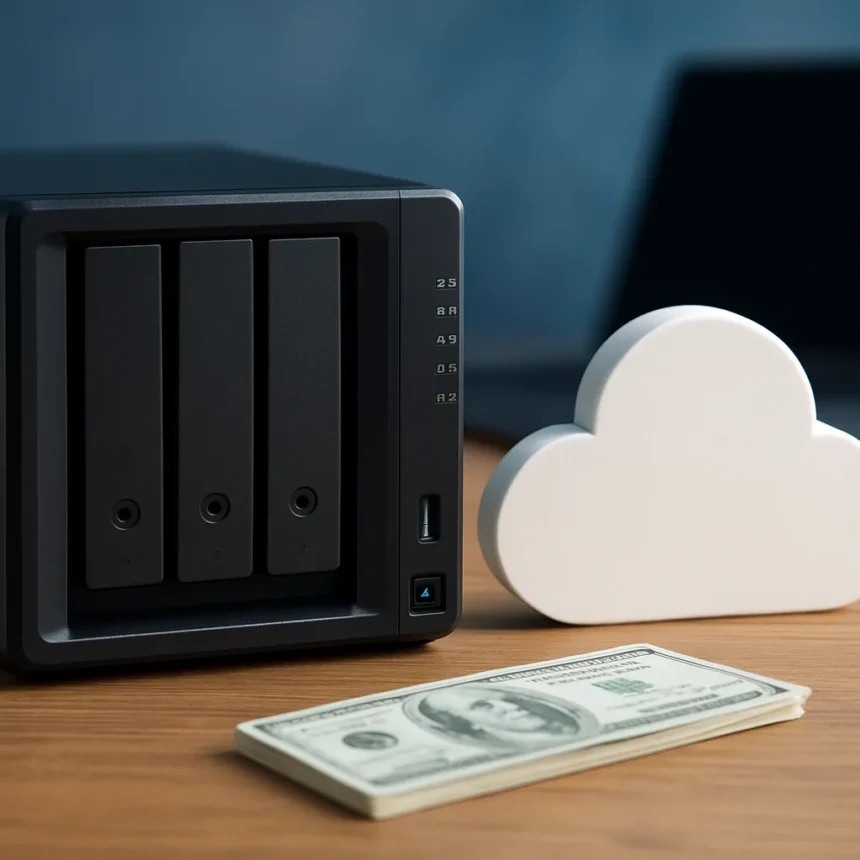
NAS storage vs cloud subscriptions is becoming a genuine choice for households tired of recurring subscription fees. A personal cloud NAS device is a self-contained storage server that sits on your home network, keeps your files locally, and costs nothing monthly—unlike Google One, iCloud, or Dropbox, which charge $10 to $20 monthly for 2TB of capacity.
Key Takeaways
- Personal cloud NAS devices start under $200 with expandable storage bays.
- NAS pays for itself in 1–2 years versus $10–$20/month cloud subscription fees.
- Local network speeds are significantly faster than cloud-based remote access.
- NAS gives you full data ownership and control without third-party access.
- Power consumption is minimal at 10–20 watts, suitable for home environments.
Why NAS storage vs cloud subscriptions matters right now
The financial argument is straightforward. A one-time NAS purchase of under $200 replaces years of cloud subscription payments. Cloud storage providers charge recurring fees indefinitely—$100 per year for 2TB adds up to $2,000 over two decades. A NAS device, by contrast, requires only the initial hardware investment and occasional drive replacements. For households managing photos, documents, and backups across multiple devices, this difference compounds quickly.
Privacy is the second driver. Cloud storage means your files live on someone else’s servers, accessible to the provider and potentially to government requests. NAS storage keeps everything on your hardware, encrypted and local. You control who accesses your data. This matters especially for sensitive family photos, financial documents, or personal videos that you’d prefer not to trust to third-party infrastructure.
NAS storage vs cloud subscriptions: Performance and control
Local network performance is where NAS storage pulls decisively ahead. Transferring files across your home network happens at gigabit speeds—typically 100–1000 Mbps depending on your router. Cloud uploads and downloads depend on your internet connection, which is often far slower. For someone backing up a 100GB photo library, NAS means minutes. Cloud means hours. This speed difference becomes obvious the first time you restore a large backup or access archived files regularly.


Expandability is another advantage. Most personal cloud NAS devices like the Synology BeeStation and BeeStation Plus come with one or two drive bays, allowing you to add more storage as your needs grow. You’re not locked into a single capacity tier. Cloud storage forces you to pay for larger plans if you exceed your current tier, but NAS lets you physically install additional drives at your own pace.
Where cloud storage still wins
Cloud subscriptions aren’t obsolete. They excel at remote access—you can reach files from anywhere on Earth, on any device, without VPN setup. Cloud providers also handle disaster recovery automatically. If your house burns down, your cloud files survive. A NAS sitting in your bedroom does not. The smartest approach for many households is hybrid: NAS storage for fast local access and cost savings, plus cloud backup for off-site redundancy. This combines NAS storage vs cloud subscriptions strengths without choosing between them.



Cloud also scales better for teams and businesses with large, constantly growing data needs. A household backing up photos and documents finds NAS sufficient. A creative agency managing terabytes of client projects might find cloud’s unlimited scalability more practical, despite the recurring cost.
Synology BeeStation: The personal cloud reference
Synology BeeStation and BeeStation Plus represent the current standard for consumer personal cloud NAS. Both include mobile apps for automatic phone photo backups and remote access that mimics cloud services while keeping data on your hardware. Setup is straightforward—you don’t need networking expertise to configure automatic backups across a household. This ease of use is crucial: NAS storage vs cloud subscriptions only matters if the NAS is actually usable by non-technical family members.
The BeeStation lineup demonstrates how far personal cloud NAS has evolved. These devices run silent, consume minimal power (10–20 watts during operation), and fit unobtrusively in a bedroom closet or living room cabinet. They’re not the intimidating enterprise hardware of five years ago.
The math: When NAS storage pays for itself
Let’s calculate. A Synology BeeStation under $200, plus a 4TB drive at roughly $100, totals $300 upfront. Your current cloud subscription costs $120 per year ($10 monthly). The NAS breaks even in 2.5 years and saves you money every year after. If you’re already paying $20 monthly for cloud (Google One 2TB or iCloud+ plans), the NAS pays for itself in 15 months. Over a decade, the savings exceed $1,400.



This calculation assumes you keep the same NAS device for years, which is reasonable. Consumer NAS hardware typically remains functional for 5–10 years with occasional drive replacements. Each replacement drive costs far less than continuing cloud subscriptions.
Is NAS storage vs cloud subscriptions the right choice for you?
NAS storage wins if you fit this profile: you manage a personal or family photo library, keep important documents backed up, want to stop paying monthly fees, and value privacy. You have reliable home internet and a safe place to keep the hardware. You’re willing to spend 30 minutes setting up the device once, then mostly forgetting about it.
Cloud storage remains better if you need access from anywhere, travel frequently, work with teams on shared projects, or generate data faster than you can physically store it. Cloud’s remote accessibility and automatic disaster recovery are genuine advantages that NAS doesn’t match without additional setup.
FAQ
How much does a personal cloud NAS cost compared to cloud storage?
A starter NAS under $200 plus a storage drive ($80–$150) costs $280–$350 upfront. Cloud storage averages $10–$20 monthly. The NAS pays for itself in 1–2 years, then costs nothing monthly.
Can I access NAS storage remotely like cloud storage?
Yes, but with more setup. NAS devices include remote access apps, though you may need to configure VPN or port forwarding yourself. Cloud storage offers remote access immediately with zero configuration. Hybrid setups—NAS locally, cloud backup remotely—combine both advantages.
What’s the power consumption of a personal cloud NAS?
Personal cloud NAS devices consume 10–20 watts during normal operation, comparable to a small network router. Annual electricity cost is negligible, typically under $20 at standard US rates.
The shift from NAS storage vs cloud subscriptions is not about one being universally superior—it’s about matching your actual needs to the right tool. For cost-conscious households managing personal files, NAS storage delivers faster speeds, zero recurring fees, and genuine data ownership. Cloud storage remains unmatched for remote access and off-site backup. The best decision depends on whether you prioritize speed and savings, or accessibility and disaster recovery.
Where to Buy
down to just $175 on Amazon | UGREEN DH2300: | also down to its lowest price
Edited by the All Things Geek team.
Source: Android Central