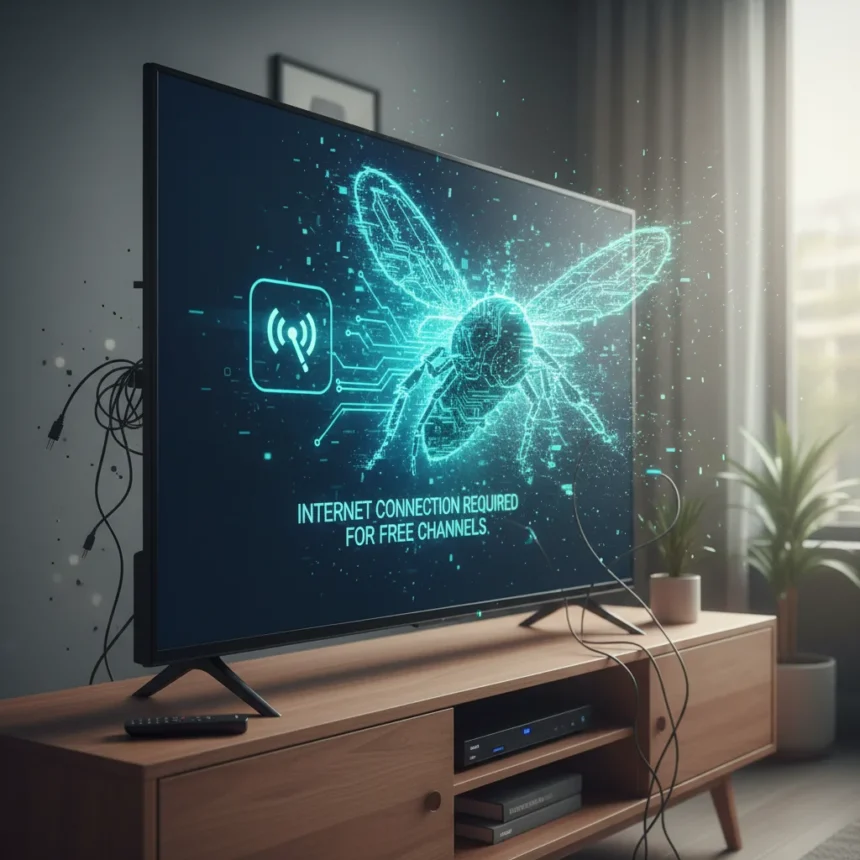
Roku TV antenna bug has turned a fundamental feature into a broken experience. A recent Roku OS update made it impossible to watch free over-the-air broadcasts from ABC, CBS, FOX, and NBC without an active internet connection, even though OTA signals require no internet whatsoever.
Key Takeaways
- Roku OS 15.1 update broke antenna TV access, requiring internet for channels that need none
- Roku confirmed the issue to Cord Cutters News and labeled it a “major bug”
- Workarounds exist: rescan channels, manage the interface, or rename inputs for reliable access
- A fix is coming but rollout timing remains unclear as of March 2026
- OTA antenna channels remain free and subscription-free once the bug is resolved
What Happened: The Roku TV Antenna Bug Explained
Roku TVs allow direct connection of a digital antenna to the TV’s antenna input for receiving free local broadcasts. This is a straightforward hardware feature—plug in an antenna, scan for channels, watch. No subscription. No internet. That was the promise until Roku OS 15.1 rolled out around March 2026. The update introduced a critical flaw: the interface now blocks access to antenna channels unless you have a working internet connection, defeating the entire purpose of using an antenna in the first place.
Roku confirmed to Cord Cutters News that this was indeed a major bug, describing it as making antenna TV “impossible without internet”. The timing is particularly frustrating because the same OS update brought sweeping changes to Roku’s ecosystem—17 new FAST (Free Ad-Supported Streaming) channels, a redesigned subscription hub, and geolocation-pinned local affiliates. These additions buried traditional OTA channels deeper in the interface, compounding the problem.
Roku TV Antenna Bug: Workarounds That Work Right Now
While Roku works on a permanent fix, several workarounds restore antenna access without requiring internet. The simplest approach is to rescan your channels through the TV’s settings menu.



Go to Settings, then TV Inputs (or Live TV), then Antenna TV, and select Scan for Channels. This forces the interface to rediscover your OTA broadcasts. If local channels still don’t appear after scanning, manage your channels manually: hide Roku’s free streaming channels and favorite your local OTA ones using the heart icon. A more reliable long-term workaround is renaming the “Live TV” input to “Antenna TV” in your settings—this simple rename makes the antenna interface more consistent and less prone to requiring internet validation.
These workarounds address the symptoms, not the root cause. Roku’s interface is conflating antenna TV with its streaming ecosystem, forcing authentication checks that shouldn’t apply to offline OTA broadcasts. Until the company pushes a genuine fix through OS updates, users are essentially fighting their own TV to watch free channels.



Why This Bug Matters for Cord Cutters
Antenna TV is one of the last truly free, internet-independent ways to watch live local news, sports, and network programming. Cord cutters rely on this feature specifically because it doesn’t depend on broadband availability or streaming service subscriptions. Roku’s bug attacks that independence at a moment when the company is aggressively pushing its ad-supported streaming channels and subscription hub. The Roku TV antenna bug represents a deeper tension: Roku wants to monetize its platform through FAST channels and partnerships, but that goal conflicts with the simplicity of antenna TV.
For viewers in areas with poor internet reliability, or those deliberately cutting internet costs alongside cable bills, this bug is catastrophic. The antenna input becomes useless. Alternatives exist—YouTube TV, Hulu Live TV, or individual apps for Paramount+ (CBS) and Peacock (NBC)—but these require both internet and subscriptions, defeating the entire reason someone chose antenna TV in the first place.
When Will Roku Fix the Antenna Bug?
Roku has announced a fix for the bug, but as of March 2026, no rollout date has been confirmed. The company has not specified whether the fix will arrive as a minor OS patch or a broader update. Users can manually check for updates by going to Settings > System > System Update, or try rebooting their router and TV to see if a pending update installs. Patience is required, but Roku’s public acknowledgment of the problem at least signals the issue is on the radar.
Can I watch antenna TV without internet on Roku TVs right now?
Technically yes, but only with workarounds. Rescanning channels, managing the interface to hide streaming channels, and renaming the input all restore access without internet. However, these are band-aids on a broken feature, not a proper solution.



What free local channels can I watch on a Roku TV with an antenna?
With a digital antenna connected to your Roku TV, you can receive ABC, CBS, FOX, NBC, and other local broadcasters in your area, depending on your geographic location and antenna quality. These are the same channels available through traditional over-the-air broadcasts.
Is the antenna input on my Roku TV broken, or is this a software issue?
This is a software issue introduced by Roku OS 15.1, not a hardware failure. Your antenna input is fine; the problem is the interface refusing to display antenna channels without internet validation. Workarounds confirm the hardware still functions—the bug is purely in Roku’s software logic.
The Roku TV antenna bug is a self-inflicted wound. Roku built a feature that works perfectly without internet, then updated the software to require internet for no technical reason. The workarounds prove the antenna hardware is fine; the interface is simply broken. Until Roku pushes a proper fix, cord cutters relying on antenna TV are stuck fighting their own TV to watch free channels. Check for OS updates regularly, apply the workarounds if needed, and hope Roku prioritizes this fix sooner rather than later.
Edited by the All Things Geek team.
Source: TechRadar