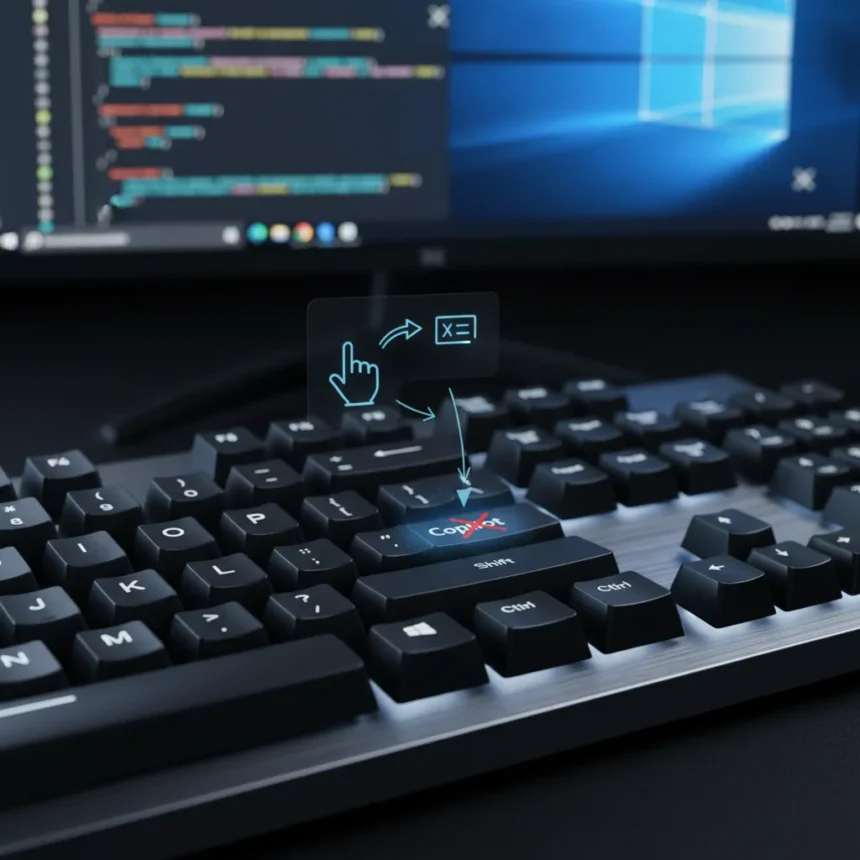
Microsoft is finally letting Windows 11 users remap the dedicated Copilot key back to its original function, a move that signals a rare retreat from the company’s aggressive AI-first hardware strategy. The Windows 11 Copilot key remap feature will allow owners of Copilot-equipped laptops to restore the Right Ctrl key or reassign the button to launch the Context Menu instead of summoning Microsoft’s AI assistant.
Key Takeaways
- Windows 11 Copilot key remap lets users restore Right Ctrl or Context Menu functionality instead of launching Copilot.
- The dedicated Copilot key was introduced as a hardware-level push to increase AI adoption on Windows 11 PCs.
- This change reflects growing user frustration with forced AI integration on keyboards.
- The feature will roll out in a future Windows 11 update later in 2026.
- Third-party remapping tools previously offered workarounds before Microsoft’s official solution.
When Microsoft pushed PC manufacturers to include a dedicated Copilot key on Windows 11 laptops, the company made a calculated bet: a physical button would drive higher engagement with its AI assistant. That strategy required sacrificing something familiar. The Copilot key displaced the Right Ctrl key—a standard modifier that power users relied on for keyboard shortcuts and accessibility features. For millions of users, this was not an upgrade. It was an imposition.
Why Microsoft’s Hardware Push Backfired
The dedicated Copilot key became one of the most resented additions to modern Windows laptops. Users did not ask for it. Most never used it. Yet there it sat, taking up physical space and forcing a choice: either learn a new key location for Right Ctrl or accept the inconvenience of losing a core keyboard function entirely. The frustration was not subtle—it played out across tech forums, social media, and user feedback channels as a symbol of Microsoft’s willingness to reshape hardware around corporate priorities rather than user needs.
This backlash matters because it reveals a fundamental tension in Microsoft’s AI strategy. The company has been aggressively embedding Copilot into Windows 11 through multiple channels: the taskbar, the Start menu, context menus, and now the keyboard itself. Each addition was designed to normalize AI as a default tool. But forcing adoption through hardware constraints proved counterproductive. Users who felt coerced did not become Copilot enthusiasts—they became resentful.



The Windows 11 Copilot key remap feature is Microsoft’s acknowledgment that this approach failed. By allowing users to reclaim control of their own keyboards, the company is essentially admitting that mandatory AI integration does more harm than good to brand perception. It is a small concession, but a meaningful one. It suggests that even Microsoft recognizes the limits of top-down AI adoption strategies.
What the Remap Feature Actually Does
The upcoming Windows 11 update will let users with Copilot-key laptops reassign that button to either restore Right Ctrl functionality or activate the Context Menu—the same menu you get by right-clicking. This is not a removal of Copilot from Windows 11. Copilot remains embedded throughout the OS and accessible through other means. This change only affects the dedicated hardware key, giving users the option to prioritize their own workflow preferences over Microsoft’s AI-first defaults.



The mechanism itself is straightforward: users will access remapping settings through Windows controls rather than relying on third-party tools or workarounds. Before this official solution, users frustrated with the Copilot key had limited options. Some turned to third-party remapping utilities, which offered a technical solution but lacked the elegance and support of a native Windows feature. Others simply accepted the inconvenience or learned to live with muscle memory conflicts between the old Right Ctrl location and the new Copilot placement.
The timing of this change is also telling. Microsoft announced the capability in May 2026, well after Copilot-key hardware had already shipped to millions of users. This is not proactive design—it is reactive damage control. The company waited for user feedback to reach critical mass before offering a fix, a pattern that mirrors how Microsoft has handled other controversial Windows 11 changes over the past few years.
The Broader Context: AI Adoption and User Autonomy
The Windows 11 Copilot key remap decision sits within a larger conversation about how much control users should have over AI integration in their operating systems. Microsoft has been experimenting with different levels of Copilot prominence across Windows 11, from subtle UI elements to the aggressive hardware-level push represented by the dedicated key. User response has been mixed at best, with many viewing Copilot as a feature they never requested and do not need.
This change does not reverse Microsoft’s broader AI strategy. The company is still expanding Copilot across Windows 11, including voice input capabilities and other AI-powered features. But the Windows 11 Copilot key remap represents a tactical shift toward user choice, at least in this one domain. It acknowledges that forcing AI adoption through hardware constraints is less effective than offering it as a tool that users can choose to engage with on their own terms.



The feature will roll out in a future Windows 11 update later in 2026, meaning users will have to wait for the next major release cycle to regain control of their keyboards. For those who have been frustrated by the Copilot key since day one, the wait will have felt long. But the arrival of an official remap capability signals that Microsoft is listening—however slowly—to user complaints about AI integration that prioritizes corporate goals over personal preference.
Should You Remap Your Copilot Key?
If you use Right Ctrl regularly for keyboard shortcuts, accessibility features, or specific software workflows, remapping the Copilot key to restore Right Ctrl makes immediate sense. You regain functionality that was taken from you without consent. If you use the Context Menu key frequently, that is another strong reason to remap. The decision becomes less clear only if you actively use Copilot and value having a dedicated hardware button for quick access to the AI assistant.
Will This Change How Microsoft Approaches Hardware and AI?
The Windows 11 Copilot key remap feature suggests Microsoft may be reconsidering how aggressively it pushes AI through hardware design. However, this is a single concession, not a wholesale retreat. The company will likely continue integrating Copilot into Windows 11 through software means—menus, prompts, and interface redesigns—where user resistance is harder to organize. The lesson here is not that Microsoft has abandoned AI-first thinking, but that it has learned that hardware-level mandates provoke stronger backlash than software-level defaults.
When Will the Remap Feature Actually Be Available?
Microsoft has not announced a specific release date beyond stating the feature will arrive in a future Windows 11 update later in 2026. Users with Copilot-key laptops will need to wait for this update to roll out through Windows Update. The exact timeline and which devices will be supported first remain unconfirmed.
The Windows 11 Copilot key remap is a small victory for user autonomy in an era when tech companies increasingly dictate hardware and software defaults. It proves that sustained user feedback can push back against top-down AI integration strategies, even at a company as large and committed to AI expansion as Microsoft. For anyone who has resented the Copilot key since it arrived on their keyboard, the wait for this update will finally give you back control.
Edited by the All Things Geek team.
Source: TechRadar