





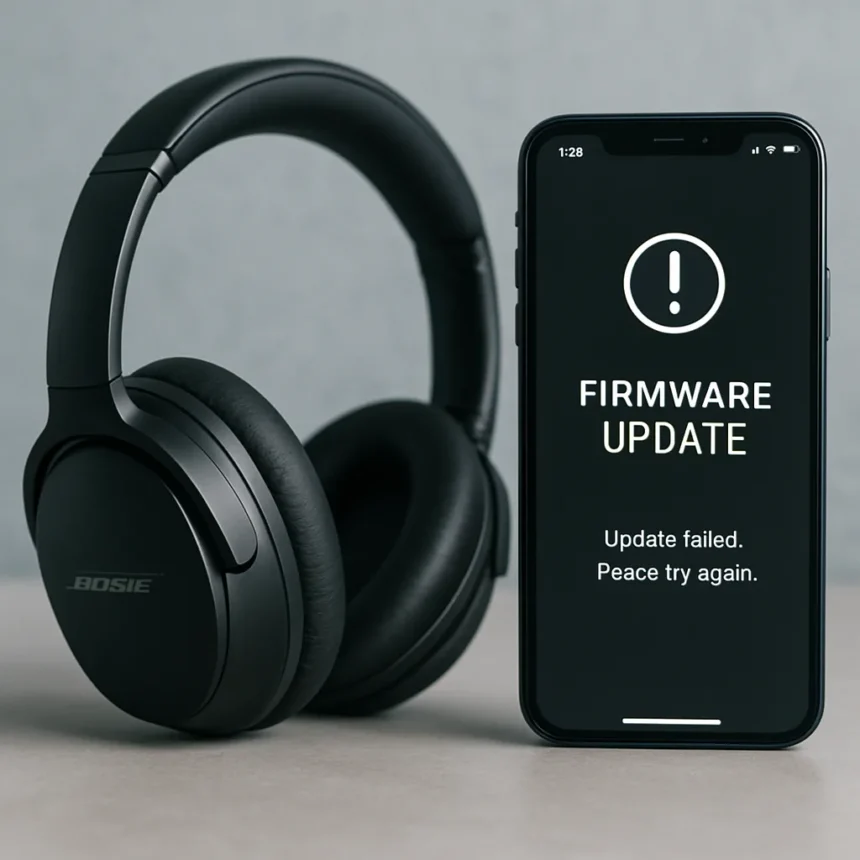
The Bose QuietComfort Ultra Headphones 2nd Gen are premium wireless noise-cancelling headphones made by Bose, and right now they are at the centre of a growing user backlash after a firmware update reportedly stripped away key features that owners paid a significant premium to have. Bose’s response to the complaints has been described as falling well short of what affected users were hoping for, and the anger is spreading fast across owner communities.
What Happened to the Bose QuietComfort Ultra Headphones After the Update?
Reports from owners of the Bose QuietComfort Ultra Headphones 2nd Gen indicate that a firmware update removed key features from the device. The exact features affected have not been officially detailed by Bose, but the user reaction has been fierce. One owner’s response, quoted directly, was blunt: “I am extremely angry!” That sentiment appears to be widespread, with communities of owners sharing similar frustrations online.
What makes this particularly damaging for Bose is the positioning of the QuietComfort Ultra line. These are not budget headphones — they sit at the top of the Bose consumer audio range. When buyers invest in a flagship product, they reasonably expect firmware updates to add capabilities or fix bugs, not to quietly remove the features that justified the purchase price in the first place. A firmware update that degrades the product is, in effect, a post-sale downgrade.
Bose Firmware Problems Are Not Isolated to the Headphones
The Bose QuietComfort Ultra Headphones situation is not a one-off. The broader Bose ecosystem has seen a pattern of firmware updates that introduce new functionality while creating fresh problems elsewhere. The QuietComfort Ultra Earbuds received firmware version 4.0.20, which added multipoint pairing — the ability to connect to two devices simultaneously — but introduced a significant new flaw for PC users. According to a reviewer who tested the update, audio drops occur every half minute on PC, with large gaps before the connection re-establishes. The reviewer’s advice was direct: “If you do need these for PC audio I don’t recommend you update.”



The Ultra Open Earbuds received firmware 4.0.22, which also added multipoint connectivity, but that implementation comes with its own limitation — there is no automatic audio switching between devices. Users must manually pause playback on one device before audio transfers to the other, which undermines the core convenience multipoint is supposed to provide. Minor connection hiccups were also noted with that update. Across the QuietComfort Ultra Headphones and the earbuds lines, the pattern is consistent: Bose ships updates that feel incomplete, trading one problem for another.
How the Bose QuietComfort Ultra Headphones Compare to the Earbuds Line
It is worth separating the two product lines here, because the issues are distinct. The QuietComfort Ultra Earbuds Gen 2 is described as an iterative update over the original, adding wireless charging, an ear tip screen, a new colorway, Spotify Tap support, and wind microphone test improvements. Bose also tweaked the adaptive noise cancellation to reduce noise floor artifacts — specifically, to prevent the microphone gain from cranking up in quiet environments and producing a buzzing sound. The Gen 2 earbuds and the original Gen 1 both received multipoint connectivity via software updates, with manual source selection available.



Despite the firmware frustrations, the QuietComfort Ultra Earbuds retain a strong reputation for noise cancellation performance, with at least one reviewer describing them as the best noise canceller in their category. The Bose QuietComfort Ultra Headphones, by contrast, are now in a worse position than before their update — which is a harder story to spin. Losing existing features is categorically different from gaining imperfect new ones.
What Can Affected Bose QuietComfort Ultra Headphones Owners Do?
If you own the Bose QuietComfort Ultra Headphones 2nd Gen and have been hit by this update, the options are limited but worth pursuing. The Bose app is the control centre for firmware management — navigate to the gear icon in the upper right of the app, then select Product Update to see your current firmware version and check for any further updates Bose may push as a fix. Document the specific features you have lost and report them directly to Bose support, both to create a paper trail and to add pressure for a resolution. If Bose’s response continues to fall short, escalating through consumer protection channels or the retailer where you purchased the headphones may be appropriate depending on your region’s consumer rights framework.
Is this a known issue with Bose QuietComfort Ultra Headphones?
Yes, user reports confirm that the Bose QuietComfort Ultra Headphones 2nd Gen lost key features following a firmware update. Bose’s official response has been described as inadequate by affected owners, and no confirmed fix had been announced at the time of reporting.
How do I check the firmware version on my Bose headphones?
Open the Bose app, tap the gear icon in the upper right corner, and select Product Update. The app will display your current firmware version and run any available updates automatically. This process applies broadly across Bose’s connected audio products.



Should I update the firmware on my Bose QuietComfort Ultra Earbuds?
It depends on your use case. Firmware 4.0.20 for the QuietComfort Ultra Earbuds adds multipoint pairing but introduces audio signal drops on PC connections. If you primarily use the earbuds with a PC, holding off on the update is advisable until Bose addresses the connectivity issue.
The Bose QuietComfort Ultra Headphones situation is a cautionary tale about the double-edged nature of connected audio products. Firmware updates can improve a device, but they can also quietly take away what you paid for — and when a company’s response falls short, it erodes the trust that premium pricing is supposed to buy. Bose has the technical capability to fix this. Whether it moves quickly enough to retain the goodwill of its most loyal customers is the real question.
Edited by the All Things Geek team.
Source: TechRadar




