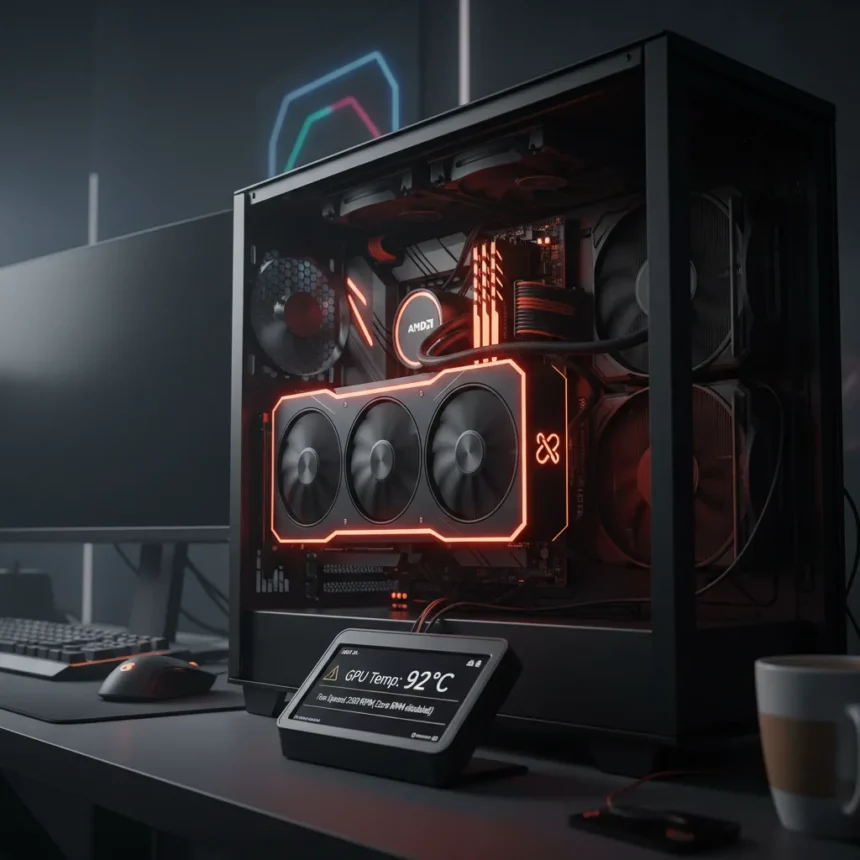
The AMD Adrenalin 26.5.1 driver has introduced a critical fan-control malfunction that leaves GPU temperatures vulnerable to dangerous spikes. Reddit users are reporting that the Zero RPM feature—designed to keep fans silent at lower temperatures—is failing to activate when needed, particularly when monitors enter sleep mode or power off. For GPU owners relying on passive cooling during idle periods, this represents a serious stability risk.
Key Takeaways
- AMD Adrenalin 26.5.1 driver reportedly disables Zero RPM fan control on affected systems.
- Fans fail to spin up when GPU temperatures rise, allowing heat to accumulate unexpectedly.
- The issue appears when monitors sleep or turn off, according to Reddit reports.
- AMD’s Cleanup Utility is recommended when reverting to previous driver versions.
- The malfunction affects AMD GPU owners across multiple system configurations.
What AMD Adrenalin 26.5.1 Driver Zero RPM Issue Actually Is
Zero RPM is a thermal-management feature that allows GPU fans to remain stationary when the card operates below a preset temperature threshold. This keeps noise low during light workloads or idle periods. Once temperatures climb above that threshold, fans should automatically ramp up to cool the GPU. With AMD Adrenalin 26.5.1, this automatic activation appears to be broken, leaving GPUs vulnerable to thermal throttling or shutdown if temperatures continue rising unchecked. The malfunction is particularly dangerous because users may not notice the problem until their system becomes unstable or crashes.
The Zero RPM feature exists on most modern AMD GPUs as a power-efficiency and noise-reduction mechanism. When the feature functions correctly, it balances silent operation with thermal safety. The Adrenalin 26.5.1 driver appears to have introduced a bug that severs this balance, forcing fans to remain off even as GPU temperatures exceed safe operating limits. This is not a hardware failure—it is a driver-level control issue that prevents the fan curve from engaging properly.
Why This Matters for AMD GPU Owners Right Now
GPU drivers are released frequently, and most users install updates without hesitation. The Adrenalin 26.5.1 release, however, has created an unexpected trap: owners who update may find their cooling systems silently disabled. The risk is highest for users who leave their systems idle with monitors in sleep mode—a common scenario in offices, creative studios, and home setups. If a GPU is rendering background tasks or experiencing thermal load while the monitor is asleep, the Zero RPM failure means no fan response, leading to rapid temperature escalation.


The public nature of these reports on Reddit indicates the issue is affecting multiple users across different hardware configurations. This is not an isolated edge case but a systematic problem introduced by the driver update. AMD GPU owners who have already installed Adrenalin 26.5.1 are at immediate risk, particularly those with older GPUs that rely more heavily on active cooling.
How to Respond to the AMD Adrenalin 26.5.1 Zero RPM Problem
The most direct solution is to downgrade to a previous Adrenalin driver version. AMD recommends using its Cleanup Utility when reverting to an earlier release, as this ensures residual driver files do not interfere with the older installation. Users should download the previous stable version from AMD’s official driver page and follow the uninstall-and-clean-reinstall process carefully.



For users who cannot immediately downgrade, manual fan curve adjustment through AMD’s Radeon Settings is a temporary workaround. By setting a custom fan profile that activates at lower temperatures, users can restore some protection against thermal runaway. This is not ideal—it increases noise and power consumption—but it prevents the catastrophic failure mode of fans remaining off during thermal stress.
Monitoring GPU temperatures using third-party tools like FanControl or GPU monitoring software is essential while waiting for a driver fix. Users should check temperatures regularly, especially during idle periods or when monitors are in sleep mode, to confirm that cooling is functioning as expected.
When Will AMD Fix the Adrenalin 26.5.1 Driver Issue?
AMD has not yet released an official statement acknowledging the Zero RPM bug or providing a timeline for a fix. Driver issues of this severity typically receive patches within one or two minor version releases, but AMD’s response speed varies depending on the scope of the affected user base and the complexity of the underlying problem. Until an official patch arrives, downgrading remains the safest option for users experiencing the malfunction.
Should I downgrade my AMD driver immediately?
If you have installed Adrenalin 26.5.1 and are experiencing unexpectedly high GPU temperatures during idle or sleep periods, downgrade immediately. If your system has been running normally and temperatures are stable, monitor them closely before making a decision. The risk is real, but not every system may be affected equally.



How do I know if my GPU has the Zero RPM fan problem?
Check your GPU temperature using monitoring software while your monitor is in sleep mode or turned off. If temperatures climb steadily without fan activity, your Zero RPM feature is broken. A working Zero RPM system will show stable or declining temperatures even with the monitor off, as the fans engage automatically when needed.
Can I use a custom fan curve instead of waiting for a fix?
Yes. Open Radeon Settings, navigate to the fan curve controls, and set a custom profile that activates fans at a lower temperature threshold than the default. This bypasses the broken Zero RPM automation entirely, though it will increase noise and power draw compared to a properly functioning Zero RPM system.
The AMD Adrenalin 26.5.1 driver Zero RPM failure is a reminder that not every driver update is safe to install immediately. AMD GPU owners should wait for user reports and stability confirmation before upgrading, and those already affected should downgrade without delay. Until AMD releases a patch, reverting to a previous Adrenalin version is the only reliable way to restore proper thermal management and protect your hardware from overheating.
Edited by the All Things Geek team.
Source: Tom's Hardware