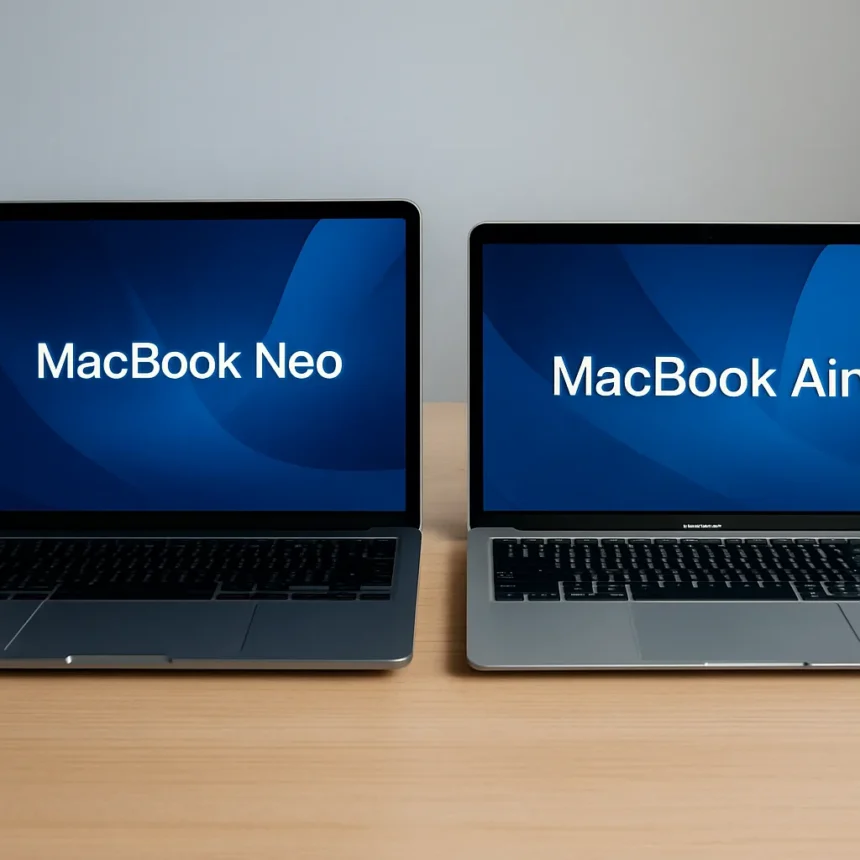
The MacBook Neo vs MacBook Air debate is suddenly urgent now that Apple has a $599 entry-level laptop. After 48 hours using the Neo as a daily driver, the appeal is obvious—and the limitations are brutal. The Neo is Apple’s most affordable MacBook in years, powered by the A18 Pro chip, while the MacBook Air starts at $1,099 and runs the faster M-series processors. For light work, the Neo delivers. For anything demanding, it stumbles hard.
TL;DR: The MacBook Neo costs $599 (vs. Air at $1,099) and handles everyday tasks like browsing and email well. But it has half the RAM (8GB fixed vs. 16GB+), slower storage, a dimmer display, and worse battery life. The Air is worth the premium if you keep your laptop for years or do creative work.
MacBook Neo vs MacBook Air: The Price Trap
The $500 price gap between MacBook Neo and MacBook Air feels massive until you start using the Neo. Yes, $599 buys you a functional laptop that handles web browsing, document editing, and video streaming. But the Neo’s fixed 8GB of unified memory and 256GB base storage create a ceiling that the Air’s configurable 16GB-to-32GB options and up-to-4TB storage simply don’t hit. The Neo cannot be upgraded after purchase—you get what you buy, forever.
Apple’s A18 Pro chip, derived from iPhone architecture, performs adequately for schoolwork and light productivity tasks. Cinebench benchmarks show the Neo scoring around 1506, which sounds respectable until you compare it to the MacBook Air’s M-series chips that score over 3,000. In real-world web tasks, the Neo edges ahead slightly (47.4 vs. 44.5 on some tests), but this advantage vanishes the moment you open multiple apps or attempt anything creative. For students and casual users who need email, Office, and light AI tools, the Neo is genuinely sufficient. For professionals or anyone planning to keep their laptop beyond three years, it is a false economy.


Battery Life and Display: Where the Neo Falls Short
The MacBook Neo’s 36.5Wh battery claims up to 11 hours of wireless web browsing and 16 hours of video streaming. The MacBook Air’s larger 53.8Wh battery delivers 15-18 hours on the same tasks. In practice, this means the Neo requires charging mid-workday if you are away from power; the Air lets you skip the charger entirely. For travelers and remote workers, battery endurance is non-negotiable, and the Neo simply does not compete.
The display difference is equally stark. The Neo’s 13-inch Liquid Retina screen uses sRGB color without True Tone, producing a washed-out, less vibrant image compared to the Air’s Wide color gamut and True Tone display. The Air’s 13.6-inch screen also shows more content on the same screen real estate. If you spend eight hours a day staring at your laptop, the Air’s superior display quality is not a luxury—it is ergonomic necessity.



Ports and Connectivity: The Neo’s Bottleneck
The MacBook Neo vs MacBook Air connectivity story reveals why the Air justifies its premium. The Neo has two USB-C ports: one USB 3 (10 Gbps with DisplayPort) and one USB 2 (480 Mbps). Charging via either port means you cannot simultaneously charge and transfer data on the slower port. The MacBook Air has two Thunderbolt 4 ports (40 Gbps), MagSafe charging, Wi-Fi 7, and Thread support, while the Neo is limited to Wi-Fi 6E and Bluetooth 6. The Air supports two external 6K displays; the Neo supports only two displays total via a single port. For anyone with external monitors, docking stations, or high-speed storage devices, the Neo forces you into adapter hell.
Who Should Buy the MacBook Neo?
The MacBook Neo makes sense for three specific audiences: students taking notes and writing papers, casual users who browse the web and stream video, and households buying a second laptop for light tasks. The vibrant color options (silver, blush, citrus, indigo) and lower price remove friction from the purchase decision. The A18 Pro chip is fast enough for these use cases, and you will not feel frustrated by daily performance.
Everyone else should buy the MacBook Air. Yes, it costs twice as much. But the Air’s superior CPU performance (2-3x faster than the Neo), configurable RAM and storage, better display, longer battery life, Thunderbolt ports, and MagSafe charging create a laptop that improves with age rather than degrading. A $1,099 MacBook Air used for five years costs $220 per year. A $599 MacBook Neo that becomes unusable in three years costs $200 per year and forces you to replace it sooner.
Is the MacBook Neo worth buying over the Air?
Only if you are buying your first laptop and your budget is genuinely constrained to under $600. The Neo handles email, browsing, and light productivity. If you have any flexibility in budget or plan to keep your laptop longer than three years, the Air is the smarter investment.



Can you upgrade the MacBook Neo’s storage or RAM?
No. The Neo’s 8GB of unified memory and 256GB storage are fixed and non-upgradeable. You can buy a 512GB model for $100 more at purchase, but you cannot change either specification later. The MacBook Air allows configuration up to 32GB RAM and 4TB storage.
How much longer does the MacBook Air battery last?
The Air’s 53.8Wh battery delivers 15-18 hours of web or video use versus the Neo’s 11-16 hours. Real-world difference: the Air lasts a full workday without charging; the Neo typically needs a midday top-up for heavy use.
The MacBook Neo vs MacBook Air choice comes down to one question: are you buying a laptop or an appliance? If you want a device that grows with you, handles unexpected tasks, and lasts five years, the Air is worth every extra dollar. If you need something disposable for school or light home use, the Neo suffices—just do not expect it to surprise you with longevity or capability.
Edited by the All Things Geek team.
Source: Tom's Guide