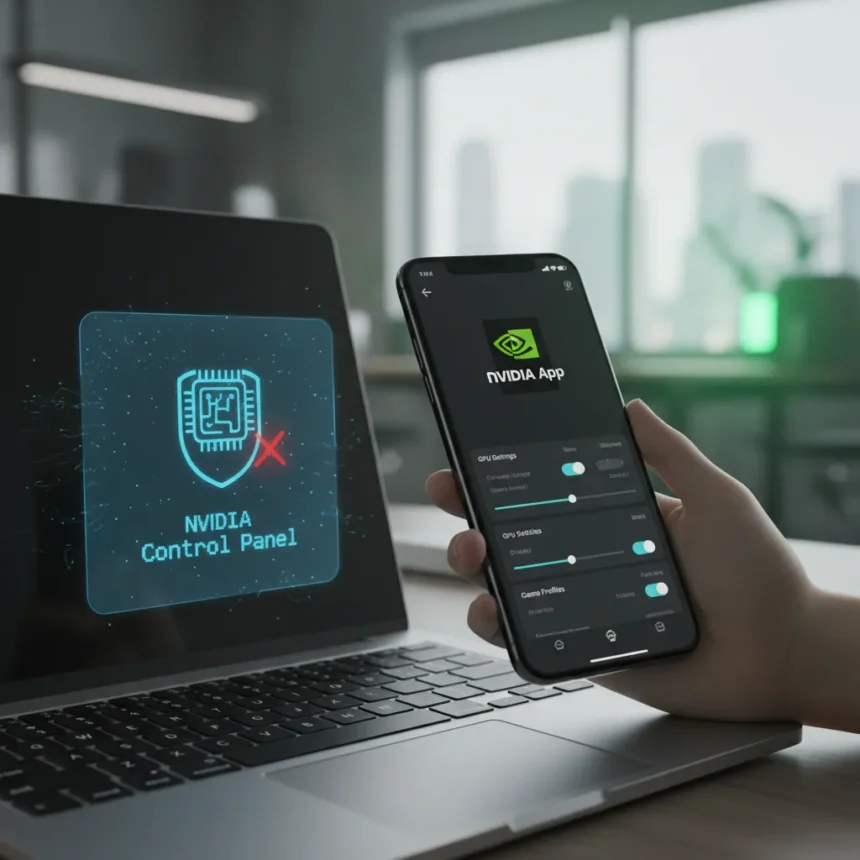
NVIDIA Control Panel retirement is officially here. After two decades of managing GPU settings, the iconic utility is being phased out for GeForce Game Ready and Studio driver users, with NVIDIA pushing everyone toward its newer NVIDIA App as the single management platform.
Key Takeaways
- NVIDIA Control Panel is entering maintenance mode for GeForce users after 20 years of service
- All GPU features are being migrated to the NVIDIA App, not removed
- Existing Control Panel installs remain unless you perform a clean driver installation
- RTX PRO users continue receiving Control Panel support temporarily while professional features migrate
- The Control Panel is still downloadable from the Microsoft Store despite retirement
What NVIDIA Control Panel Retirement Means for GeForce Users
NVIDIA Control Panel retirement signals the company’s final commitment to consolidating GPU management into a single app ecosystem. The Control Panel entered maintenance mode, meaning no new features will be added, but existing installations won’t vanish overnight. If you have the Control Panel on your system now and avoid a clean driver install, it stays put. However, fresh driver installations no longer include it—you get the NVIDIA App instead.
The distinction matters. NVIDIA isn’t deleting functionality; it’s migrating the settings you relied on for years into the NVIDIA App. Graphics customization, display management, and driver controls all moved over during the app’s 2024 launch and continued rollout through 2025. The company says this consolidation creates a unified experience rather than forcing users to juggle multiple utilities.
How to Find Your Settings in the NVIDIA App
The NVIDIA App reorganizes familiar Control Panel functions under new menu structures. Game-specific graphics adjustments now live under Graphics > Program Settings, replacing the old 3D Settings > Manage 3D Settings path. System-level display options and driver controls moved to the System tab. If you’re hunting for overclocking controls, GPU monitoring, or automatic game optimization, the NVIDIA App bundles these alongside driver-level tuning and video recording capabilities.


This architectural shift reflects NVIDIA’s strategy to combine what was previously split between the Control Panel and GeForce Experience into one application. The result is broader feature density in a single interface, though longtime Control Panel users will face a learning curve navigating the new layout. The transition is intentional—NVIDIA designed the NVIDIA App to be the long-term home for all GPU management, not a temporary experiment.
RTX PRO Support Continues (For Now)
Professional users on RTX PRO cards get a reprieve. NVIDIA continues supporting the Control Panel for professional workflows while it completes the migration of RTX PRO-specific features into the NVIDIA App. This two-track approach acknowledges that professional software often depends on stable, unchanging tools. Once NVIDIA finishes moving professional features, RTX PRO users will face the same transition as GeForce users.



The timeline for RTX PRO migration remains unclear. NVIDIA has not announced a specific sunset date, suggesting the professional transition will unfold at its own pace. For now, if you rely on Control Panel for professional workflows, you have runway—but plan your migration strategy.
Can You Still Get the Control Panel?
Yes. Despite the retirement announcement, the Control Panel remains downloadable from the Microsoft Store. Users who want to keep using it can grab a copy independently, though NVIDIA will not update it with new features or improvements. This middle ground lets power users who prefer the legacy interface maintain it, at least for now.
The catch is that fresh driver installations skip the Control Panel entirely. Existing systems that already have it installed can keep it unless you perform a clean installation of the driver. The distinction between an upgrade and a clean install becomes important here—clean installs wipe the old utility and install the new app as default.
Why NVIDIA Made This Move
NVIDIA’s shift reflects a broader industry trend toward unified app ecosystems rather than scattered utilities. The Control Panel was built for an era of simpler GPU management; modern gaming and professional workflows demand real-time monitoring, automated optimization, and driver integration that a 20-year-old utility wasn’t designed for. The NVIDIA App consolidates these capabilities into one interface, reducing confusion and creating a clearer upgrade path for new users.



The retirement also simplifies NVIDIA’s development burden. Maintaining two separate tools—especially when one is in maintenance mode—wastes engineering resources. By moving everyone to the NVIDIA App, NVIDIA can innovate faster and respond to user feedback in a single codebase.
Is the NVIDIA Control Panel completely gone?
Not immediately. Existing Control Panel installations remain on your system unless you perform a clean driver installation. However, NVIDIA will not add new features or improvements to the Control Panel going forward—it’s in maintenance mode. You can still download it from the Microsoft Store, but NVIDIA’s active development focus is entirely on the NVIDIA App.
What happens if I don’t install the NVIDIA App?
If you skip the NVIDIA App, you lose access to the latest GPU management features and driver updates that NVIDIA is now bundling with it. While the Control Panel remains available, it won’t receive new functionality. For most users—especially gamers—the NVIDIA App is where NVIDIA is investing development effort, making it the practical choice.
Will RTX PRO users lose Control Panel support?
Eventually, yes. NVIDIA continues supporting the Control Panel for RTX PRO users temporarily while professional features migrate into the NVIDIA App. Once the migration completes, RTX PRO users will transition to the NVIDIA App like GeForce users. NVIDIA has not announced a specific timeline for this transition.
NVIDIA Control Panel retirement closes a chapter in GPU management history. The move is not sudden—features have been migrating to the NVIDIA App since 2024—but the official retirement marks NVIDIA’s full commitment to the new platform. For GeForce users, the transition is unavoidable; for RTX PRO users, it’s coming eventually. The NVIDIA App is the future of GPU settings, and the sooner you familiarize yourself with its layout and capabilities, the smoother your workflow will be.
Edited by the All Things Geek team.
Source: Windows Central