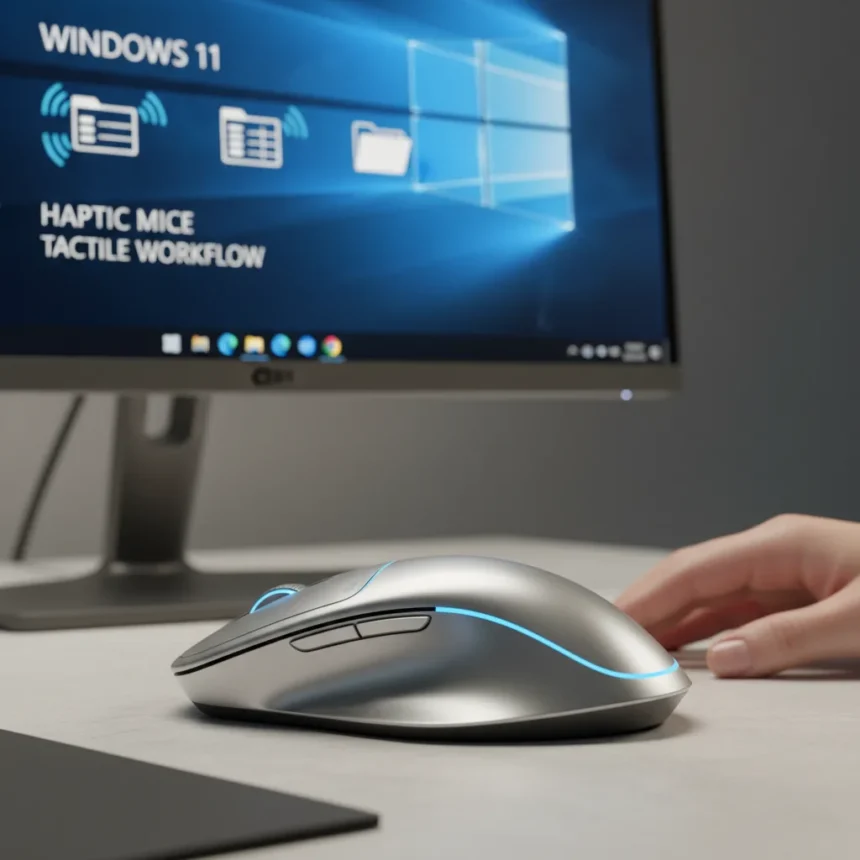
Windows 11 haptic mice are about to transform how you interact with spreadsheets, file managers, and everyday interface elements by delivering physical tactile feedback through your mouse. Microsoft is preparing to roll out a feature called haptic signals in Windows 11, which will extend beyond the basic click vibrations already available on some laptop trackpads and bring richer tactile responses to compatible mice like Logitech’s MX Master 4.
Key Takeaways
- Windows 11 haptic mice will provide tactile buzz feedback when snapping windows or aligning objects.
- The feature is currently hidden in Windows 11 Dev and Beta preview builds, not yet publicly available.
- Logitech MX Master 4 is the company’s first mouse to support haptic feedback.
- Only devices with haptic hardware will benefit; standard mice cannot enable the feature.
- Apple MacBooks have offered similar haptic trackpad feedback for years, and Windows is catching up.
How Windows 11 Haptic Mice Will Work
The upcoming haptic signals feature extends tactile feedback beyond simple click responses to broader interface interactions. When you snap a window into place, align objects, or trigger other supported actions, your mouse will deliver a physical buzz—a tangible confirmation that the system has registered your command. This is fundamentally different from the existing haptic click feedback on some Windows 11 laptop trackpads, which only vibrate when you physically press down. The new feature targets interface events themselves, not just the mechanical act of clicking.
Currently, the feature remains hidden in Windows 11 Dev and Beta channel preview builds. Windows testers cannot access it through normal settings—it requires using ViVeTool, a third-party utility, to enable the feature in the background. This means the feature is not yet officially in testing with the broader Windows Insider community and remains firmly in Microsoft’s internal development pipeline.
Logitech MX Master 4 and Haptic Hardware Requirements
Logitech’s MX Master 4 is the company’s first mouse to feature haptic feedback, positioning it as an early adopter of this emerging interaction model. However, not every mouse will benefit from Windows 11’s new haptic signals feature. The system requires hardware specifically designed to deliver haptic feedback—standard mice with no haptic motors simply cannot produce the tactile buzz, regardless of software updates. This creates a hardware barrier to entry, meaning users interested in this feature must invest in compatible peripherals.


The feature is designed to work with both haptic trackpads and haptic-enabled mice, giving users flexibility in how they interact with their systems. For productivity professionals who spend hours in spreadsheets and file managers, the addition of tactile feedback could reduce cognitive load by providing multiple sensory channels for system feedback—sight, sound, and now touch.
Why Windows 11 Haptic Mice Matter for Productivity
Apple has offered haptic trackpad feedback on MacBooks for years, and Windows users have watched from the sidelines as macOS users enjoyed richer tactile interaction. The gap between the two ecosystems has been noticeable for professionals who value multisensory feedback. Windows 11’s incoming haptic signals feature finally addresses this disparity, though the rollout will likely be gradual and dependent on hardware adoption.



For spreadsheet work and file management, haptic feedback serves a practical purpose beyond novelty. When you’re performing complex operations—dragging files into folders, snapping windows to specific positions, or aligning objects in a layout—a tactile confirmation signal can reduce the need to visually verify every action. This is especially valuable in high-volume workflows where you’re performing dozens of these micro-interactions per hour.
When Will Windows 11 Haptic Mice Reach Users?
The timeline for general availability remains unclear. The feature is currently present only in hidden preview builds and is not yet officially in testing with Windows Insiders. Microsoft has not announced a public rollout date, suggesting the feature may still be months away from reaching even early testers, let alone mainstream users. This is typical for experimental OS features that Microsoft develops in the background before deciding whether to commit to wider testing.
Once the feature does enter public testing, adoption will depend on two factors: user awareness and hardware availability. Many productivity professionals may not immediately upgrade to haptic-capable mice, especially if their current peripherals are functional. However, as Logitech and other manufacturers release more haptic models, and as Windows 11 users grow accustomed to the feature, demand could accelerate over time.
Frequently Asked Questions
Will my current mouse support Windows 11 haptic feedback?
No. Only mice with built-in haptic motors can deliver the tactile feedback. Standard mice lack the hardware required to produce vibration effects, so they cannot participate in the feature even after software updates. You would need to upgrade to a haptic-capable model like the Logitech MX Master 4.



Is Windows 11 haptic mice feedback available now?
Not yet. The feature is currently hidden in Windows 11 Dev and Beta preview builds and requires ViVeTool to enable. It is not officially in testing and has no announced public release date.
How do Windows 11 haptic mice compare to MacBook trackpads?
MacBooks have offered haptic trackpad feedback for years, providing tactile confirmation for interface actions. Windows 11 is now developing similar functionality for both trackpads and mice, bringing feature parity to the platform.
The arrival of Windows 11 haptic mice signals Microsoft’s commitment to enriching the tactile experience of Windows work. While the feature remains in early development and adoption will hinge on hardware upgrades, it represents a meaningful step toward closing the gap between Windows and macOS in terms of multisensory user interaction. For professionals who value every efficiency gain, the promise of haptic feedback for everyday tasks is worth watching as the feature progresses toward public availability.
Edited by the All Things Geek team.
Source: TechRadar