





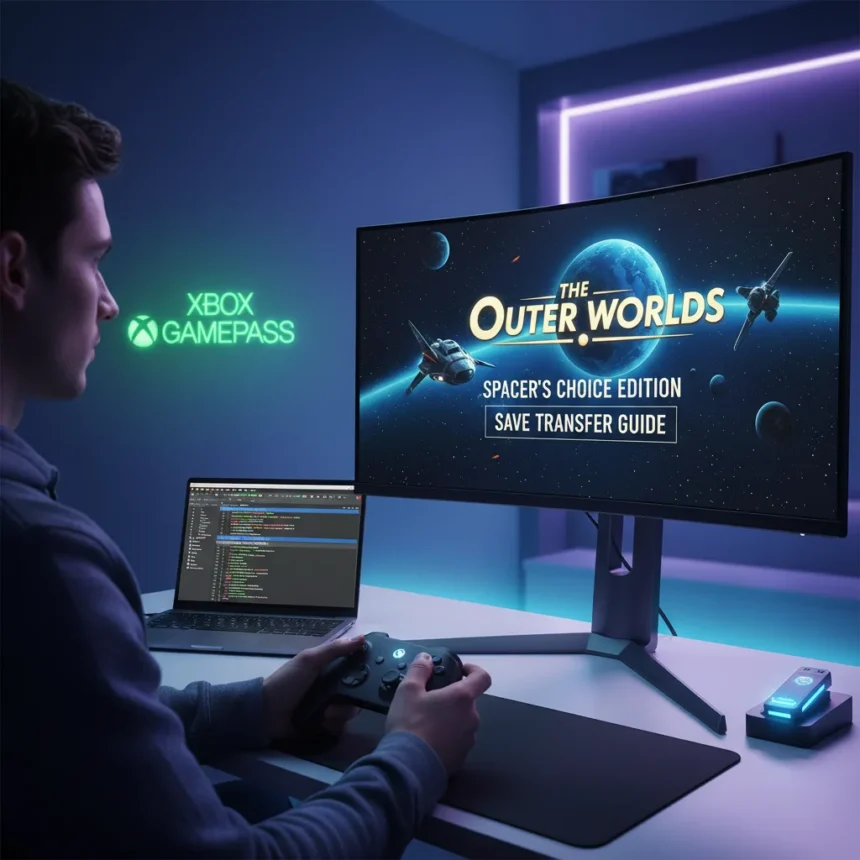
The Outer Worlds Spacer’s Choice Edition replaces the original release on modern storefronts, but players who own the classic version can still move their progress forward. Obsidian Entertainment’s remastered edition is now the definitive version available through Game Pass and digital retailers, leaving existing players with a critical question: can you keep your saves?
Key Takeaways
- The Outer Worlds Spacer’s Choice Edition is the new storefront version, replacing the original release
- Players can transfer saves manually by copying files from the old game to the new version
- You must create a new save file in Spacer’s Choice Edition before importing old saves
- Save transfer works across Steam, Epic Games, and Windows Store versions
- Game Pass provides access to Spacer’s Choice Edition for subscribers
How to Transfer Saves to The Outer Worlds Spacer’s Choice Edition
The Outer Worlds Spacer’s Choice Edition does not automatically import your old saves—you need to move them manually. According to community reports on Steam, the process involves locating your existing save files and copying them into the new game’s save directory. The method works across multiple platforms, including Steam, Epic Games, and Windows Store versions.
Start by creating a new save file in the original The Outer Worlds. Launch the classic version, play through the opening sequence, and save your progress. Next, boot up Spacer’s Choice Edition and create your first save file there as well. This step is essential because some players report that the new version needs an existing save structure before it recognizes imported files. Once both saves exist, locate your old game’s save folder—typically found in your system’s “Saved Games” directory under “Outer Worlds”—and copy those files into the Spacer’s Choice Edition save location. When copying, exclude the Achievement.dat file, as this can cause conflicts between versions. Some users on Steam noted that their destination folder included a Steam ID subfolder within the Spacer’s Choice save directory, so check your specific file structure before pasting.
Private Division, the publisher, stated: “You will need to start a new save file to play Spacer’s Choice Edition,” while confirming that players can still access the original game and original files. This means your old saves remain intact even after moving forward with the remaster.

The Outer Worlds Spacer’s Choice Edition on Game Pass
The Outer Worlds Spacer’s Choice Edition is available to Game Pass subscribers, making it accessible without a separate purchase. The remaster becomes the primary version on Microsoft’s subscription service, replacing the original release for new subscribers. Existing Game Pass members can download and play the enhanced edition directly through the service.
This shift represents a significant change in how the game is distributed on modern platforms. The original The Outer Worlds is no longer sold on major storefronts—Spacer’s Choice Edition is now the only current version available for purchase. For Game Pass users, the upgrade is automatic; the service simply hosts the newer edition.
Platform Differences in Save Transfer
Save transfer behavior varies slightly across platforms. Steam users report the most straightforward process, with clear folder structures and consistent success rates once the initial save is created in Spacer’s Choice Edition. Epic Games players have also confirmed the method works on their platform. Windows Store and Microsoft Store versions may store saves in different locations, so users on those platforms should verify their save directory path before attempting the transfer.
The core process remains the same across all platforms: copy old saves to the new location, avoid moving the Achievement.dat file, and ensure a new save exists in Spacer’s Choice Edition first. However, checking your specific platform’s save folder structure prevents frustration during the transfer.
Can You Still Play the Original Game?
Yes, you can continue playing the original The Outer Worlds if you own it. Your old save files and game files remain on your system even after installing Spacer’s Choice Edition. However, the original game is no longer available for new purchase on major storefronts—it has been delisted and replaced by the remaster. If you already own the classic version, you can keep it installed and play it alongside the new edition.
FAQ
Do I lose my progress if I move to Spacer’s Choice Edition?
No. Your original save files remain intact on your system. By following the manual transfer process, you can carry your progress into Spacer’s Choice Edition without losing any playtime or achievements from the original game.

Is The Outer Worlds Spacer’s Choice Edition free on Game Pass?
Yes. The Outer Worlds Spacer’s Choice Edition is included with Game Pass. Subscribers can download and play it as part of their subscription without an additional cost.
Why do I need to create a new save before transferring?
Creating a new save in Spacer’s Choice Edition establishes the file structure the game needs to recognize imported saves. Some users reported that old saves were not recognized until a fresh save file was created first. This ensures compatibility and prevents the game from failing to load your transferred progress.
The Outer Worlds Spacer’s Choice Edition marks the end of the original game’s retail life, but it does not mean losing your progress. With a straightforward manual save transfer, you can step into the remaster without starting over. For Game Pass subscribers, the upgrade is seamless—the new edition is already waiting in your library.
Where to Buy
XBOX Game Pass…XBOX Game Pass Ultimate | 1 Month Membership | Console, PC, Cloud Gaming Devices | Digital Code | XBOX Game Pass…XBOX Game Pass Ultimate | 3 Month Membership | Console, PC, Cloud Gaming Devices | Digital Code
Edited by the All Things Geek team.
Source: Windows Central




