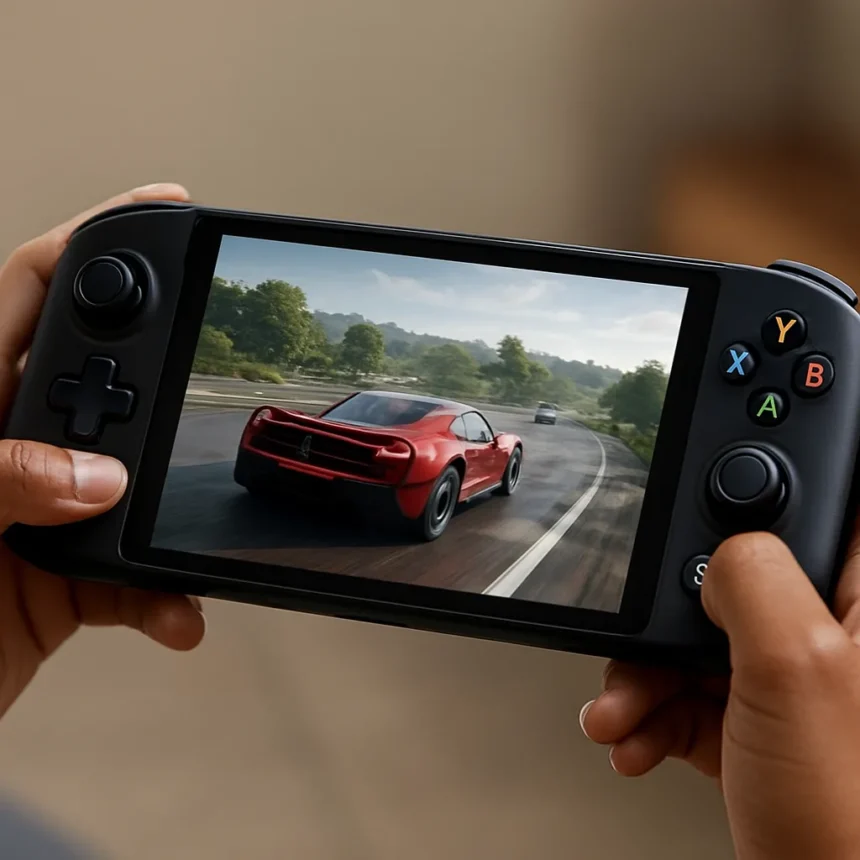
Xbox Ally X Automatic Super Resolution is arriving as a free software update, and it could be the most meaningful performance upgrade a handheld gaming PC has received without anyone spending a cent on new hardware. The ROG Xbox Ally X is a handheld gaming PC made by ASUS in partnership with Microsoft, launched on October 16, powered by the AMD Ryzen AI Z2 Extreme processor. A preview of Auto SR is expected to begin in April, with a broader rollout planned for early 2026.
What is Xbox Ally X Automatic Super Resolution and how does it work?
Automatic Super Resolution, or Auto SR, is an AI-powered, OS-level feature built into Windows. According to Microsoft Support, it works by automatically lowering a game’s rendering resolution to increase framerate, then uses sophisticated AI technology to deliver enhanced high-definition visuals. The key distinction from older upscaling methods is where the processing happens: the Ryzen AI Z2 Extreme’s dedicated NPU handles the AI workload, leaving the CPU and GPU free to focus on running the game itself. That architectural separation is what makes the claimed up to 30% performance improvement plausible, even if real-world gains will vary by title and scenario.
Auto SR targets full-screen DirectX 11 and DirectX 12 games running on 1080p or higher displays. It does not support DirectX 9, Vulkan, or OpenGL titles, which is a meaningful limitation given how many older PC games rely on those APIs. When a supported game launches, the feature activates automatically and notifies the player — no per-game developer integration required. That last point matters enormously: unlike NVIDIA DLSS, which requires studios to build support into each release, Auto SR works across the existing DirectX library on the Ally X without waiting for patches.
Xbox Ally X Automatic Super Resolution vs AMD FSR and DLSS
The handheld gaming PC space has been awash with upscaling options, and it is worth being direct about where Auto SR fits. AMD’s FSR has been the go-to solution for devices like the Steam Deck and the base ROG Xbox Ally precisely because it runs on the GPU without requiring dedicated AI silicon. Auto SR processes the final frame through a spatial super-resolution neural network on the NPU, which independent observers have noted produces visibly improved edge clarity and better anti-aliasing compared to FSR 1.0. The trade-off, however, is that HUD elements and UI text can appear softer — a genuine drawback for games where on-screen information density matters.


The base ROG Xbox Ally, which lacks a dedicated NPU, cannot run Auto SR at all. That hardware gap makes the Ally X a meaningfully different device rather than just a spec bump, and it future-proofs the higher-end model as Microsoft continues to expand AI-driven features across Windows. For context, Auto SR is also available on Copilot+ PCs equipped with Snapdragon X or compatible NPU hardware, but the handheld gaming form factor is where the performance headroom is tightest and the gains therefore most impactful.
How to enable Auto SR on the ROG Xbox Ally X
Enabling the feature system-wide is straightforward once the update is available. Navigate to Settings, then System, then Display, then Graphics, and toggle Automatic Super Resolution under Default Settings. The feature will then activate automatically on any supported game with an on-screen notification confirming it is running. For players who want finer control, a per-game override is available under Custom Settings for Applications in the same Graphics menu — find or add the game’s executable file and set it to On. Note that the custom per-game setting overrides the default and must be toggled individually for each title. Microsoft also flags that enabling Auto SR on additional games may affect Alt+Tab behaviour with other open applications and could hide unsupported display resolutions from the resolution selector.



What else is the Ally X getting alongside Auto SR?
Auto SR is not the only AI feature the NPU enables on the Ally X. The Xbox team has also highlighted Highlight Reels, a tool that automatically captures standout gameplay moments — such as boss kills or match victories in games including Fortnite, Overwatch, and Forza Horizon 5 — and packages them as short shareable clips. As the Xbox team described it, the feature helps players easily capture and share their standout moments as replay clips with friends online. Advanced Shader Delivery is also part of the broader update wave, reducing in-game stutter by pre-caching shader data in a manner comparable to what Valve’s Steam Deck has offered for some time. Unlike Auto SR, Advanced Shader Delivery benefits all Windows users, not just Ally X owners.
Is the 30% performance claim realistic?
The up to 30% figure comes from ASUS marketing materials and has not been independently verified across a broad range of games and scenarios. That caveat deserves emphasis. Upscaling performance gains are highly dependent on the specific game, its rendering pipeline, and the resolution targets involved. What the architecture does credibly support is the claim that offloading AI processing to the NPU frees GPU headroom — that is a sound engineering principle, not just a marketing assertion. Observers who tested Auto SR on Copilot+ laptops reported promising results and visibly improved edge clarity, but no exact figures were published. Treat the 30% headline as a ceiling, not a guarantee.
When will Xbox Ally X Auto SR be available?
A preview is expected to begin in April, with the full rollout planned for early 2026. The gap between preview and general availability suggests Microsoft is treating this as a staged rollout, likely to gather feedback and address compatibility issues before pushing it to all Ally X owners. The update is free for existing ROG Xbox Ally X (model RC73XA) owners.
Does Auto SR work on the base ROG Xbox Ally?
No. Auto SR requires a dedicated NPU, and the base ROG Xbox Ally does not include one. The feature is exclusive to the ROG Xbox Ally X, which uses the AMD Ryzen AI Z2 Extreme processor with integrated NPU hardware. This is a hardware-level limitation, not a software restriction that could be patched around.


Xbox Ally X Automatic Super Resolution represents a genuine step forward for handheld gaming performance — not because the numbers are guaranteed, but because it delivers AI-powered upscaling at the OS level, for free, across an entire DirectX game library without requiring developer support. The NPU-based architecture is the right approach for a device where every watt of GPU headroom counts, and the comparison to FSR 1.0 suggests real visual quality gains are on the table. The April preview cannot come soon enough for Ally X owners who have been watching the Steam Deck and other rivals iterate on performance features while waiting for Microsoft’s AI hardware investment to pay off in practice.
Edited by the All Things Geek team.
Source: Windows Central