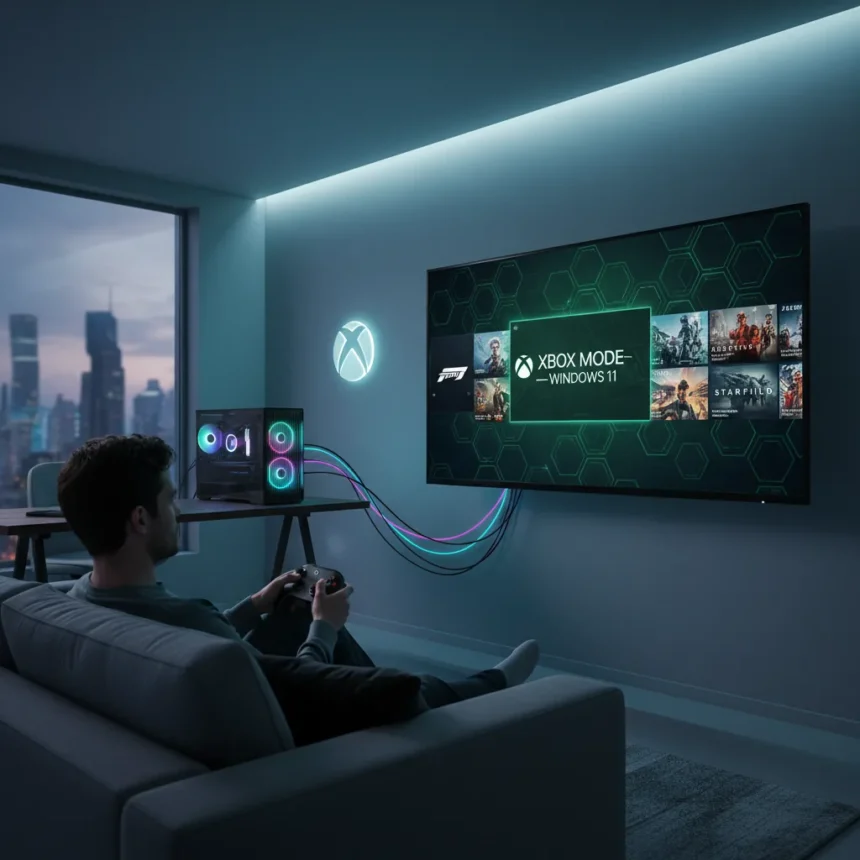
Xbox Mode Windows 11 is Microsoft’s new full-screen gaming interface that replaces the traditional desktop with a controller-optimized, console-style experience designed for PC gamers who want to lean back and play. The feature began rolling out to Windows Insiders in the Release Preview Channel, with stable channel availability expected in May 2026 following an initial launch in select markets on April 30, 2026.
Key Takeaways
- Xbox Mode Windows 11 replaces the desktop with a full-screen, gamepad-friendly gaming interface.
- Rollout started in select markets April 30, 2026, expanding to Insiders and stable channels by May 2026.
- Users can toggle between Xbox Mode and the standard Windows desktop at startup.
- Features include game library browsing, game launching, Game Bar access, and optimized controller support.
- The feature is free for all Windows 11 devices.
What Xbox Mode Windows 11 Actually Does
Xbox Mode Windows 11 transforms your PC into a gaming console without requiring hardware changes. When enabled, it boots directly into a full-screen interface optimized for gamepad navigation, letting players browse their library, launch games, access Game Bar, and switch between apps—all without touching a keyboard or mouse. You can set Xbox Mode as your default startup option, meaning your PC launches into the gaming interface instead of the traditional desktop. Switching back to the standard Windows desktop is simple: just restart and select the regular desktop option at login.
Microsoft describes the experience as making it easier for players to jump into a streamlined, full-screen, dedicated gaming experience whenever they want to lean back and play. The interface consolidates game storefronts and provides what the company calls a controller-optimized experience, eliminating the friction of navigating Windows menus with a gamepad.
How to Enable Xbox Mode Windows 11
Enabling Xbox Mode Windows 11 requires joining the Windows Insider Program, as the feature is still rolling out gradually. Install the latest Windows Insider Preview build, restart your PC, and sign in—Xbox Mode will load instead of the desktop. If you want to return to the standard Windows experience, simply restart and select the regular desktop option. Once the feature reaches the stable channel in May 2026, standard Windows 11 users will gain access without needing Insider status.


Setting Xbox Mode as your permanent startup option requires configuring it in your system settings, though the exact menu location may vary depending on your current Windows build. The gradual rollout means not all Windows 11 devices have access yet, even within the Insider Program.
Xbox Mode Windows 11 vs. Steam Big Picture Mode
Xbox Mode Windows 11 enters a space already occupied by Steam Big Picture Mode, which has offered controller-optimized big-screen gaming for nearly 15 years. Both interfaces prioritize gamepad navigation and full-screen gaming experiences, but Xbox Mode is native to Windows 11 and designed to replace the entire desktop environment rather than operating as a separate application. Steam Big Picture Mode remains available to Steam users and continues to receive updates, but Xbox Mode’s integration into Windows itself gives it a system-level advantage for players who want a complete gaming-first PC experience.



The key difference lies in scope: Steam Big Picture Mode focuses on launching and managing Steam games, while Xbox Mode Windows 11 aims to consolidate multiple game storefronts and provide a unified gaming hub across your entire system. For players who use Game Pass, Xbox app, or multiple launchers, Xbox Mode Windows 11 offers a more comprehensive solution than any third-party overlay.
Why Microsoft Is Pushing Xbox Mode Now
The rollout reflects Microsoft’s broader strategy to revitalize the Xbox brand by focusing on console fundamentals while strengthening cloud and services. By bringing console-style interfaces to PC, Microsoft positions Windows 11 gaming as a natural extension of the Xbox ecosystem rather than a separate platform. This move signals that the company sees PC gaming not as a threat to consoles but as an opportunity to unify its gaming audience under a single experience paradigm.
The announcement at GDC underscores Microsoft’s intent to reshape how PC gamers interact with their machines. Rather than forcing gamers to navigate Windows’ traditional desktop and launcher fragmentation, Xbox Mode Windows 11 eliminates friction by creating a dedicated gaming-first environment.
Is Xbox Mode Windows 11 mandatory?
No. Xbox Mode Windows 11 is optional and free for all Windows 11 devices. You can enable it as your default startup experience or toggle back to the standard desktop whenever you choose. Users are not required to adopt it.


When will Xbox Mode Windows 11 reach all Windows 11 users?
The stable channel rollout is expected in May 2026. Currently, access is limited to Windows Insiders in the Release Preview Channel and select markets that began receiving it on April 30, 2026. Standard Windows 11 users will gain access once the stable rollout completes.
Can you use Xbox Mode Windows 11 with a keyboard and mouse?
Xbox Mode Windows 11 is optimized for gamepad navigation, though keyboard and mouse support exists for app switching and Game Bar access. The interface is designed around controller input, so keyboard and mouse users may find the experience less intuitive than the standard Windows desktop.
Xbox Mode Windows 11 represents Microsoft’s commitment to making PC gaming feel like console gaming—no setup, no menus, just games. For players tired of juggling launchers and navigating Windows’ traditional interface with a controller, it’s a meaningful shift. Whether it becomes the default for PC gamers depends on how smoothly the rollout progresses and whether the unified storefront actually delivers on Microsoft’s promise of simplicity.
Edited by the All Things Geek team.
Source: Tom's Hardware