





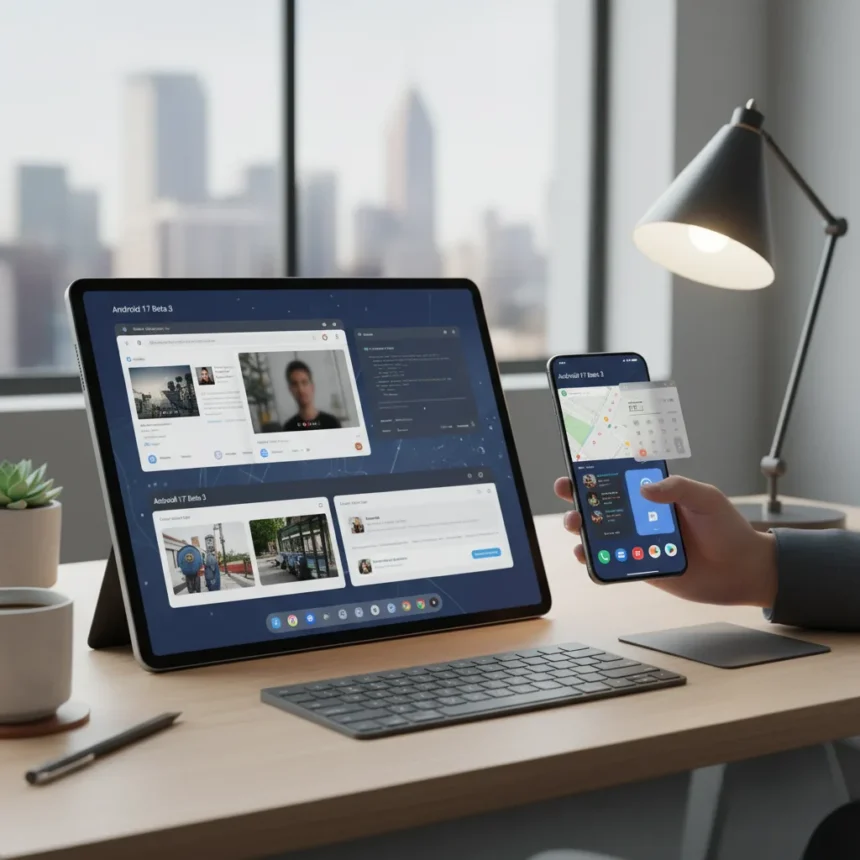
Android 17 desktop multitasking finally arrives in Beta 3 with floating windows that actually work like a real PC. Google has shipped free-form resizable windows, split-screen layouts, Alt+Tab switching, and taskbar pinning—turning tablets, foldables, and phones connected to external displays into genuine desktop machines.
Key Takeaways
- Android 17 Beta 3 enables floating windows for any app on tablets, foldables, phones, and external displays.
- Desktop windowing supports split-screen layouts, taskbar app switching, Alt+Tab navigation, and virtual workspace organization.
- Wi-Fi and mobile data toggles are now separate in quick settings for independent control.
- Platform stability reached in Beta 3 after improvements to speed, visuals, and app switching performance.
- Feature works on Pixel Tablet and other devices running Android 16 QPR3 or Android 17.
What Android 17 Desktop Multitasking Actually Delivers
The desktop windowing feature transforms how Android handles multiple apps. Instead of the old full-screen-or-nothing approach, you get free-form windows that resize, move, and stack like any Windows or macOS machine. Drag a window to the left edge and it snaps into split-screen. Drag the divider to adjust. Open a third app in a floating bubble. Switch between them with Alt+Tab or tap taskbar icons for instant app access without lag.
This is not theoretical. According to Android Authority’s hands-on testing, desktop windowing’s core advantage over previous Android multitasking is speed—switching between apps is incredibly fast, with no app switcher overlay or restart delays. The feature works on tablets like the Pixel Tablet, Samsung Galaxy Tab S11, foldables with large screens, and phones connected to external displays. When you plug a phone or foldable into a monitor, a desktop session starts automatically with a taskbar and full window management.
Long-press any app icon in the launcher to create a bubble and start multitasking immediately. Apps adapt to window sizes and orientations—no forced full-screen letterboxing on large screens. The experience feels organized and surprisingly close to how virtual desktops work on a regular computer.


Platform Stability and Other Android 17 Upgrades
Android 17 Beta 3 marks the first platform stability milestone, meaning core features are locked and fewer breaking changes will arrive before the final release. This is significant because earlier betas introduced desktop mode with rough edges—slower app switching, visual glitches, and inconsistent behavior. Beta 2 streamlined the interface and improved performance. Beta 3 solidifies that work.
Beyond desktop multitasking, Android 17 adds Contacts Picker for privacy-focused contact access, a Handoff API for cross-device task switching, UWB DL-TDOA for indoor navigation, Proximity Detection via Wi-Fi, and an EyeDropper API for color sampling. Performance improvements include faster app launches, reduced background memory usage, and improved CPU scheduling. Camera performance gets a boost with faster mode switching.



The Wi-Fi and mobile data toggle split is a small but useful change. Previously, toggling airplane mode or Wi-Fi affected both connections. Now you control them independently in quick settings, letting you switch to mobile data without disabling Wi-Fi entirely.
How This Compares to Android 16 and Traditional Multitasking
Android 16 introduced desktop mode, but it was clunky. Switching apps was slow, visuals were rough, and the entire experience felt bolted-on rather than native. Android 17 Beta 3 addresses every weakness. The speed improvement is the most noticeable—app switching no longer stutters. The visual polish is there. The workflow feels intentional.
Compared to traditional Android split-screen (which pins two apps side-by-side), desktop windowing gives you true freedom. You are not locked into 50-50 layouts. You can have three apps visible, minimize one to the taskbar, and drag windows around like a real OS. For users who need to reference multiple apps simultaneously—writing emails while viewing spreadsheets, chatting while browsing—this is a genuine productivity leap.
On external displays, the advantage is even clearer. A phone plugged into a monitor now becomes a desktop workstation. Windows move between the phone screen and monitor without restarting apps. This is something Android could never do before.



Who Should Use Android 17 Beta 3 Right Now
Android 17 Beta 3 is available now for developers on supported devices like the Pixel 8a and Pixel Tablet. This is beta software—expect occasional bugs and performance hiccups. It is not for daily drivers unless you tolerate instability.
The stable Android 17 release is expected later, and desktop multitasking will ship by default on all tablets running Android 16 QPR3 or Android 17. If you own a Pixel Tablet, Samsung Galaxy Tab, or any large-screen Android device, you will get this feature without opting into beta programs.
For phone users, desktop multitasking requires an external display connection. If you regularly dock your phone to a monitor—or plan to—this is worth testing now to give feedback. Google replaced Developer Previews with the Canary Channel for continuous early access, so you can stay on the bleeding edge if you want.
Does Android 17 desktop multitasking work on all phones?
Desktop windowing is built into Android 17 and works on any phone, foldable, or tablet. However, floating windows are most practical on large screens—tablets and foldables with expansive displays. On a regular phone, you get the feature, but split-screen and floating windows are cramped. For true desktop-style multitasking, connect your phone to an external monitor.
Can you use Android 17 desktop multitasking on a Pixel phone right now?
Yes, if you enroll in the Android 17 Beta program. Beta 3 is available now for supported Pixel devices. The stable release will arrive later, at which point all Pixel phones will receive the feature. Desktop windowing shines on external displays, so the real payoff comes when you dock your Pixel to a monitor.
What happened to Android split-screen multitasking?
Split-screen multitasking still exists in Android 17. Desktop windowing is the new, more flexible option. You can use either—full-screen apps, split-screen layouts, or floating windows—depending on your workflow. The old approach did not disappear; it just got a powerful alternative.
Android 17 Beta 3 proves Google finally understands what desktop multitasking should be. Fast, flexible, and practical. If you use tablets or external displays, this is the update you have been waiting for. For regular phone users, it is nice to have but not essential—at least until you dock your phone to a monitor and realize you can actually work that way.
Edited by the All Things Geek team.
Source: Android Central




