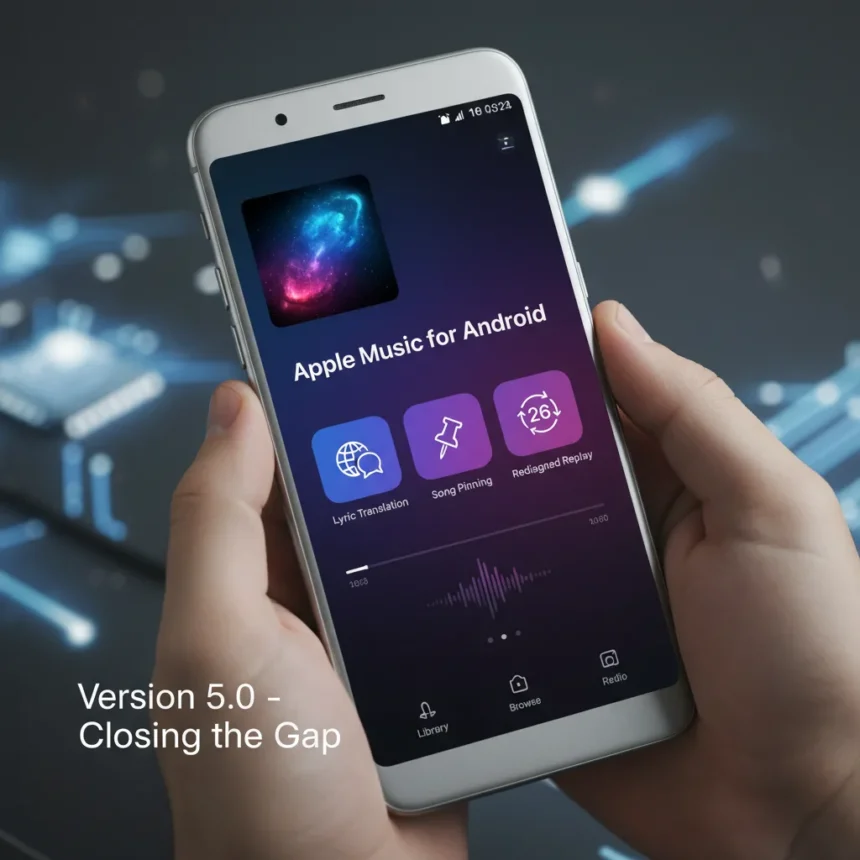
Apple Music for Android version 5.0 now includes several features that iOS users received with iOS 26, narrowing the gap between the two platforms. Released in September 2025, the update brings three major additions: automated lyric translation with pronunciation guides, the ability to pin songs and playlists for quick access, and a revamped Replay feature that shows monthly and yearly listening stats.
Key Takeaways
- Apple Music for Android 5.0 launched September 2025 with iOS 26 feature parity including lyric translation and song pinning
- Lyric translation automatically converts lyrics to your preferred language with phonetic pronunciation guides, especially useful for K-Pop fans
- Pinned content appears as a grid at the top of your Library with customizable tap actions and optional auto-download
- Replay redesign provides monthly and yearly streaming stats and trends directly in the app
- Apple Music 5.2 beta (February 2026) previews iOS 26.4 features like AI-generated playlists and redesigned album artwork
How Song Pinning Works on Apple Music for Android
Pinning lets Android users organize their favorite content without creating new playlists. Open any song, album, artist page, or playlist, tap the three-dot menu, and select the pin icon. Pinned items automatically appear as a grid at the top of your Library, giving you instant access to your most-played or most-loved content. You can customize what happens when you tap a pinned item—play it, shuffle it, or navigate to the full page—through the app settings. For offline listening, enable auto-download in settings and pinned content syncs across all your Apple devices.
Lyric Translation and Pronunciation Guide Features
The lyric translation feature automatically converts song lyrics into your preferred language and includes a phonetic pronunciation guide, making it easier to sing along or understand lyrics in unfamiliar languages. This is particularly valuable for K-Pop listeners who want to engage with lyrics in their original language while also understanding the English translation. The feature works smoothly within the existing lyrics view—no separate toggle or menu required. Once you set your preferred language in Apple Music settings, translations appear automatically when you view lyrics.
Replay Gets a Major Redesign
Apple Music’s Replay feature, which summarizes your listening habits, now has a redesigned interface on Android that mirrors the iOS version. Instead of navigating through menus, you can view monthly and yearly listening stats and trends directly in the app, showing your top songs, artists, and genres. This redesign makes it faster to see your listening patterns without digging through settings or waiting for a separate Replay hub to load.


What Android Still Doesn’t Get from iOS
Despite the September 2025 update, Apple Music for Android still lacks full feature parity with iOS. The Android version does not include AutoMix, Apple’s AI-powered feature that generates smooth transitions between songs with beat matching and time stretching. The app also lacks the full Liquid Glass design overhaul that iOS 26 brought to the iPhone. However, Apple Music for Android maintains its own design language that aligns with Android conventions rather than forcing iOS aesthetics onto the platform.
Interestingly, Android users have historically received certain features before iOS users did. The crossfade feature, which smoothly transitions between songs, arrived on Apple Music for Android three years before it came to iOS. This suggests Apple’s approach to feature rollouts is not strictly iOS-first, even if iOS typically receives major redesigns sooner.



What’s Coming Next: Apple Music 5.2 for Android
A beta version of Apple Music 5.2 for Android launched in February 2026, bringing iOS 26.4 features to the platform. The update includes Playlist Playground, an AI-powered feature that generates custom playlists based on text prompts you provide. The beta also previews a redesigned album and playlist page with centered Play buttons and repositioned Shuffle, Download, and Share controls. Artist pages gain an Upcoming Concerts badge that makes it easier to discover when your favorite musicians are touring.
How to Enable Auto-Download for Pinned Content
If you want pinned songs and albums to download automatically to your device for offline listening, open Apple Music settings, navigate to the Library or Downloads section, and toggle auto-download for pins. This ensures your pinned content is always available, even without an internet connection. The downloaded files sync across your Apple ecosystem, so pinned content appears on your iPhone, iPad, and Mac as well.
Is Apple Music for Android still behind iOS?
Yes, but the gap is narrowing. The September 2025 version 5.0 brought major iOS 26 features to Android, including lyric translation, song pinning, and Replay redesign. However, Android still lacks AutoMix and the full Liquid Glass visual redesign. The February 2026 beta of version 5.2 suggests Apple is committed to closer feature parity going forward, with AI playlists and UI redesigns following iOS releases within months rather than years.
When will Apple Music 5.2 stable release on Android?
Apple Music 5.2 was available as a beta in February 2026 via the Google Play beta program, with stable release following as iOS 26.4 features rolled out. Stable releases typically arrive several weeks after beta testing concludes, but Apple has not announced a specific stable release date. Users can join the beta program on Google Play to test new features early.



The September 2025 update to Apple Music for Android marks a shift in how Apple approaches cross-platform feature parity. Rather than leaving Android users waiting months or years for iOS features, Apple is now rolling out major updates to both platforms in closer succession. Lyric translation, song pinning, and the Replay redesign are practical features that make the app more useful for everyday listening. The coming Playlist Playground and redesigned album pages will further close the gap. Android users who have felt left behind by Apple’s ecosystem can finally enjoy the company’s music service on more equal footing.
Edited by the All Things Geek team.
Source: T3