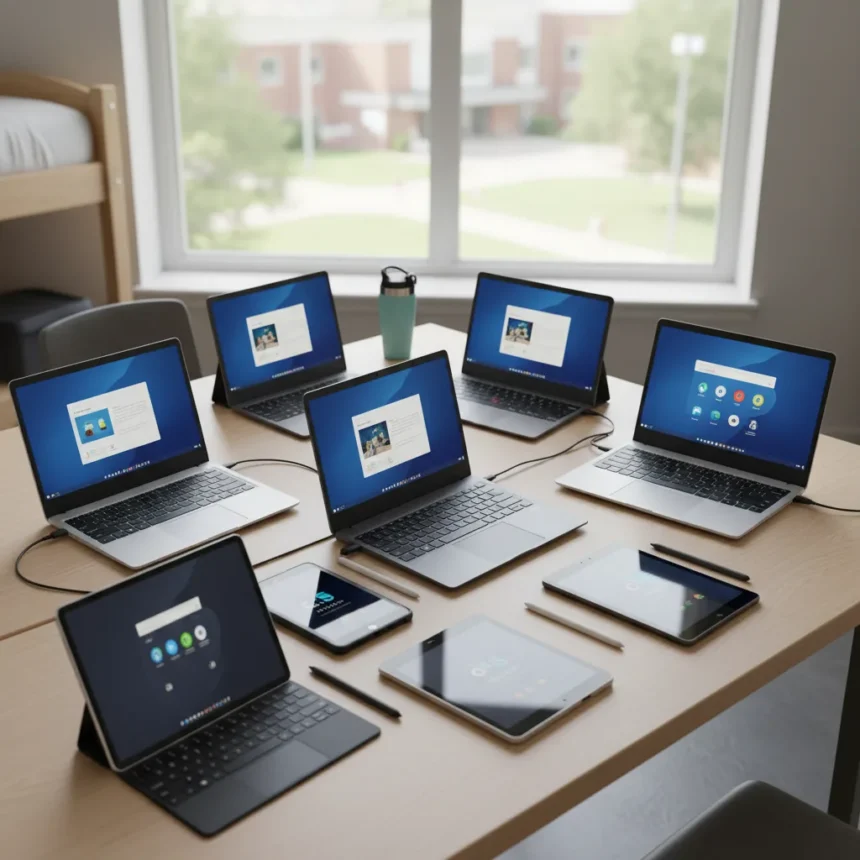
College-ready laptops and tablets have become essential graduation gifts, and choosing the right one can make or break a student’s first year. Whether a graduate needs a lightweight ultrabook for constant note-taking, a powerful machine for creative projects, or a versatile tablet for flexibility, the market offers compelling options across every budget. TechRadar experts have tested and reviewed nine standout devices that combine portability, battery endurance, and enough processing power to handle the rigors of college coursework.
Key Takeaways
- Apple MacBook Air M3 models deliver premium performance with exceptional battery life at flagship prices ($999–$1,299).
- ARM-based Windows laptops like the Surface Laptop 7 now offer 20+ hours of battery life, matching or beating Intel alternatives.
- Budget-conscious students can find capable devices under $500, such as the Lenovo IdeaPad Slim 3.
- iPad Air M2 provides tablet versatility at a lower price point than iPad Pro, with student discounts bringing it closer to $500.
- Android tablets like Samsung Galaxy Tab S9 FE+ offer stylus support and affordability for note-taking and creative work.
Why Battery Life Matters More Than Raw Power
College students live between classrooms, libraries, and coffee shops—outlets are scarce. Battery endurance separates devices that survive a full day from those requiring midday charging. The Microsoft Surface Laptop 7, powered by Snapdragon X Plus, delivers over 20 hours of runtime on a single charge, fundamentally changing how students approach mobility on campus. This ARM-based architecture represents a shift away from traditional Intel chips, offering efficiency gains that older generations simply cannot match. Competing Windows laptops with Intel Core Ultra processors still deliver solid all-day performance, but the Snapdragon advantage in battery longevity is measurable and real.
Apple’s MacBook Air M3 models—available in 13-inch ($999) and 15-inch ($1,299) configurations—maintain the company’s reputation for stamina, easily handling 15–18 hours of mixed use before needing power. For students juggling lectures, group projects, and late-night study sessions, this reliability removes a major source of stress. Tablets like the iPad Air 11-inch (M2, $599) similarly excel here, offering 10+ hours of video playback or note-taking without hunting for a charger.
MacBook Air M3 vs. iPad Air M2: Choosing Your College Workhorse
The MacBook Air M3 and iPad Air M2 represent two philosophies for college computing. The MacBook Air is a traditional laptop—ideal for students who write essays, code, use full Microsoft Office, and need a physical keyboard as a daily constant. The 13-inch model strikes a balance between portability and screen real estate, while the 15-inch variant suits students who spend long hours on assignments and prefer a larger display. Both run macOS natively, ensuring compatibility with university software licenses and peer collaboration tools like Zoom and Google Workspace.


The iPad Air M2 takes a different approach. At $599 for the 128GB Wi-Fi model, it costs $400 less than the MacBook Air 13-inch, and student discounts have brought it even closer to $500 during promotional periods. The iPad excels at note-taking with Apple Pencil support, reading PDFs, streaming lectures, and light creative work. However, it lacks a traditional file system and full desktop software, making it a supplement rather than a replacement for students in technical majors or those who write extensively. For a first-year student uncertain about their workflow, the iPad Air offers flexibility; for a computer science or engineering student, the MacBook Air is the safer bet.
Windows Alternatives: Surface Laptop 7 and Beyond
Microsoft’s Surface Laptop 7, powered by Snapdragon X Elite, represents the cutting edge of Windows portability. At $999, it matches the MacBook Air M3 in price but delivers superior battery life—20+ hours in real-world use. The 13.8-inch screen and premium build quality appeal to students who want Windows compatibility without sacrificing design or performance. Unlike older Surface models, this Snapdragon-based chip handles multitasking effortlessly, running Microsoft Office, Chrome, and Zoom simultaneously without lag.



For students on tighter budgets, the Lenovo IdeaPad Slim 3 offers compelling value at $499, powered by AMD Ryzen 7 processors. It lacks the design refinement and battery longevity of premium models, but it handles everyday college tasks—word processing, spreadsheets, video calls, light photo editing—without compromise. The Asus Zenbook 14 OLED ($1,099) sits in the middle, offering a stunning OLED display and Intel Core Ultra 7 performance that edges out competitors for color accuracy and visual appeal, a genuine advantage for students in design, media production, or any field requiring color-critical work.
Tablets for Note-Taking and Flexibility
The Samsung Galaxy Tab S9 FE+ ($599) represents the Android tablet alternative, offering a 12.4-inch display and stylus support that rivals iPad Air for handwritten notes. Android’s open ecosystem appeals to students who want customization and file management closer to a traditional computer. However, the iPad Air M2 remains the tablet standard on most campuses, with broader software support and seamless integration if a student also owns an iPhone or Mac.
Tablets shine for students in humanities, social sciences, and business disciplines where note-taking and document review dominate the workflow. A tablet paired with a lightweight Bluetooth keyboard can replace a laptop for many coursework scenarios, and the touch interface makes annotating PDFs and reading e-textbooks more intuitive than a traditional trackpad. The trade-off is that tablets struggle with heavy multitasking, file management, and specialized software, making them poor choices for engineering, computer science, or graphic design majors.
Budget Tiers: Finding the Right Price Point
High school graduates and their families should set a realistic budget before shopping. The $500–$700 range offers solid entry points: the Lenovo IdeaPad Slim 3 ($499), Samsung Galaxy Tab S9 FE+ ($599), and iPad Air 11-inch ($599, often discounted further) all deliver reliable performance for core college tasks. These devices sacrifice design polish and peak performance for affordability, but they do not compromise on usability.



The $1,000–$1,300 range captures the sweet spot for most students: MacBook Air M3 13-inch ($999), Microsoft Surface Laptop 7 ($999), Asus Zenbook 14 OLED ($1,099), and MacBook Air M3 15-inch ($1,299). These devices offer premium build quality, excellent displays, and performance headroom for creative projects or future major changes. The $1,500+ tier—represented by the HP Spectre x360 14 ($1,499) and Dell XPS 13 ($1,299)—caters to students in demanding fields or those who plan to keep the device for a decade. The HP Spectre’s 2-in-1 design and the Dell’s lightweight frame appeal to different preferences, but both deliver overkill power for typical college use.
Ecosystem Lock-In: Apple vs. Microsoft vs. Android
Choosing a college-ready laptop or tablet means committing to an ecosystem. MacBook Air and iPad Air users benefit from seamless iCloud sync, AirDrop file sharing, and native support for Apple’s productivity suite. If a student already owns an iPhone, the ecosystem advantage is immediate and real. However, switching away from Apple later becomes costly—files, apps, and workflows are optimized for macOS and iOS.
Windows laptops like the Surface Laptop 7 and Zenbook 14 offer flexibility. Windows runs industry-standard software, university-licensed tools, and gaming engines that macOS often lacks. The downside is fragmentation—Windows OEMs vary wildly in build quality, support, and update cycles. Microsoft’s own Surface Laptop 7 guarantees consistent updates and support, making it the safest Windows choice for students.
Android tablets occupy a middle ground. Samsung’s Galaxy Tab S9 FE+ runs Google Play apps and integrates with Google Workspace (Gmail, Docs, Sheets), which many universities rely on. However, Android tablets lack the app polish and optimization of iPad, and the ecosystem is less cohesive overall.
FAQ
What is the best college-ready laptop for a first-year student?
The MacBook Air M3 13-inch ($999) is the safest all-around choice, offering excellent performance, battery life, and compatibility with most college software. For Windows users or budget-conscious students, the Microsoft Surface Laptop 7 ($999) or Lenovo IdeaPad Slim 3 ($499) are solid alternatives depending on budget and performance needs.
Should I buy a laptop or tablet for college?
A laptop is essential for most majors, especially those requiring essays, coding, or specialized software. A tablet works well as a supplement for note-taking and reading but should not replace a laptop unless you are in a major that rarely uses traditional software.
Are college-ready laptops and tablets worth the premium price?
Premium models like the MacBook Air and Surface Laptop 7 justify their cost through durability, battery life, and resale value. Budget devices under $500 are adequate for basic college tasks but may need replacement sooner. The sweet spot for most students is $800–$1,100.
Graduation season offers an ideal moment to invest in a reliable device. The nine college-ready laptops and tablets reviewed here span every budget and use case, from budget-conscious students to those pursuing intensive creative or technical work. The key is matching the device to the student’s major, workflow, and long-term plans—a mismatch now creates friction for four years. Whether you choose a MacBook Air for ecosystem simplicity, a Surface Laptop 7 for battery endurance, or a budget alternative to stretch the gift budget further, any of these devices will serve a college student well.
Where to Buy
14% OFFOnePlus Pad 3$599.99$699.99shop now | AppleMacBook Neo$589shop now | 40% OFFAcer Chromebook Plus 514$359.99$599.99shop now
Edited by the All Things Geek team.
Source: TechRadar