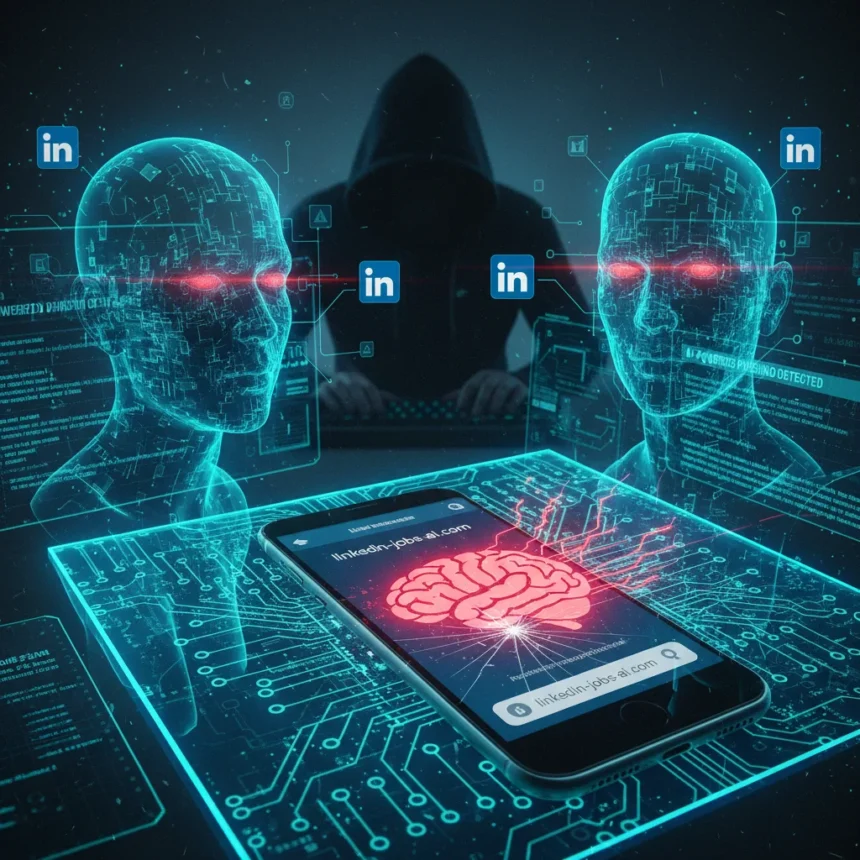
LinkedIn phishing attacks have evolved into a sophisticated threat combining hyper-personalization, automation, and eerily convincing fake domains to harvest login credentials from the platform’s 1 billion-plus users. Attackers are no longer sending generic mass emails—they’re crafting messages that mimic legitimate LinkedIn notifications, complete with your real name and job title pulled straight from your public profile, to trick you into clicking malicious links that lead to cloned login pages.
Key Takeaways
- Attackers create fake LinkedIn domains like “linkedin-careers.com” and “lnkdln-jobs.net” that closely mimic the real linkedin.com.
- Phishing messages use personalized details from public profiles and fake job offers to increase click-through rates.
- Stolen credentials enable account takeovers, data theft, spam distribution, and resale on dark web markets.
- Hover over links to verify URLs, enable multi-factor authentication, and use a password manager with 16+ character passwords.
- Compromised credentials appear in 32% of data breaches and fuel 75% of ransomware attacks via infostealers.
How LinkedIn phishing attacks actually work
The attack flow is deceptively simple but devastatingly effective. You receive an email or SMS notification that appears to come from LinkedIn—perhaps announcing a new job opportunity from a recruiter, a connection request from someone in your industry, or a notification that your profile was viewed by a hiring manager. The message uses details scraped from your public profile to feel legitimate. It urges you to “View now” or “Accept invitation.” You click. Instead of landing on linkedin.com, you’re redirected to a fake domain like “linkedin-careers.com” or “lnkdln-jobs.net.” The page looks pixel-perfect—it’s a direct clone of LinkedIn’s actual login interface. You enter your username and password. The attacker captures them instantly. Some variants then request your multi-factor authentication code or redirect you to the real LinkedIn site to avoid raising suspicion.
Once attackers have your credentials, the damage spreads quickly. They log into your account, scan your connections and messages for additional targets, and harvest data about your professional network. Your compromised account becomes a launchpad for further attacks—sending spam to your connections, distributing malware, or facilitating credential-stuffing attacks against other platforms where you may have reused passwords. In enterprise environments, stolen LinkedIn credentials enable lateral movement into corporate networks, ransomware deployment, and data exfiltration. On the dark web, bundles of harvested credentials—username, password, and sometimes MFA codes—sell for as little as a few dollars per account.
The scale of this threat has exploded. A mid-2025 credential mega-leak exposed 16 billion compromised credentials from infostealers, including service-specific logins for Google, Apple, Facebook, and countless other platforms. Infostealers were responsible for 75% of all compromised credentials last year, and stolen credentials now appear in 32% of data breaches. When you combine that volume with LinkedIn’s massive user base and the desperation of job seekers, you get a perfect storm for attackers.


Why LinkedIn is such an attractive target
LinkedIn phishing attacks are not new, but the sophistication and automation behind them have reached a tipping point. Older phishing campaigns relied on generic messages and obvious red flags. Modern attacks use artificial intelligence and domain-generation algorithms to create convincing variants at scale. Attackers can personalize thousands of messages in minutes, each one tailored with real names, job titles, and company information. The job market desperation—especially for remote positions—makes users more likely to click unfamiliar links from recruiters.
What makes LinkedIn especially vulnerable is trust. Your connections are real. Your industry peers are real. When a message appears to come from someone in your network or from a recruiter in your field, your guard drops. That psychological advantage is what separates LinkedIn phishing from generic spam. Attackers exploit the platform’s legitimacy to bypass the skepticism you might apply to a random email about prize winnings or bank alerts.


Signs your account may already be compromised
If your credentials have already been stolen, there are warning signs. Check your LinkedIn account activity settings regularly for unusual logins from unfamiliar locations or times. If you see failed login attempts followed by successful ones—especially outside your normal working hours—your account may have been accessed. Unrequested multi-factor authentication prompts are another red flag; if you receive MFA codes you did not request, someone else is trying to log in. Similarly, if your account settings change without your action—profile updates, connection requests sent from your account, or messages you do not remember sending—assume compromise.
The challenge is that many compromises go undetected for weeks or months. Attackers often maintain low profiles after gaining access, using stolen accounts for reconnaissance rather than obvious spam. By the time you notice something is wrong, your credentials may have already been sold, shared with other cybercriminals, or used to attack your colleagues.
How to protect yourself from LinkedIn phishing attacks
Defense starts with skepticism. Before clicking any link in an email or SMS claiming to be from LinkedIn, hover your mouse over the link to see the actual URL. Official LinkedIn communications use linkedin.com only—anything else is a fake. Legitimate job offers do not require you to click a link in an email; log into LinkedIn directly through the official app or website and check your inbox there. This single habit—always navigating directly rather than clicking links—eliminates most phishing attacks.
Enable multi-factor authentication on your LinkedIn account immediately. MFA adds a second barrier: even if attackers steal your password, they cannot log in without your phone or authenticator app. Do not use SMS-based MFA if your account supports authenticator apps; SMS can be intercepted or redirected. Apply the same MFA requirement to every account that matters—email, banking, cloud storage, social media—because compromised credentials in one place often lead to breaches elsewhere.



Use a password manager like Bitwarden, 1Password, or KeePass to generate and store unique, strong passwords (16+ characters with mixed case, numbers, and symbols) for every account. Password managers eliminate the temptation to reuse passwords, which is how credential-stuffing attacks spread across multiple platforms. They also autofill only on legitimate domains, providing a safety net against fake sites.
Verify sender email addresses carefully. Legitimate LinkedIn emails end in @linkedin.com. If an email claims to be from LinkedIn but comes from a Gmail address, Yahoo domain, or any other non-LinkedIn sender, it is a phishing attempt. Report suspicious messages using LinkedIn’s “Report” feature rather than replying or clicking links.
Keep your software updated. Antivirus and endpoint protection tools with phishing detection capabilities can block access to known malicious domains before you even click. Operating system updates patch vulnerabilities that attackers exploit to inject malware. Outdated software is a liability.
Finally, check your LinkedIn account activity regularly. In your account settings, review recent login activity and active sessions. Remove any devices or locations you do not recognize. This takes five minutes and can catch compromise early.
Is multi-factor authentication enough?
MFA significantly raises the barrier to account takeover, but it is not foolproof. If an attacker tricks you into entering your MFA code on a phishing page, they can use it immediately. Some sophisticated attacks intercept MFA codes in real-time or use social engineering to convince you to share the code verbally. Passkeys and biometric authentication offer stronger protection than passwords plus MFA, but adoption remains limited. For now, MFA combined with strong, unique passwords and careful link verification is your best defense.
What should I do if I think my LinkedIn account is compromised?
Change your password immediately using a device you trust (preferably one that has never visited the phishing site). Use a password manager to generate a new 16+ character password. Review your account settings for unauthorized changes, remove unfamiliar devices from active sessions, and check your email recovery address and phone number to ensure attackers have not locked you out. Report the incident to LinkedIn’s support team. If your email address was compromised along with LinkedIn, change that password too and enable MFA on your email account.
Can I trust job offers sent through LinkedIn?
Job offers sent via LinkedIn messages or unsolicited recruiter emails are often legitimate, but they are also a vector for phishing and scams. Never click links in unsolicited job messages. Instead, log into LinkedIn directly and search for the recruiter’s profile to verify they work for the company they claim to represent. Legitimate recruiters will not pressure you to click external links or provide sensitive information via message. If a job offer seems too good to be true—unusually high pay, no interview process, requests for payment upfront—it almost certainly is a scam.
LinkedIn phishing attacks are not slowing down. The combination of 16 billion leaked credentials, increasingly sophisticated automation, and the trust users place in professional networks creates an environment where attackers thrive. Your only reliable defense is vigilance: verify URLs before clicking, use strong authentication, and monitor your account for signs of compromise. A few minutes of caution today can save you from weeks of damage control later.
Edited by the All Things Geek team.
Source: TechRadar